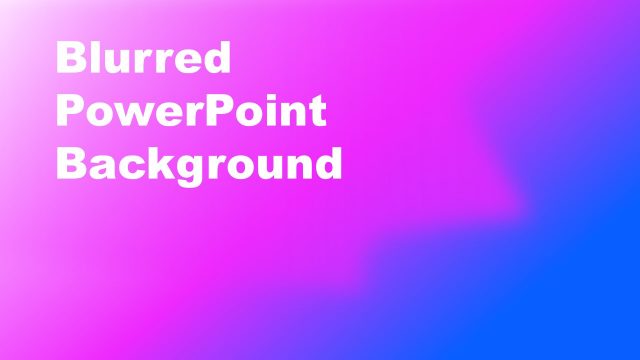
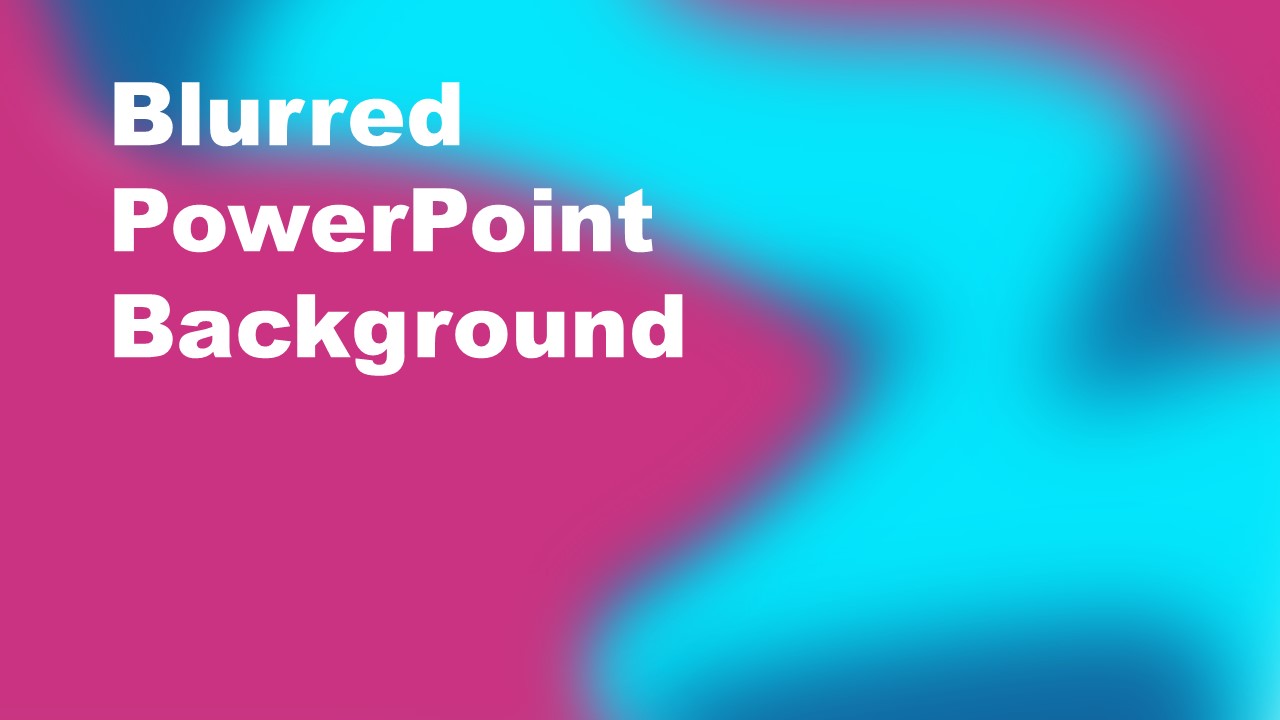
The Cyan Purple Blurred PowerPoint Background is a creative design of bold colors. Gradient PowerPoint background with cyan purple colors gives a material look of presentation theme. You can use the blurred PowerPoint background to add creative element to simple shapes and textual contents. The slide is a combination of multiple shaded shapes that give an effect of gradient PowerPoint background. You can use these slides for school sessions or business meetings. You can download this slide for professional PowerPoint background and make your presentation engaging for the audience.
What’s inside this template
Example presentation scenarios
- A marketing presenter can use the bold title cover layout to introduce a campaign concept before moving into strategy or audience analysis.
- An educator can open a classroom session with the large headline area, using the colorful blurred background to separate the lesson title from later instructional slides.
- A workshop facilitator can use the full-bleed gradient slide as a section divider between activities, keeping the audience oriented during topic transitions.
- A startup or technology presenter can use the cyan and purple background to create a modern opening slide for a product overview or internal update.
Features
- 100% editable presentation template
- Compatible with Microsoft PowerPoint and Google Slides
- 16:9 aspect ratio slides
- Scalable vector shapes, icons and illustrations
- AI-Ready for Microsoft Copilot and Claude
- Instant access and download
Frequently asked questions
Q: How should a presenter use this background without overwhelming the message?
A: Use the slide for a single strong idea, such as a session title, chapter name, or meeting theme. Keep the headline short and high contrast, as shown by the large white text. Avoid adding many small labels over the blurred gradient because the color movement is best suited to simple, bold communication.
Q: Who is this background best suited for?
A: This background fits presenters who want a creative opener rather than a neutral corporate title slide. It works well for educators, marketers, facilitators, and technology teams introducing a topic, workshop, or brainstorming session. The bright cyan and purple palette signals energy before detailed content begins.
Q: Why does the blurred gradient design help communication?
A: The blurred cyan and purple shapes create depth without adding literal objects that compete with the title. This makes the slide feel active while still leaving a clear text zone on the left. The contrast between soft color fields and heavy white typography directs attention to the presentation topic first.
Cyan Purple Blurred PowerPoint Background
1-slide 16:9 presentation template with cyan purple gradient background and bold title cover layout
The Cyan Purple Blurred PowerPoint Background is a 1-slide 16:9 presentation background for Microsoft PowerPoint and Google Slides. It contains a full-bleed blurred gradient, a title cover layout, and a large white headline area. It is suited for presenters who need a colorful opening or section divider.
- Category
- Template Backgrounds
- Rating

 Loading...
- Aspect ratio
- 16:9
- Item ID
- 40112-03
- Colors
 Microsoft PowerPoint
  Microsoft Copilot
  Claude for PowerPoint
 Other formats supported
Subscribe today and get immediate
access to download our PowerPoint templates.