Slide 2 of 2 from Curved Vertical Timeline Design for PowerPoint
Curved Vertical Timeline PowerPoint Template
Curved Vertical Timeline Design for PowerPoint
- Diagram
- Timeline Vertical
- Timeline Slide
- 16:9
- 100% Editable
What’s on This Slide
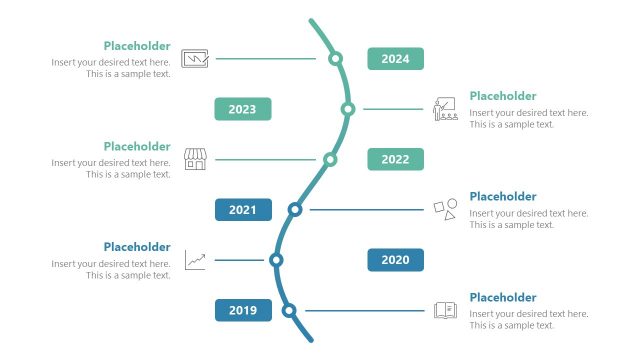
The layout features a curved vertical timeline with nodes representing years from 2019 to 2024. Each year is marked with a circular node, with icons positioned next to some nodes. Text placeholders are aligned to the left of the timeline, allowing for year-specific details. The timeline flows from bottom to top, with connecting lines indicating progression. The background is a dark blue, enhancing the visibility of the light-colored nodes and text. The overall structure is linear, emphasizing chronological order with a clear visual hierarchy.
How to Use It
This layout serves as a chronological timeline, ideal for showcasing yearly milestones or developments. It fits well in presentations discussing project progress, annual reviews, or strategic planning. The design allows for clear communication of events over time, making it suitable for business updates or historical overviews. It is best used in contexts where a visual representation of time progression is needed, such as in planning sessions or retrospective analyses.
Text Placeholders & Capacity
Keep your copy within these limits so it fits without resizing. Node body slots can hold roughly 15-20 words each.
| Placeholder | Count | Max characters (approx.) |
|---|---|---|
| Item heading | 6 | 30 |
| Item body | 6 | 100 |
Slide Keywords
Download unlimited PowerPoint templates, charts and graphics for your presentations with our annual plan.
DOWNLOAD