Slide 7 of 11 from CrossFit PowerPoint Template
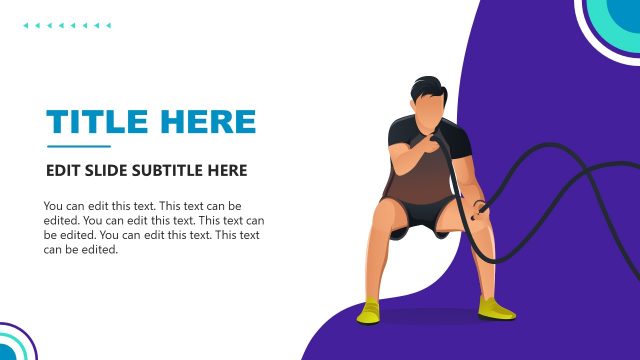
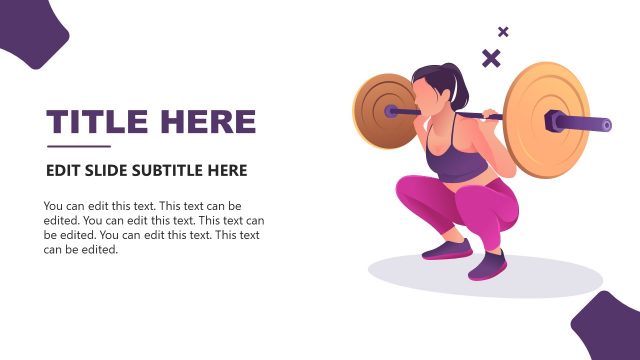
CrossFit Business PPT Dumbbells’ Illustration
Fitness Progress Overview Slide
- Text Layout
- Other
- Evaluation Slide
- 16:9
- 100% Editable
What’s on This Slide
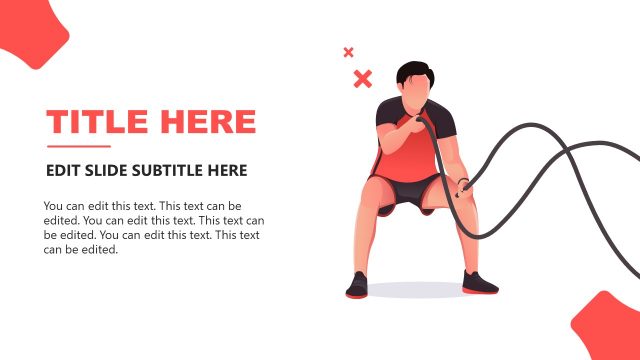
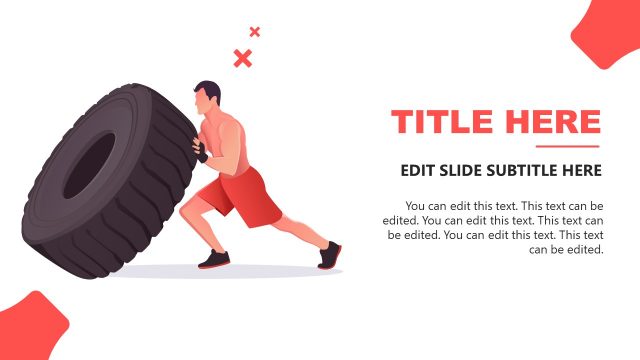
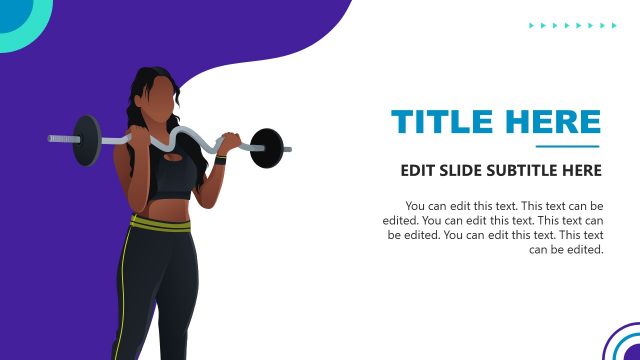
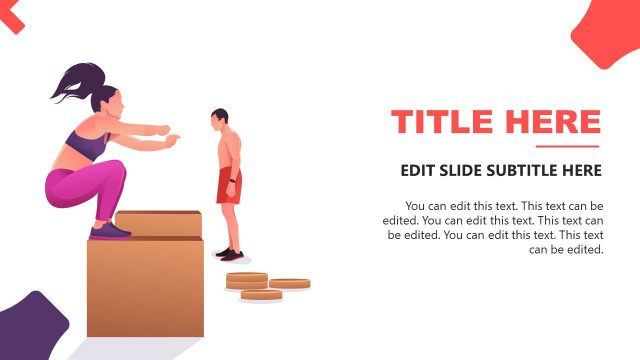
The layout features a silhouette of a person holding weights on the left side, colored in a gradient from light gray to red. The right side contains two text placeholders stacked vertically, with the upper placeholder for a title and the lower for a subtitle. Each text area has a percentage indicator, suggesting progress or completion. The title is bold and large, while the subtitles are smaller and less prominent. The overall composition balances the visual element with textual information, creating a clear visual hierarchy.
How to Use It
This layout serves as a progress overview or status update in a fitness or training presentation. It fits well after introductory or problem slides, providing a visual representation of achievements or metrics. Use it in scenarios like fitness program updates, training progress reports, or performance evaluations, where clear communication of quantitative data is essential.
Text Placeholders & Capacity
Keep your copy within these limits so it fits without resizing. Title slot can hold roughly 5-6 words; body slots can hold about 15-20 words each.
| Placeholder | Count | Max characters (approx.) |
|---|---|---|
| Slide title | 1 | 30 |
| Item body | 2 | 100 |
Slide Keywords
Download unlimited PowerPoint templates, charts and graphics for your presentations with our annual plan.
DOWNLOADReturn to CrossFit PowerPoint Template.