Slide 3 of 16 from Crisis Mapping & Response Strategy PowerPoint Template
Introduction to Crisis Mapping – Response Strategy Template
Introduction to Crisis Mapping Slide
- Text Layout
- Two Column Text
- Context Slide
- 16:9
- 100% Editable
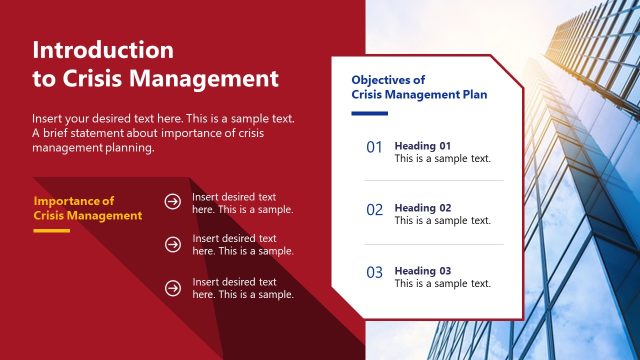
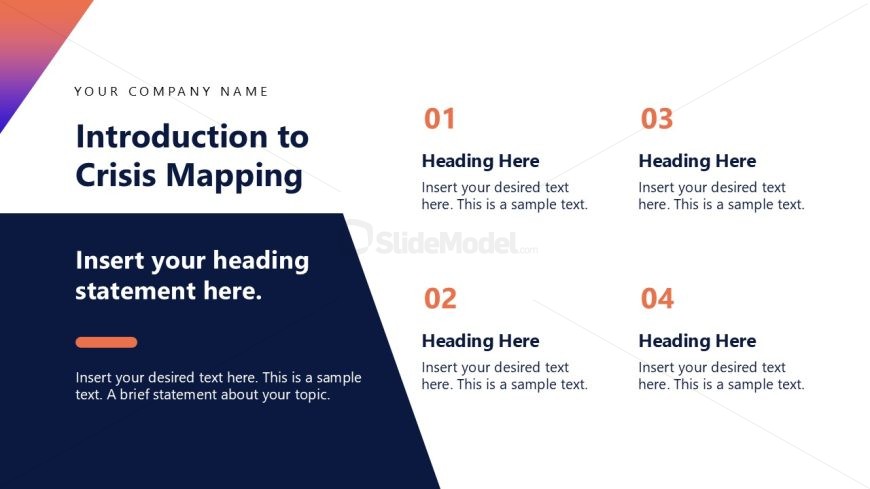
The Introduction to Crisis Mapping slide from the Crisis Mapping & Response Strategy PowerPoint Template offers a clear, structured layout ideal for project introductions and strategic overviews. This slide design supports business presentations by organizing key topics into two columns with numbered sections, enhancing clarity. It integrates editable shapes and a distinctive color scheme to maintain audience focus, making it a practical choice for corporate presentation slide decks and training sessions.
What’s on This Slide
The layout features a prominent title at the top center, followed by a subtitle below it. Four numbered sections are arranged in two columns on the right side. Each section includes a heading and a placeholder for text. The first column contains sections one and two, while the second column contains sections three and four. A colored triangular shape at the bottom left creates a visual anchor. Text placeholders are aligned left, with a consistent font size. The overall color scheme includes dark blue, orange, and white, creating a structured visual hierarchy.
How to Use It
This layout serves as an introductory slide, effectively presenting key topics in a structured manner. It fits well in the beginning of a presentation sequence, following a title slide. This format is suitable for various business contexts, such as project kick-offs, training sessions, or strategic overviews, where clarity and organization are essential for audience engagement.
Text Placeholders & Capacity
Keep your copy within these limits so it fits without resizing. Node body slots can hold approximately 15-20 words each.
| Placeholder | Count | Max characters (approx.) |
|---|---|---|
| Slide title | 1 | 30 |
| Subtitle | 1 | 50 |
| Item heading | 4 | 20 |
| Item body | 4 | 100 |
Slide Keywords
Download unlimited PowerPoint templates, charts and graphics for your presentations with our annual plan.
DOWNLOADReturn to Crisis Mapping & Response Strategy PowerPoint Template.