Slide 17 of 18 from Creative Inner Circular Diagram PowerPoint Template
Concentric 4 Level 7 Step Template
Creative Inner Circular Process Diagram
- Diagram
- Circular Cycle
- Process Slide
- 16:9
- 100% Editable
What’s on This Slide
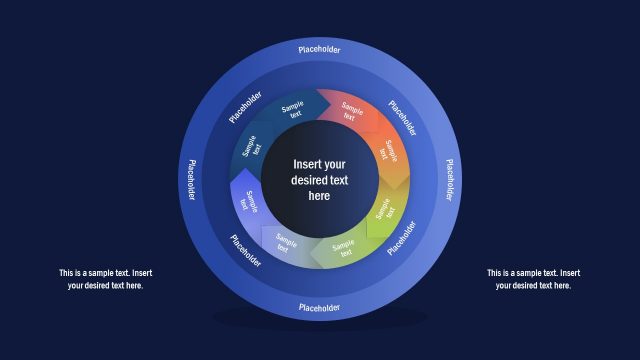
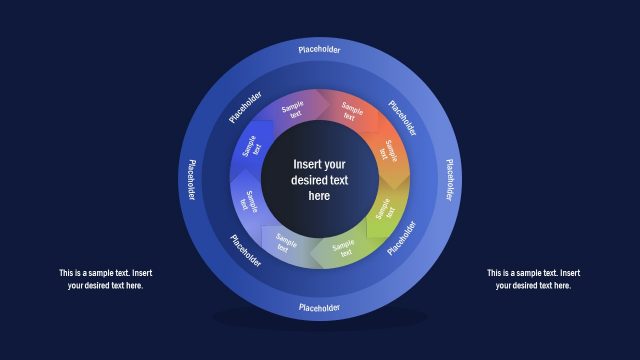
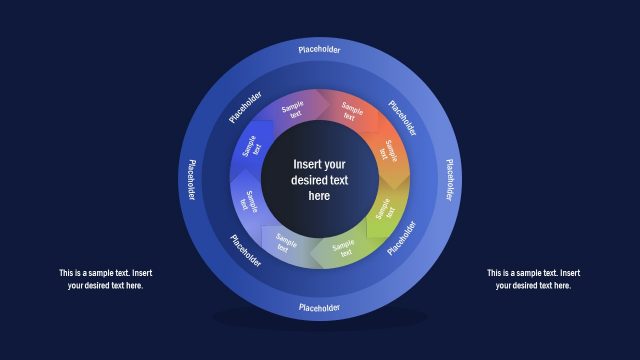
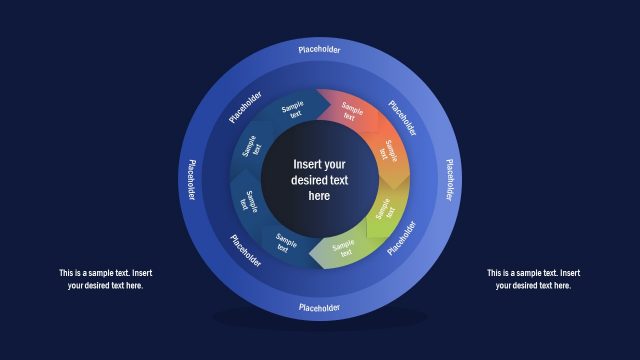
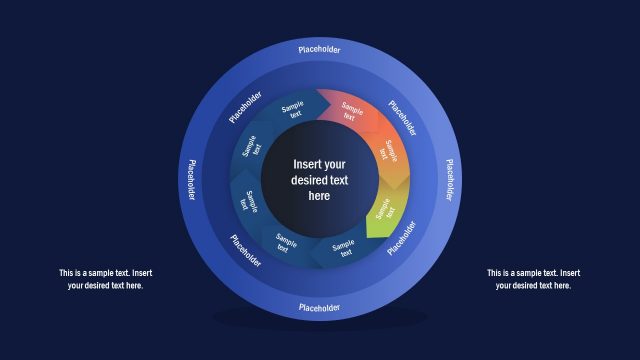
The layout features a central circular area surrounded by multiple concentric rings. Each ring contains text placeholders positioned at equal intervals, with a gradient color scheme transitioning from blue to orange. The central area has a prominent placeholder for main content, while the outer rings have smaller placeholders for supporting text. The overall composition is circular, with a clear visual hierarchy emphasizing the central text. Additional text placeholders are located at the bottom left and right corners, aligned horizontally. The background is dark blue, enhancing the visibility of the circular elements.
How to Use It
This layout serves as a circular process diagram, ideal for illustrating multi-step processes or cycles. It fits well in presentations that require a visual representation of workflows or strategies. This structure is useful for business scenarios such as project planning, product development cycles, or marketing strategies. It can effectively communicate complex information in a simplified manner, making it suitable for both team meetings and client presentations.
Text Placeholders & Capacity
Keep your copy within these limits so it fits without resizing. Node labels can hold about 20 characters each, while body paragraphs can fit around 100 characters.
| Placeholder | Count | Max characters (approx.) |
|---|---|---|
| Item heading | 8 | 20 |
| Body paragraph | 2 | 100 |
| Item body | 8 | 30 |
Slide Keywords
Download unlimited PowerPoint templates, charts and graphics for your presentations with our annual plan.
DOWNLOADReturn to Creative Inner Circular Diagram PowerPoint Template.