Slide 1 of 18 from Creative Inner Circular Diagram PowerPoint Template
8 Steps Creative Inner Circle PowerPoint
Creative Inner Circular Process Diagram
- Diagram
- Circular Cycle
- Process Slide
- 16:9
- 100% Editable
What’s on This Slide
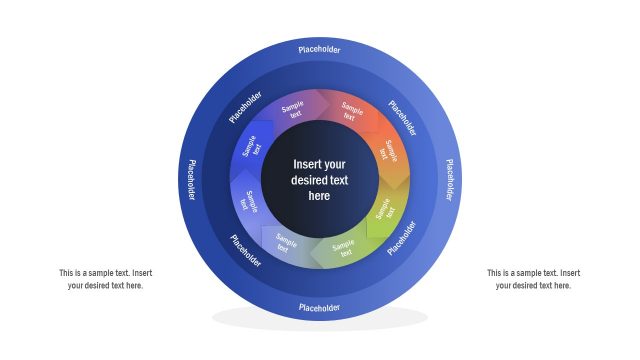
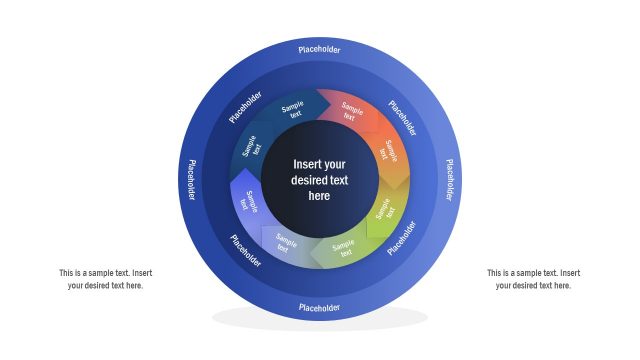
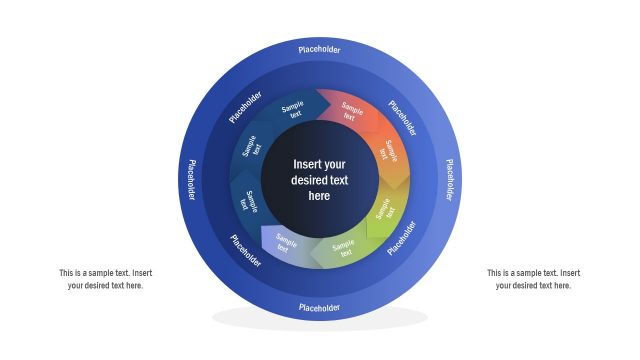
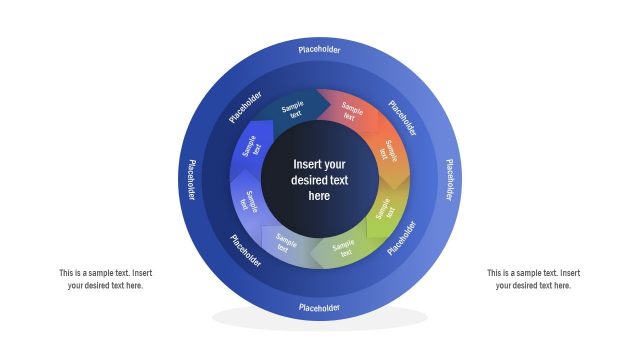
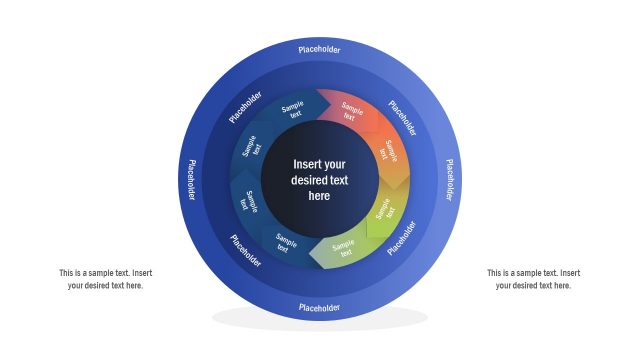
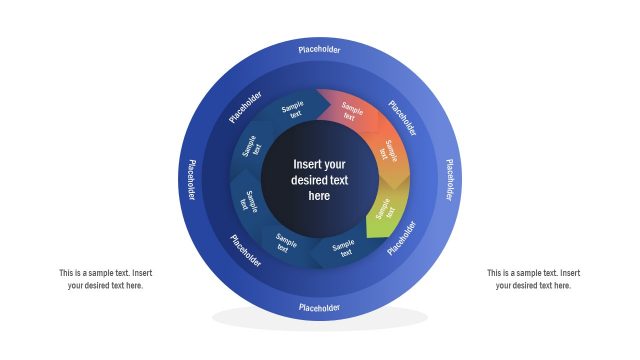
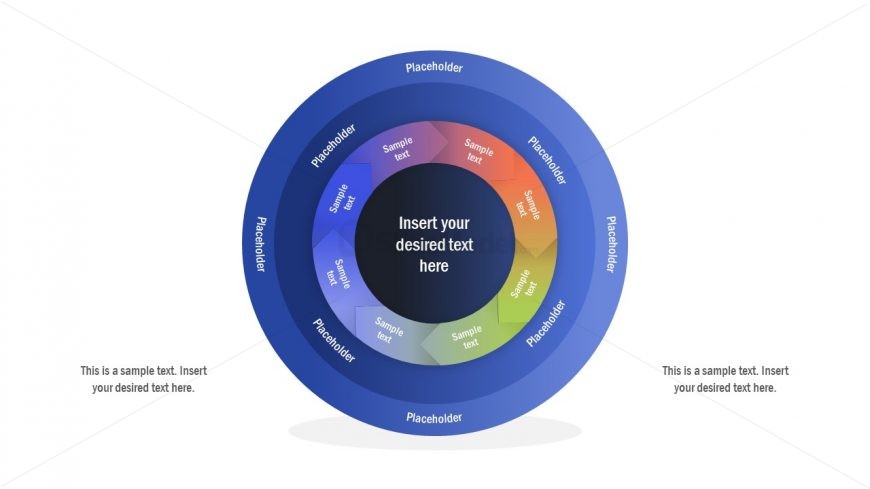
The slide features a circular diagram divided into eight segments, each containing a text placeholder. The outer circle is a dark blue gradient, while the inner circle is a lighter blue. The central area contains a larger placeholder for main text. Each segment has a unique color, transitioning from blue to orange, and is labeled with smaller placeholders. The layout emphasizes a circular flow, with a clear visual hierarchy directing attention to the center. Additional text placeholders are positioned at the bottom and top for supplementary information.
How to Use It
This layout serves as a multi-level circular process diagram, ideal for illustrating complex workflows or cyclical processes. It fits well in presentations discussing project phases, product development cycles, or strategic planning. The circular format allows for easy visualization of interconnected steps, making it suitable for business contexts where processes are cyclical. It can be used to present information sequentially or to highlight relationships between different components in a process.
Text Placeholders & Capacity
Keep your copy within these limits so it fits without resizing. Node slots can accommodate concise text, roughly 5-8 words each.
| Placeholder | Count | Max characters (approx.) |
|---|---|---|
| Item body | 8 | 40 |
| Item body | 1 | 50 |
| Body paragraph | 2 | 60 |
Slide Keywords
Download unlimited PowerPoint templates, charts and graphics for your presentations with our annual plan.
DOWNLOADReturn to Creative Inner Circular Diagram PowerPoint Template.