Slide 12 of 30 from Creative Blue PowerPoint Template
Creative Blue PowerPoint Process Flow Slide
Process Diagram for Business Presentations
- Diagram
- Process Flow
- Process Slide
- 16:9
- 100% Editable
What’s on This Slide
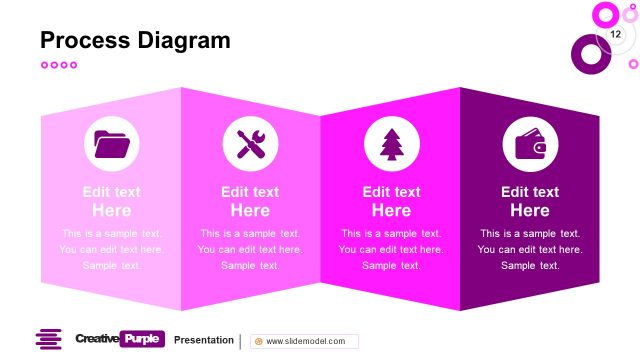
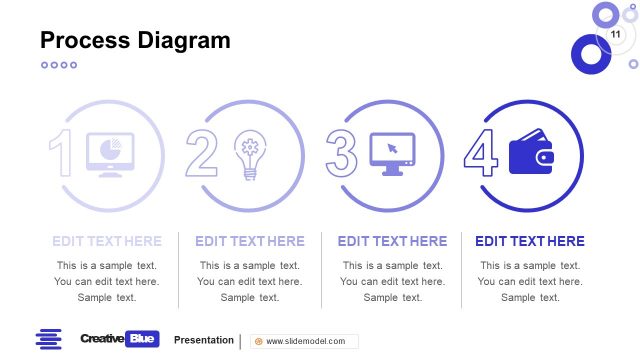
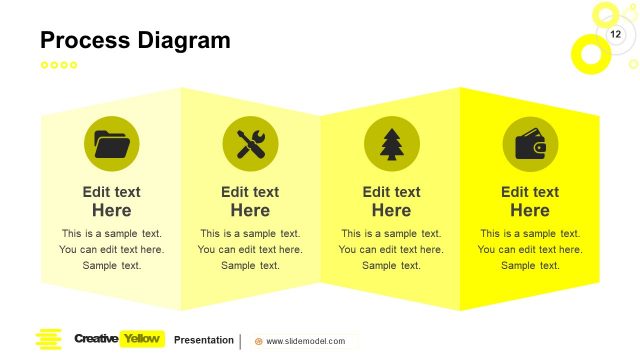
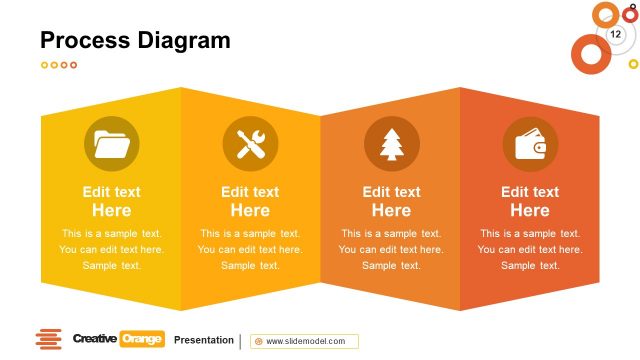
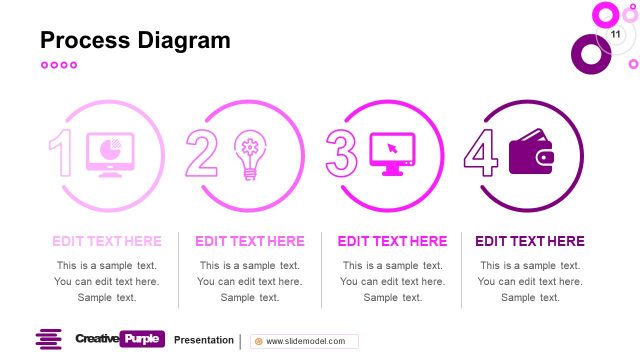
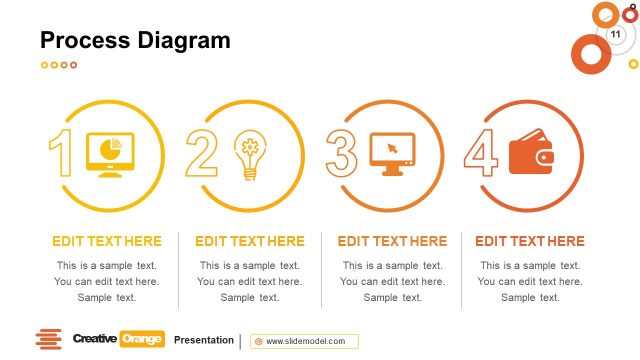
The layout features three distinct sections arranged horizontally, each with a triangular shape pointing upward. Each section contains an icon in a circular container at the top, followed by a large text placeholder labeled 'Edit text Here' and a smaller placeholder for additional text below. The sections are colored in varying shades of blue, creating a cohesive look. The icons represent different concepts, such as a folder, tools, and a tree, enhancing the visual hierarchy. The background is a light color, ensuring the text is readable and clear.
How to Use It
This layout serves as a process diagram, ideal for illustrating sequential steps or stages in a business context. It fits well in presentations discussing workflows, project phases, or service offerings. The structure allows for clear communication of processes, making it suitable for training sessions, proposals, or strategic planning discussions. It can be used to highlight key actions or decisions in a project timeline, ensuring clarity and engagement from the audience.
Text Placeholders & Capacity
Keep your copy within these limits so it fits without resizing. Node body slots can accommodate roughly 15-20 words each.
| Placeholder | Count | Max characters (approx.) |
|---|---|---|
| Item heading | 3 | 25 |
| Item body | 3 | 100 |
Slide Keywords
Download unlimited PowerPoint templates, charts and graphics for your presentations with our annual plan.
DOWNLOADReturn to Creative Blue PowerPoint Template.