Slide 28 of 30 from Creative Blue PowerPoint Template
Creative Blue PowerPoint Content Slide
Creative Diagram Slide for Presentations
- Diagram
- Other
- Concept Explanation Slide
- 16:9
- 100% Editable
What’s on This Slide
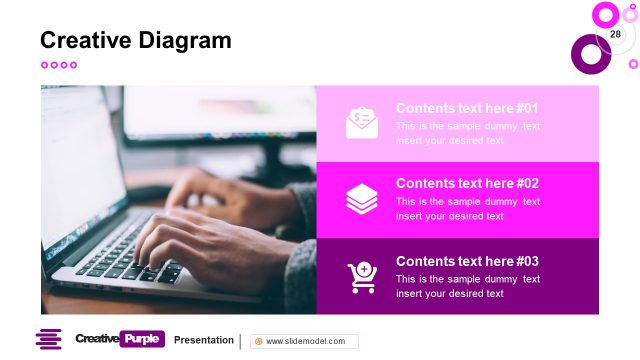
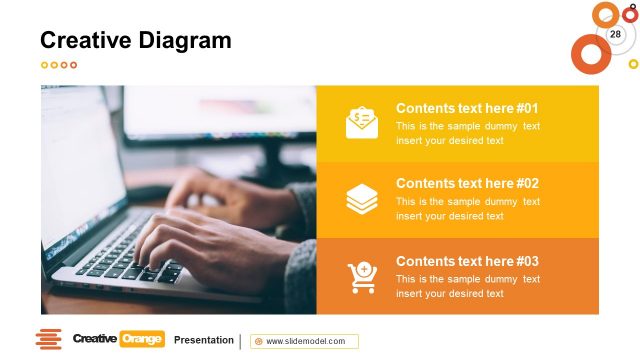
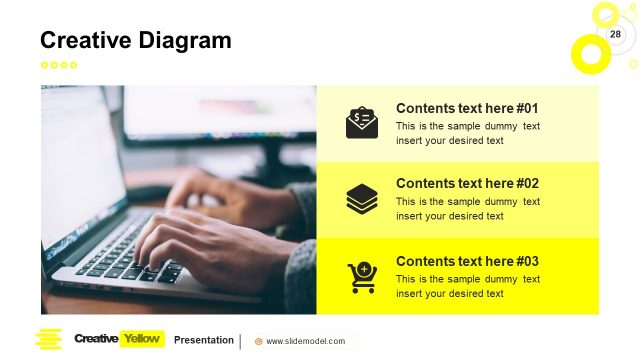
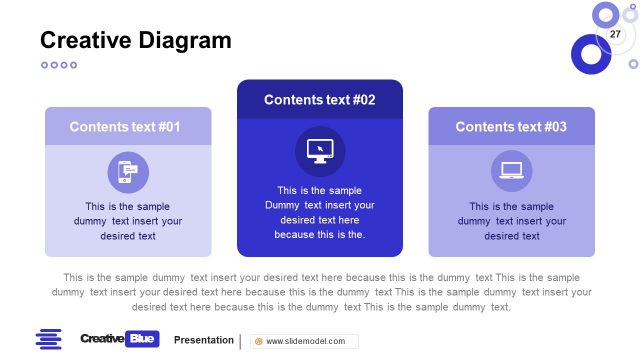
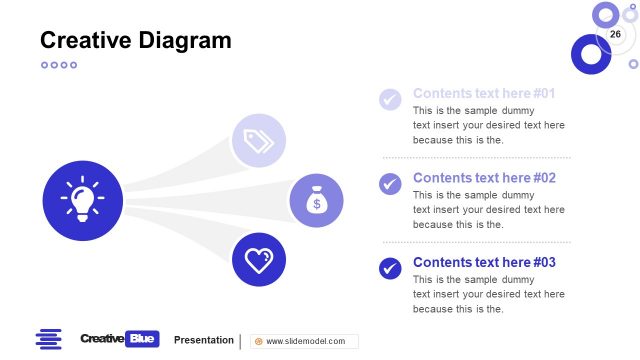
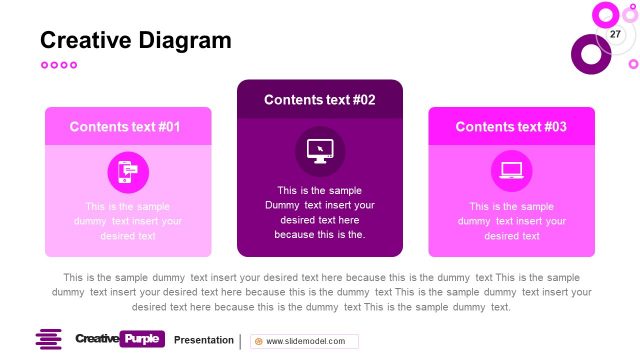
The layout features a left-aligned image of a person using a laptop, occupying the left half of the slide. To the right, three rectangular content boxes are stacked vertically, each with rounded corners. The top box is light purple, the middle box is a lighter shade of blue, and the bottom box is dark blue. Each box contains a placeholder for text, aligned centrally, with icons positioned above the text. The overall composition is balanced, with a clear visual hierarchy emphasizing the text boxes over the image. The background is white, enhancing readability.
How to Use It
This layout serves as a structured diagram for presenting multiple concepts or ideas in a clear, organized manner. It is suitable for business presentations where comparisons or explanations of different elements are needed. This slide fits well after introductory content, providing a detailed breakdown of key points. It is ideal for showcasing features, benefits, or steps in a process, making it useful in proposals and project updates.
Text Placeholders & Capacity
Keep your copy within these limits so it fits without resizing. Node body slots can hold roughly 15-20 words each.
| Placeholder | Count | Max characters (approx.) |
|---|---|---|
| Slide title | 1 | 30 |
| Item body | 3 | 100 |
Slide Keywords
Download unlimited PowerPoint templates, charts and graphics for your presentations with our annual plan.
DOWNLOADReturn to Creative Blue PowerPoint Template.