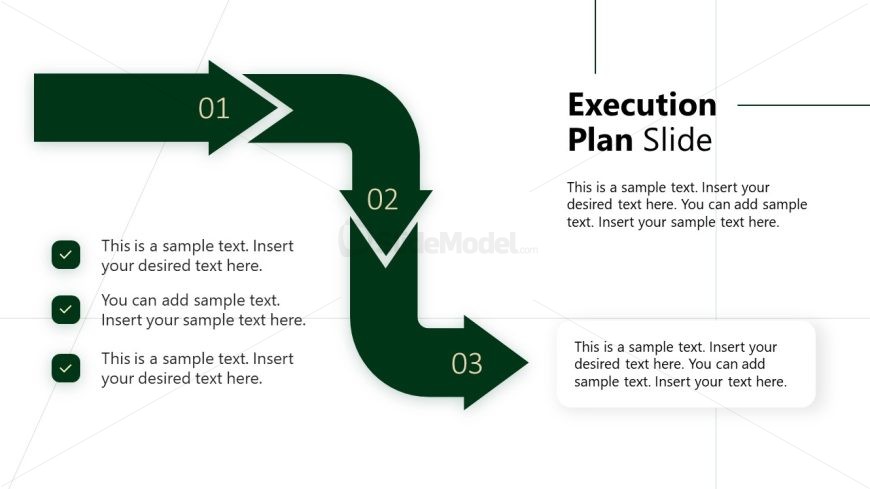
Slide 9 of 12 from Corporate Vision PowerPoint Template
Execution Plan Presentation Slide with Arrow Diagram
Execution Plan Slide for Corporate Vision
- Diagram
- Process Flow
- Process Slide
- 16:9
- 100% Editable
The Execution Plan Slide from the Corporate Vision PowerPoint Template offers a clear process flow diagram ideal for project management and operational planning. This slide template uses editable shapes and vector icons to visually represent sequential steps, making it suitable for corporate presentations that require structured execution strategies. Its design supports effective communication of strategic execution within business presentation slide decks.
What’s on This Slide
The layout features a flowchart with three arrows pointing downward, labeled 01, 02, and 03. Each arrow is accompanied by a checkmark icon on the left side. Text placeholders are positioned to the right of the arrows, with the title 'Execution Plan Slide' at the top. The overall color scheme includes dark green for the arrows and checkmarks, while the background is light. The text placeholders are aligned vertically and are designed for body text, allowing for clear content organization.
How to Use It
This layout serves as a process flow diagram, ideal for outlining steps in an execution plan. It fits well in a presentation sequence after problem identification and before strategic recommendations. Business scenarios include project management, operational planning, or any context requiring a step-by-step execution strategy. It can be used to clearly communicate sequential actions to stakeholders.
Text Placeholders & Capacity
Keep your copy within these limits so it fits without resizing. Body slots can hold roughly 15-20 words each.
| Placeholder | Count | Max characters (approx.) |
|---|---|---|
| Slide title | 1 | 40 |
| Item heading | 3 | 10 |
| Body paragraph | 4 | 100 |
Slide Keywords
Download unlimited PowerPoint templates, charts and graphics for your presentations with our annual plan.
DOWNLOADReturn to Corporate Vision PowerPoint Template.