Slide 11 of 14 from Corporate Tax Planning PowerPoint Template
Editable Tax Optimization Opportunities Slide – Corporate Tax Planning Slide
Tax Optimization Opportunities Slide
- Text Layout
- List Blocks
- Strategy Slide
- 16:9
- 100% Editable
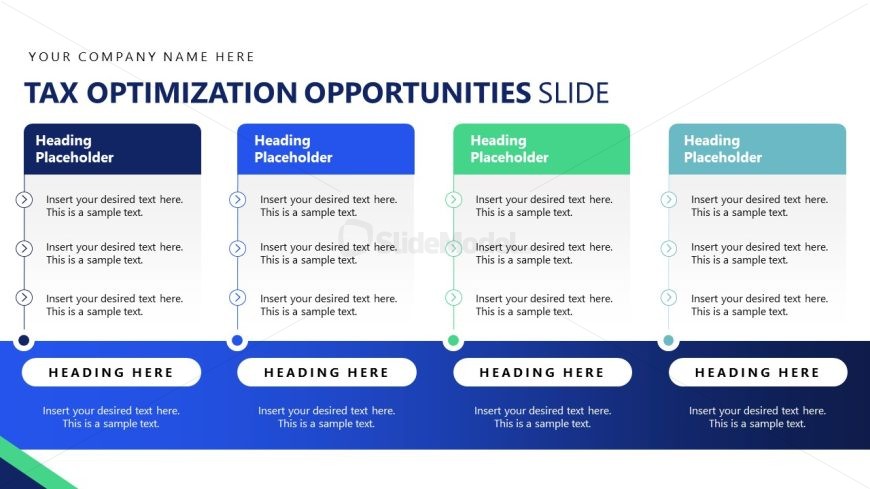
The Tax Optimization Opportunities Layout from the Corporate Tax Planning PowerPoint Template offers a clear, organized format ideal for business presentations focused on tax strategy and compliance. This slide layout features editable shapes and vector icons arranged in distinct color-coded columns, facilitating the comparison of multiple tax planning options. It is well-suited for use in corporate presentation decks or pitch deck templates where structured tax optimization insights are required.
What’s on This Slide
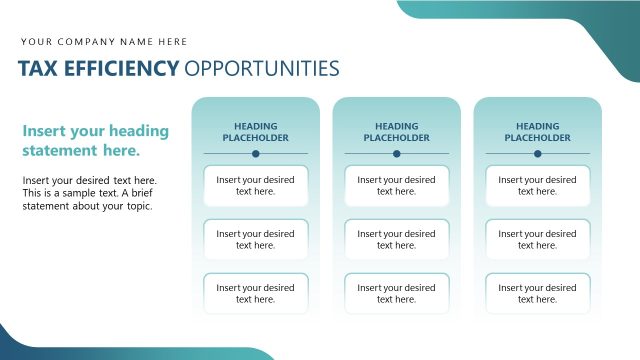
The layout features four vertical columns, each containing a heading placeholder at the top and three text placeholders below. Each column is visually separated by distinct background colors: dark blue, light blue, green, and light gray. The headings are aligned at the top center of each column, while the text placeholders are aligned centrally within each column. Circular icons are located to the left of each text placeholder, indicating a list format. The overall composition is structured and organized, emphasizing clarity and separation between the columns.
How to Use It
This layout serves as a structured comparison or listing of tax optimization opportunities, suitable for presenting multiple strategies or options. It fits well in a presentation sequence after discussing tax challenges and before outlining specific actions. This format is useful in business scenarios such as tax planning meetings, compliance reviews, or corporate strategy sessions, where clear differentiation of options is essential for decision-making.
Text Placeholders & Capacity
Keep your copy within these limits so it fits without resizing. Body slots can hold about 10-12 words each comfortably.
| Placeholder | Count | Max characters (approx.) |
|---|---|---|
| Heading | 4 | 30 |
| Body paragraph | 12 | 50 |
Slide Keywords
Download unlimited PowerPoint templates, charts and graphics for your presentations with our annual plan.
DOWNLOADReturn to Corporate Tax Planning PowerPoint Template.