Slide 1 of 1 from Compass Diagram Concept PowerPoint Template
Editable Compass Diagram with Infographic Icons
Compass Diagram Concept for Presentations
- Diagram
- Circular Cycle
- Strategic Analysis Slide
- 16:9
- 100% Editable
The Compass Diagram with Icons slide from the Compass Diagram Concept PowerPoint Template offers a clear circular cycle layout ideal for strategic analysis. This slide template features editable shapes and vector icons arranged around a central node, making it suitable for business presentations and decision-making frameworks. Its balanced design supports conceptual overviews and enhances the clarity of complex relationships in corporate presentation slide decks.
What’s on This Slide
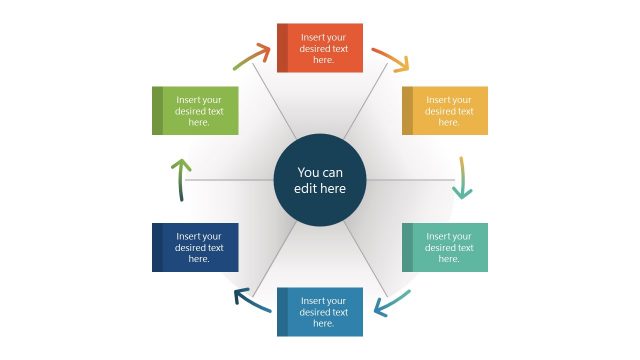
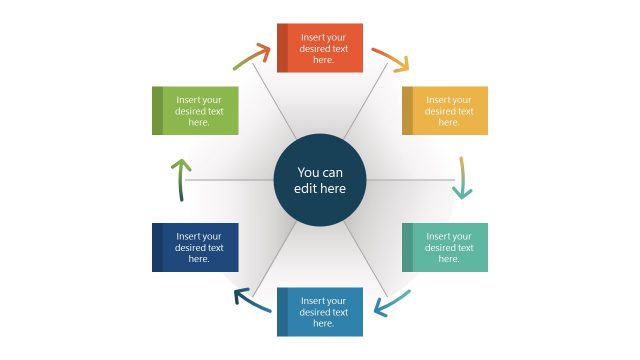
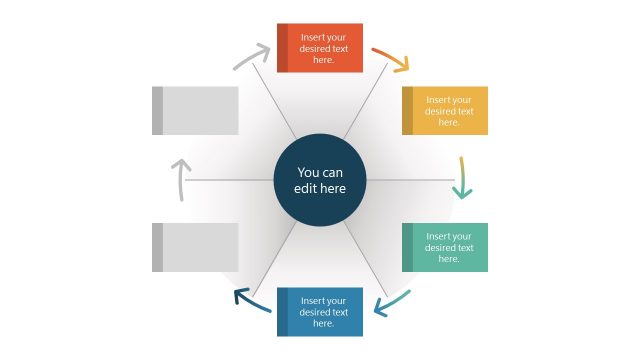
The layout features a central circular node surrounded by eight equally spaced circular icons. Each icon represents a concept and is connected to the central node with lines. The icons are arranged in a circular format, with the central node positioned in the middle. There are text placeholders around the outer circle, placed adjacent to each icon, indicating where information can be added. The background is white, and the icons are blue with a dark blue outline, creating a clear visual hierarchy. The overall composition is balanced and symmetrical.
How to Use It
This layout serves as a visual representation of interconnected concepts or decision points. It is suitable for presentations that require illustrating relationships or processes, particularly in decision-making contexts. This structure fits well after a problem-framing slide, leading into a deeper analysis or strategic discussion. It can be used in business scenarios to outline strategies, options, or key factors influencing decisions, making it a versatile choice for various presentations.
Text Placeholders & Capacity
Keep your copy within these limits so it fits without resizing. Node labels can hold about 20 characters each, while body paragraphs can contain around 30 characters.
| Placeholder | Count | Max characters (approx.) |
|---|---|---|
| Item heading | 8 | 20 |
| Body paragraph | 4 | 30 |
Slide Keywords
Download unlimited PowerPoint templates, charts and graphics for your presentations with our annual plan.
DOWNLOADReturn to Compass Diagram Concept PowerPoint Template.