Slide 8 of 12 from Company Profile PowerPoint Presentation Template
Horizontal Timeline Slide with Infographics
Timeline Structure for Company Profile Presentation
- Diagram
- Timeline Horizontal
- Process Slide
- 16:9
- 100% Editable
What’s on This Slide
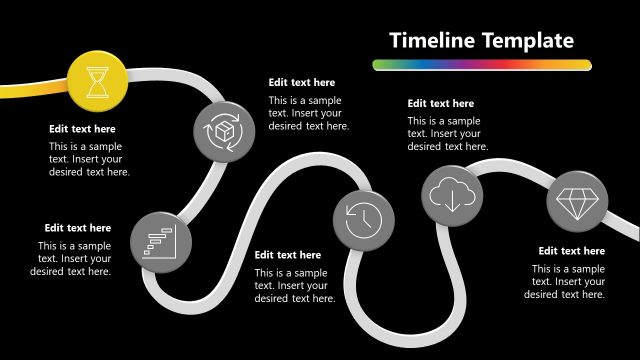
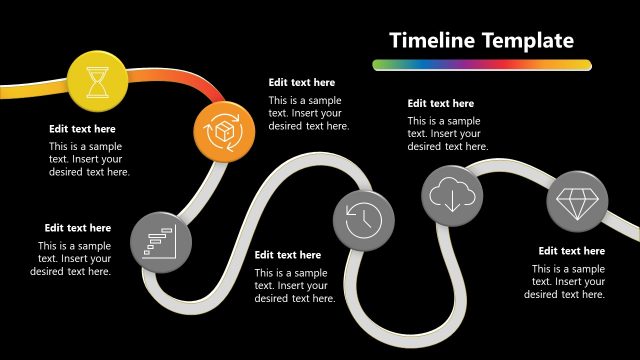
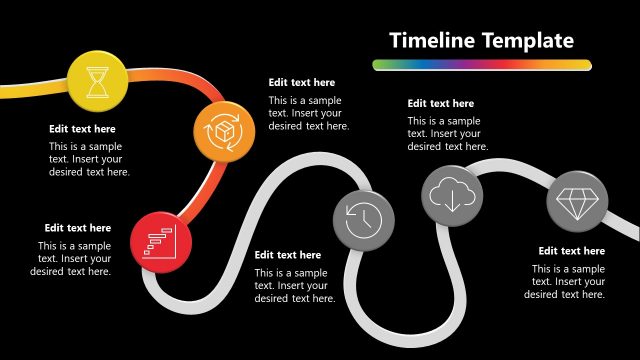
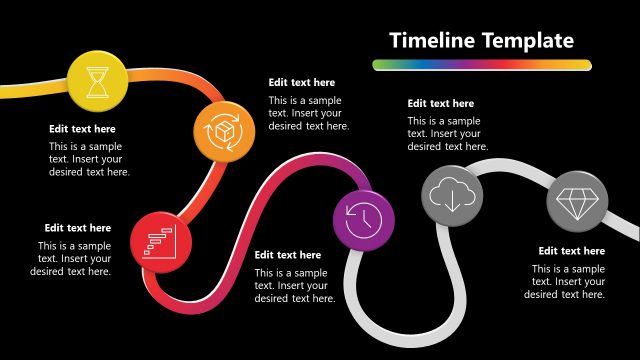
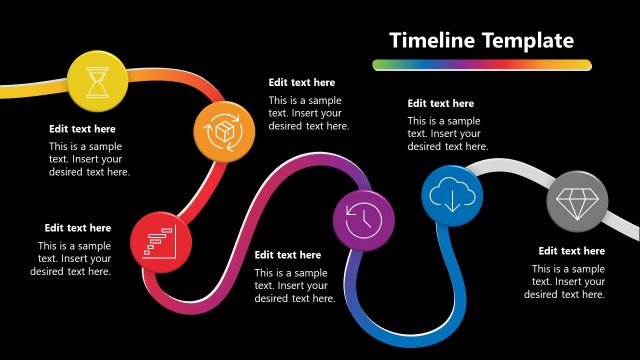
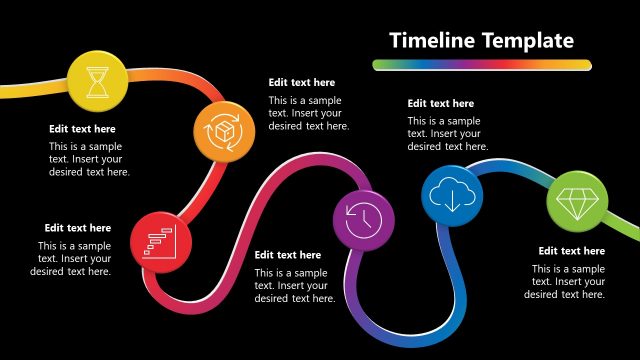
The slide features a horizontal timeline layout with five circular nodes aligned in a row. Each node contains a unique icon representing different stages, with numbers 1 to 5 positioned above them. The nodes are connected by a wavy line that runs beneath them, creating a visual flow. Below each node, there are text placeholders aligned centrally, indicating space for editable content. The background is solid black, enhancing the visibility of the yellow and blue elements, while the icons are simple and consistent in style, contributing to a cohesive design.
How to Use It
This layout serves as a timeline to illustrate sequential phases or milestones in a project or process. It fits well in a presentation sequence after introducing a problem or overview, leading into detailed discussions. This structure is useful for business scenarios such as project timelines, product development stages, or strategic planning phases, where clarity of progression is essential. It can be used to highlight key achievements or steps in a company's journey.
Text Placeholders & Capacity
Keep your copy within these limits so it fits without resizing. Node labels can hold about 5 words each, while body slots are tighter.
| Placeholder | Count | Max characters (approx.) |
|---|---|---|
| Item heading | 5 | 25 |
| Item body | 5 | 50 |
Slide Keywords
Download unlimited PowerPoint templates, charts and graphics for your presentations with our annual plan.
DOWNLOAD