Slide 3 of 3 from Colorful Twirl Diagram for PowerPoint
Presentation of Semi Circle Swirl
Colorful Twirl Diagram for Presentations
- Diagram
- Circular Cycle
- Process Slide
- 16:9
- 100% Editable
What’s on This Slide
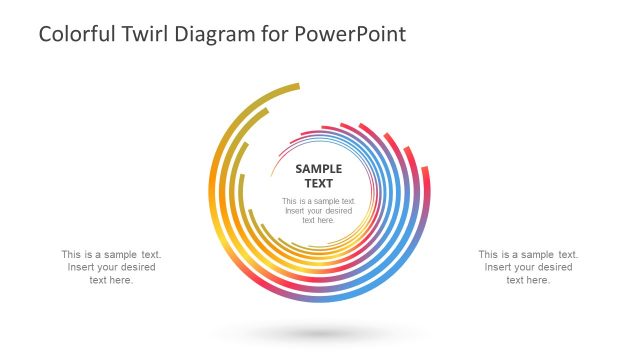
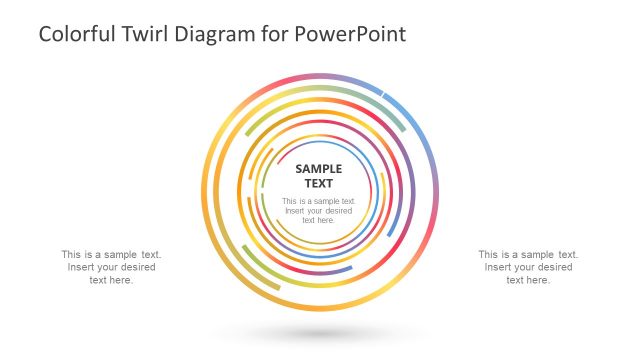
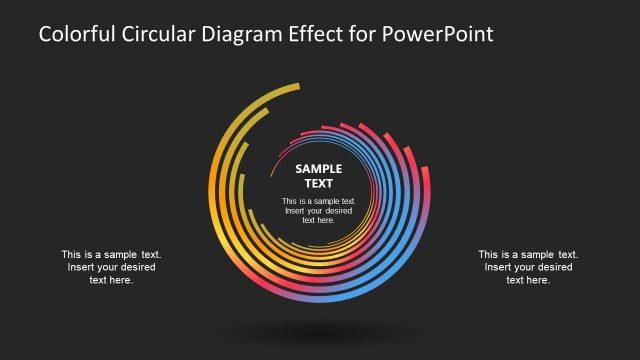
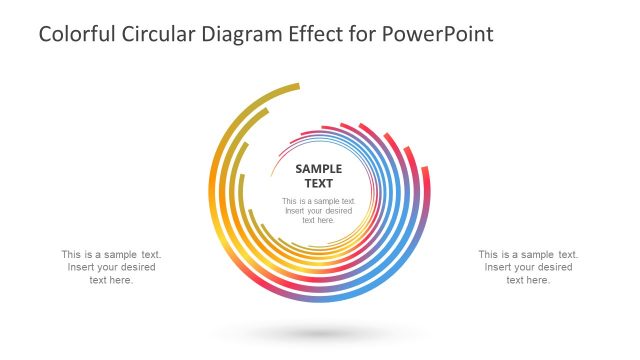
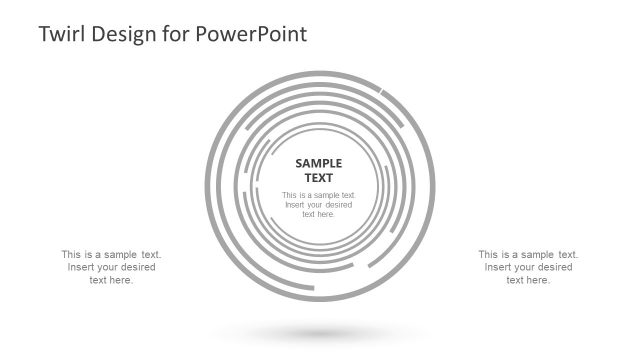
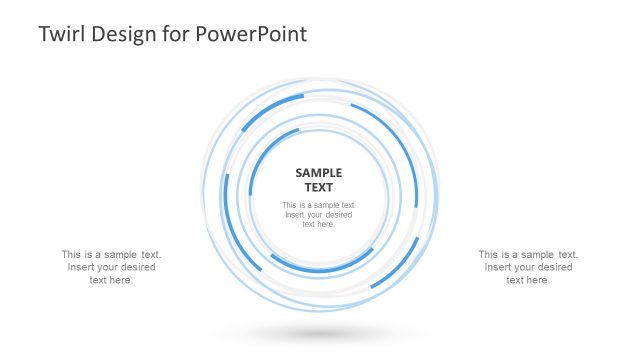
The layout features a central circular diagram with concentric rings in gradient colors, transitioning from yellow to red to blue. The diagram is set against a dark background, enhancing its visibility. Text placeholders are positioned on both sides of the diagram, with one labeled 'SAMPLE TEXT' in the center. The outer rings are wider, tapering inward, creating a sense of depth. The overall composition is balanced, with the text placeholders aligned left and right, providing space for additional content without overcrowding the visual elements.
How to Use It
This layout serves as a visual representation of processes or workflows, ideal for illustrating cyclical concepts. It fits well in a presentation sequence after introducing a problem or concept, leading into a solution or strategy. Suitable for business scenarios such as project planning, marketing strategies, or product development discussions, this diagram effectively communicates complex ideas in a visually engaging manner.
Text Placeholders & Capacity
Keep your copy within these limits so it fits without resizing. Node body slots can hold about 10 words each.
| Placeholder | Count | Max characters (approx.) |
|---|---|---|
| Item body | 3 | 50 |
| Slide title | 1 | 40 |
Slide Keywords
Download unlimited PowerPoint templates, charts and graphics for your presentations with our annual plan.
DOWNLOADReturn to Colorful Twirl Diagram for PowerPoint.