Cloud computing design for PowerPoint is a presentation template containing 100% editable shapes that you can use in a presentation on cloud concepts and cloud computing including cloud storage, cloud application services, IT information technology architecture , or corporate IT infrastructure.
The cloud computing presentation designs can shape the new IT architecture in a corporate space. Inside this presentation template are cloud shapes and PowerPoint icons with different PPT layouts.
Alternatively, you can download other cloud computing presentation templates and slide designs to prepare presentations on cloud computing topics, such as AWS, Azure, or Google Platform.
What’s inside this template
Example presentation scenarios
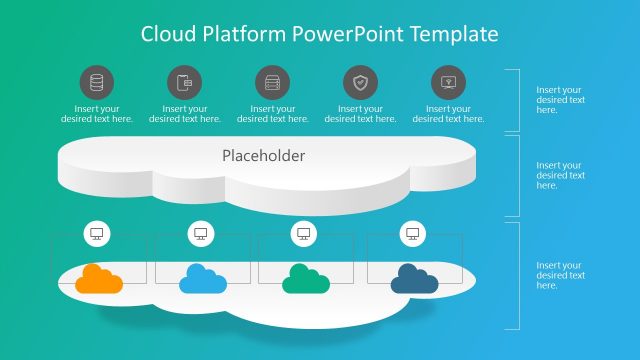
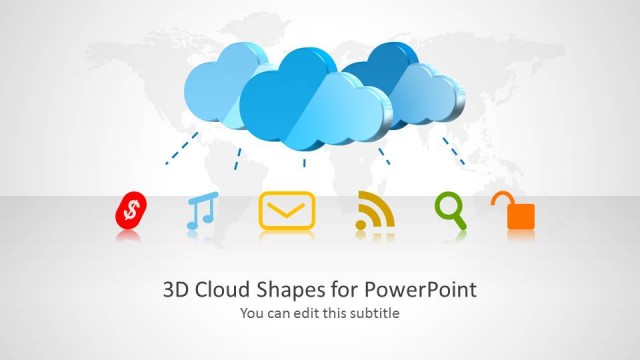
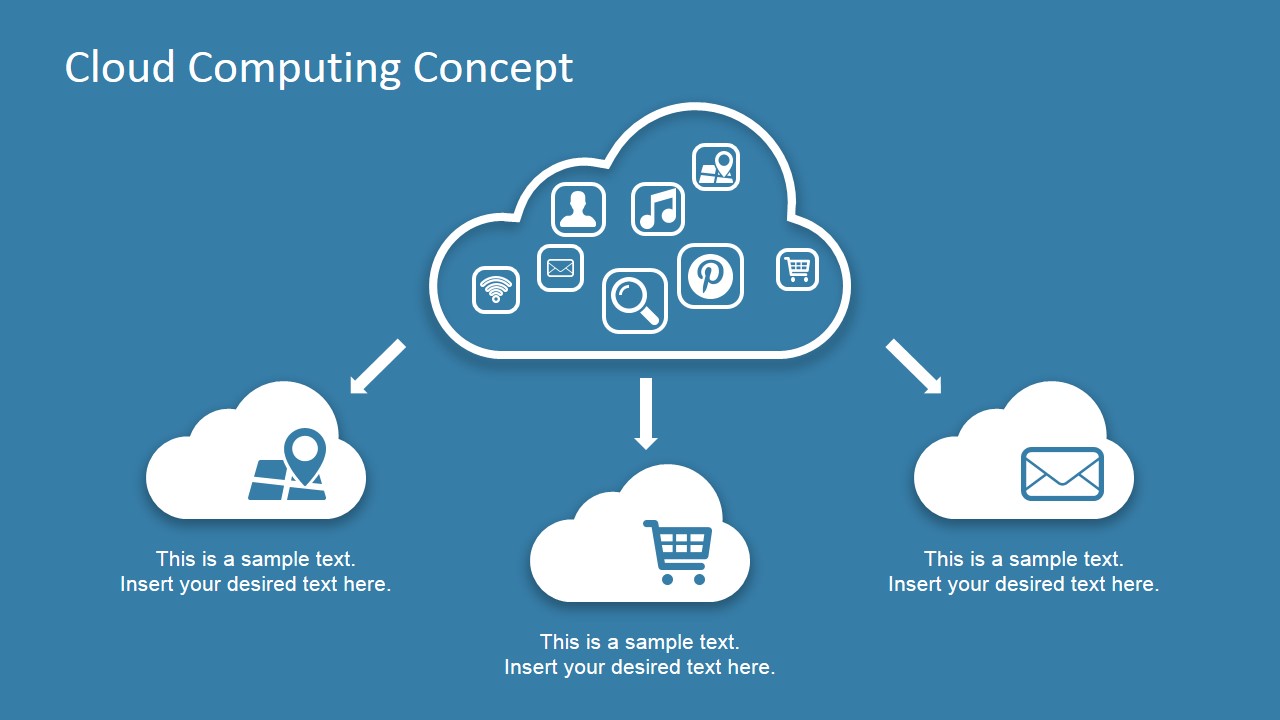
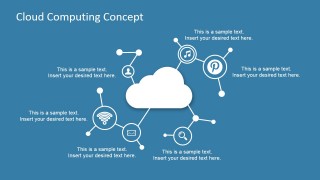
- An IT manager can use the cloud icon hub to introduce the main categories of cloud services before discussing migration priorities with business stakeholders.
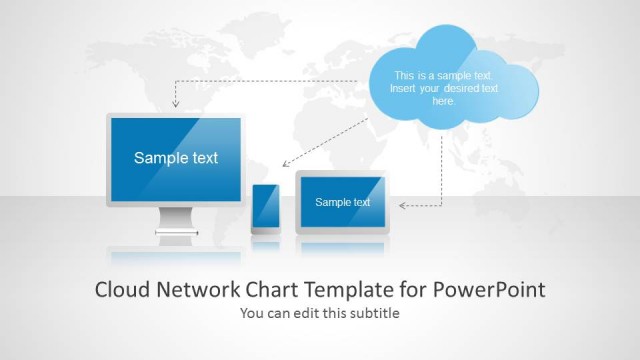
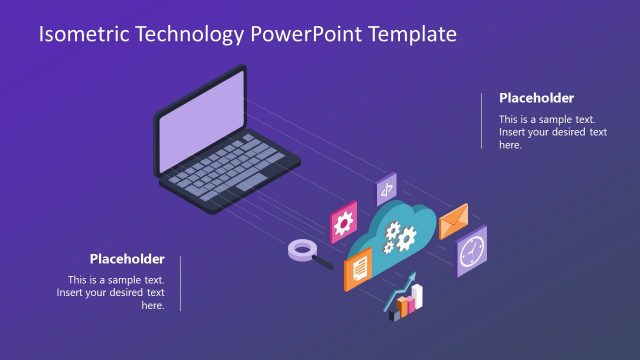
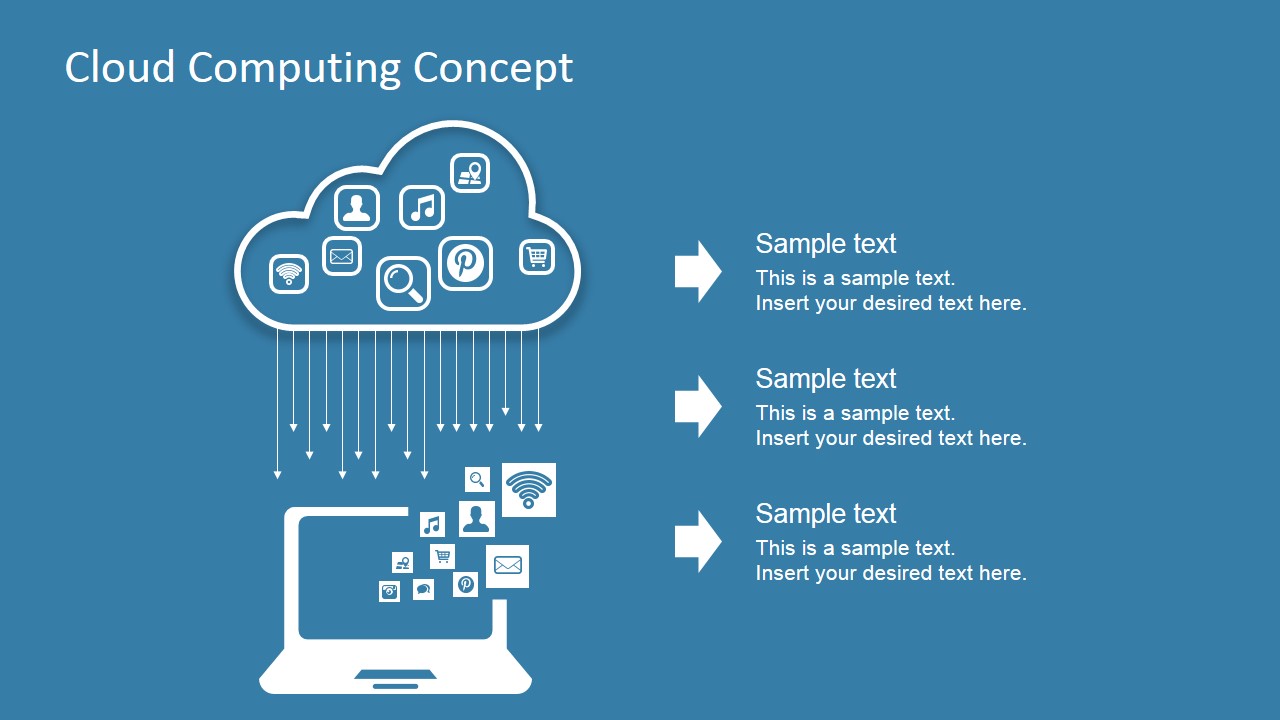
- A cloud architect can use the cloud-to-laptop flow to explain how applications, files, and services reach end users through a centralized cloud environment.
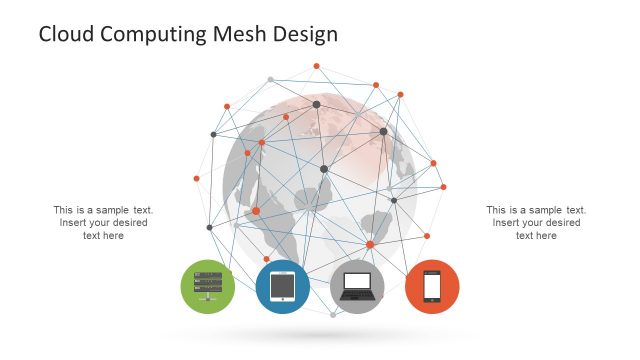
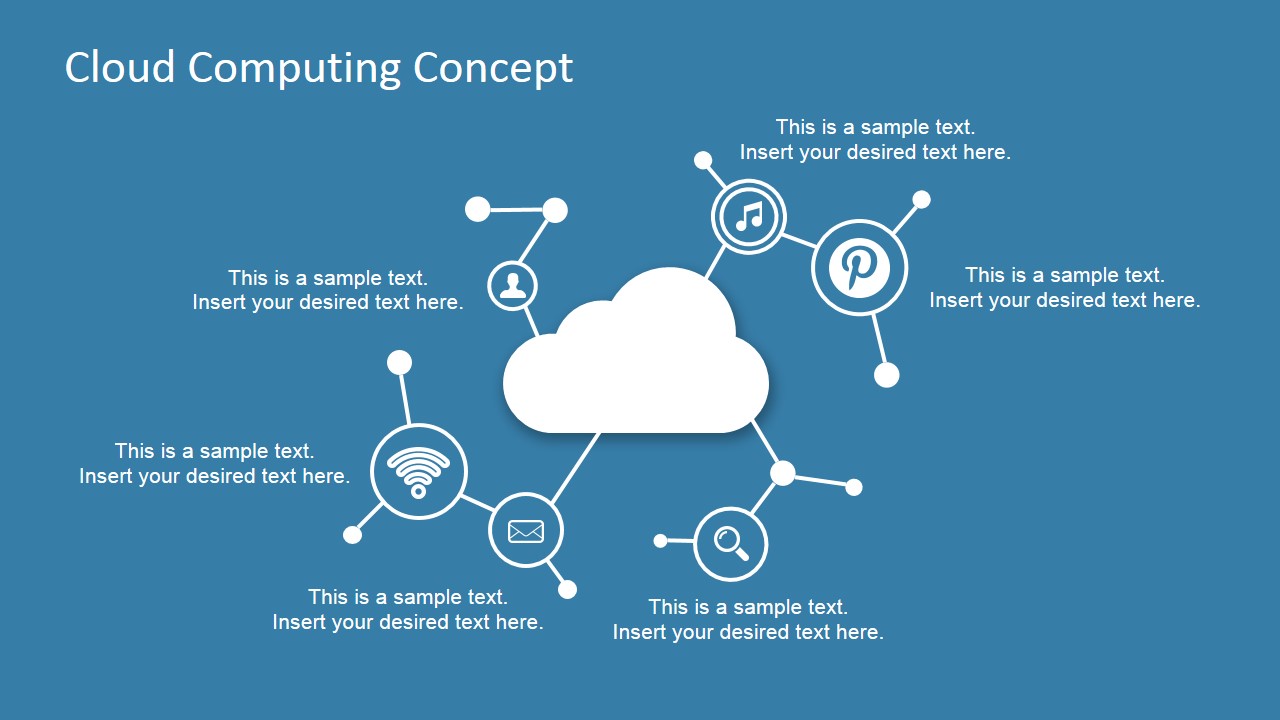
- A technology consultant can use the connected network diagram to show relationships among services, access points, and users during a cloud strategy workshop.
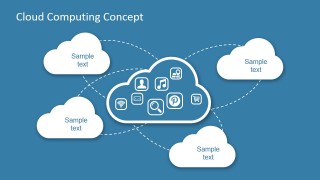
- A project manager can use the dotted cloud node map to summarize distributed cloud components, regional services, or partner systems in a status briefing.
Features
- 100% editable presentation template
- Compatible with Microsoft PowerPoint and Google Slides
- Scalable vector shapes, icons and illustrations
- AI-Ready for Microsoft Copilot and Claude
- Instant access and download
Frequently asked questions
Q: How should a presenter explain the cloud concept clearly with these slides?
A: Start with the cloud icon hub to define the main service categories, then move to the cloud-to-laptop flow to show delivery to users. Use the connected network diagram for relationships among services, and close with the dotted node map to summarize how separate cloud elements connect into one operating model.
Q: Who is this template best suited for in a business presentation?
A: This template fits IT leaders, cloud consultants, and technical project managers who need to brief nontechnical or mixed audiences. The simple cloud shapes, familiar service icons, and short captions help explain infrastructure ideas without turning the session into a low-level engineering diagram.
Q: Why do the cloud and connector metaphors work for this topic?
A: The cloud shape gives the audience an immediate mental model for hosted services, while arrows, dotted paths, and node lines show direction and dependency. This visual language makes abstract infrastructure easier to discuss because the viewer can see where services originate, where they travel, and what they connect to.

Cloud Computing Concept Design for PowerPoint
4-slide cloud computing presentation template with network diagrams and cloud service icons
Cloud Computing Concept Design for PowerPoint is a 4-slide presentation template for explaining cloud services and IT infrastructure. The deck includes a cloud icon hub with service branches, a cloud-to-laptop flow, a connected network diagram, and a cloud node map. It is built for IT teams, consultants, and business presenters in Microsoft PowerPoint and Google Slides.


 Loading...
 Microsoft PowerPoint
  Microsoft Copilot
  Claude for PowerPoint
 Other formats supported
Subscribe today and get immediate
access to download our PowerPoint templates.