Slide 8 of 13 from Client Onboarding PowerPoint Template
Roles & Responsibilities Slide for PowerPoint
Roles & Responsibilities Slide for Client Onboarding
- Table
- Data Table
- Process Slide
- 16:9
- 100% Editable
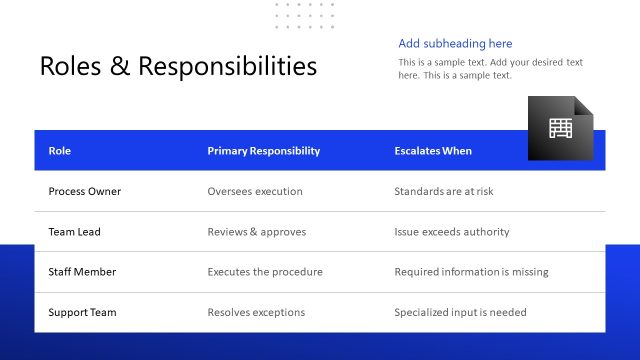
The Roles & Responsibilities slide from the Client Onboarding PowerPoint Template offers a clear table layout ideal for outlining team roles and contact points. This slide template supports business presentations by organizing key information to improve communication and accountability during client onboarding. Its structured design with editable shapes and vector icons makes it a practical choice for corporate presentation slide decks focused on project management and role clarification.
What’s on This Slide
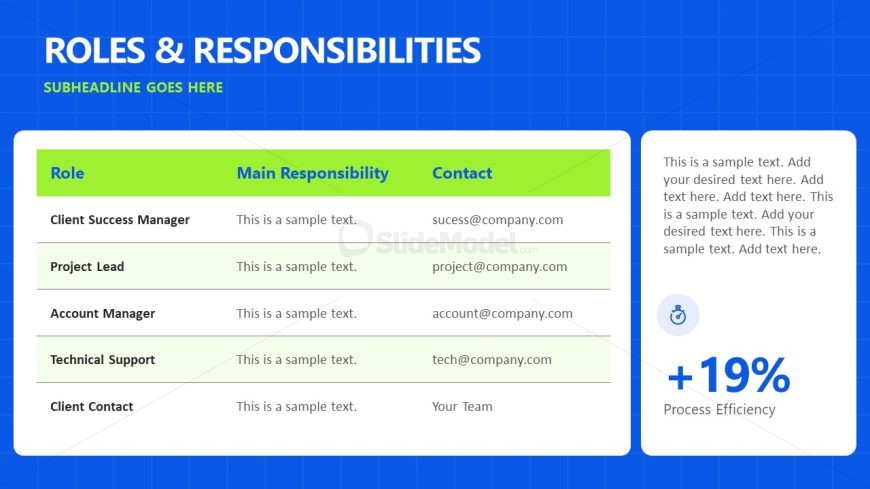
The slide features a structured layout with a blue background. At the top, a large title reads 'ROLES & RESPONSIBILITIES.' Below, a table occupies the central area, divided into three columns labeled 'Role,' 'Main Responsibility,' and 'Contact.' Each row contains placeholders for text, with alternating background colors for visual separation. To the right, a text box includes additional placeholder text and a circular icon with a percentage indicating 'Process Efficiency.' The overall composition emphasizes clarity and organization.
How to Use It
This layout serves to clearly outline team roles and responsibilities within a client onboarding process. It fits well after introductory slides, providing essential information about team members and their contacts. This structure is useful in business scenarios where clarity in roles enhances communication and accountability. It can be used in meetings, training sessions, or onboarding presentations to ensure all stakeholders understand their points of contact.
Text Placeholders & Capacity
Keep your copy within these limits so it fits without resizing. Body slots can hold roughly 10-15 words each.
| Placeholder | Count | Max characters (approx.) |
|---|---|---|
| Slide title | 1 | 30 |
| Body paragraph | 5 | 50 |
| Body paragraph | 1 | 200 |
Slide Keywords
Download unlimited PowerPoint templates, charts and graphics for your presentations with our annual plan.
DOWNLOADReturn to Client Onboarding PowerPoint Template.