Slide 6 of 13 from CIRQA Business PowerPoint Template
Chapter Highlight Slide – CIRQA Business PPT Template
Chapter Slide for Business Presentations
- Text Layout
- Single Statement
- Section Divider Slide
- 16:9
- 100% Editable
What’s on This Slide
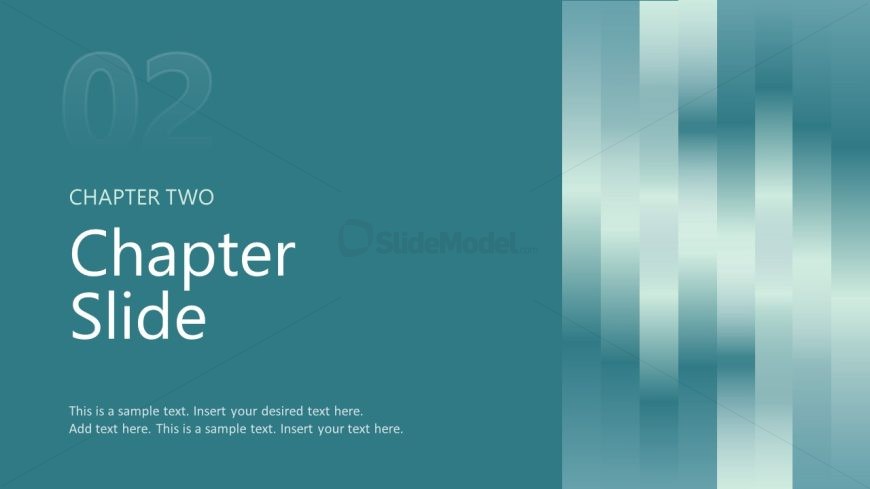
The layout features a left-aligned title area with a large chapter number at the top. Below, the chapter title is prominently displayed in a large font. The body area contains multiple text placeholders for additional content, aligned to the left. A vertical gradient background transitions from teal to lighter shades, adding depth. The overall composition emphasizes clarity, with a clear visual hierarchy between the chapter number, title, and body text. The placeholders are designed for easy text insertion, maintaining a structured layout.
How to Use It
This layout serves as a chapter or section divider within a presentation, ideal for transitioning between major topics. It fits well after introductory slides or before detailed content, helping to organize the flow of information. This structure is useful in business contexts, such as presenting company overviews, project phases, or thematic sections in a pitch deck. It allows for clear segmentation of ideas, enhancing audience comprehension and engagement.
Text Placeholders & Capacity
Keep your copy within these limits so it fits without resizing. Body slots can hold roughly 15-20 words each.
| Placeholder | Count | Max characters (approx.) |
|---|---|---|
| Slide title | 1 | 30 |
| Body paragraph | 3 | 100 |
Slide Keywords
Download unlimited PowerPoint templates, charts and graphics for your presentations with our annual plan.
DOWNLOADReturn to CIRQA Business PowerPoint Template.