Slide 5 of 5 from Circular SWOT Analysis PowerPoint Template
Threats Creative Slide with Quarter Highlighted
Circular SWOT Analysis Diagram for Presentations
- Diagram
- Matrix Quadrant
- Strategic Analysis Slide
- 16:9
- 100% Editable
The Circular SWOT Analysis Diagram slide from the Circular SWOT Analysis PowerPoint Template offers a clear, balanced layout ideal for strategic planning sessions and competitive analysis discussions. This slide uses editable shapes and vector icons to visually distinguish strengths, weaknesses, opportunities, and threats, enhancing clarity in business presentations and pitch deck templates. Its design supports concise communication of key strategic factors, making it a practical choice for corporate presentations and project evaluations.
What’s on This Slide
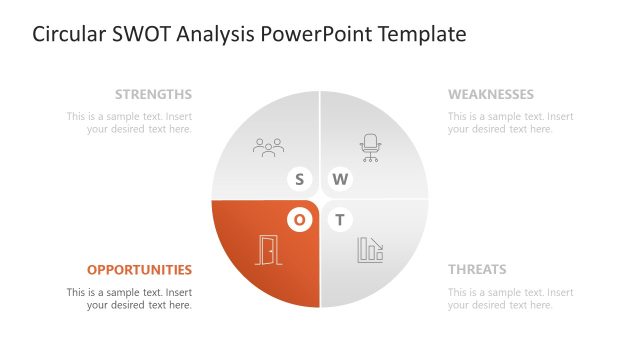
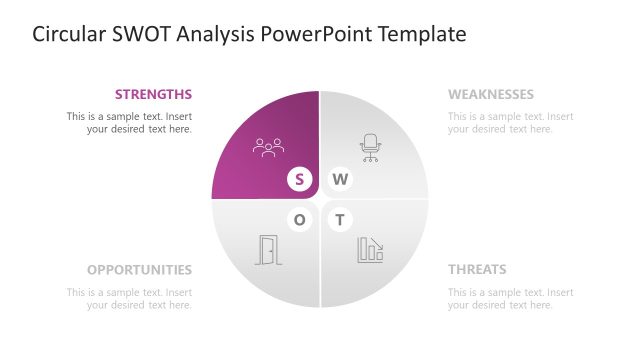
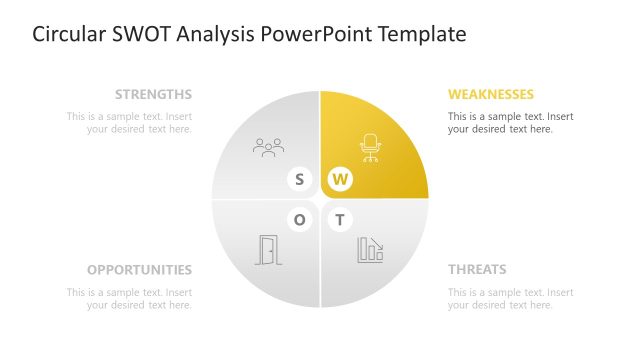
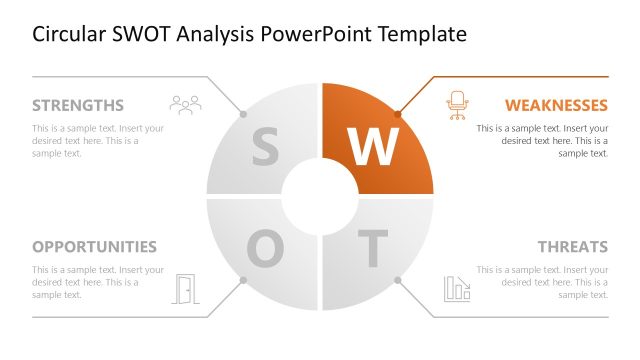
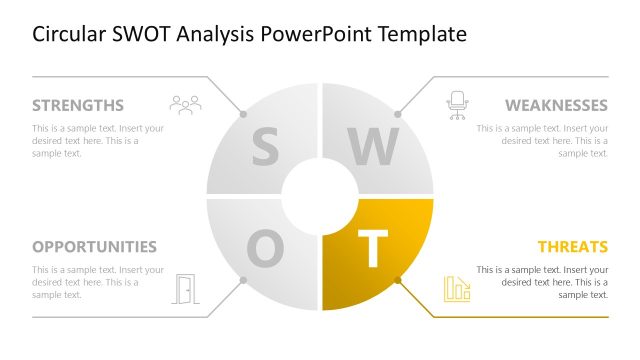
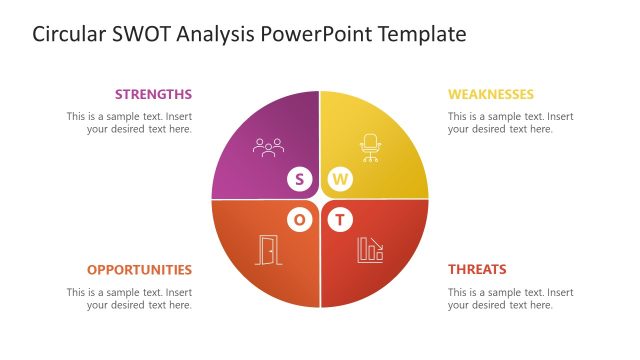
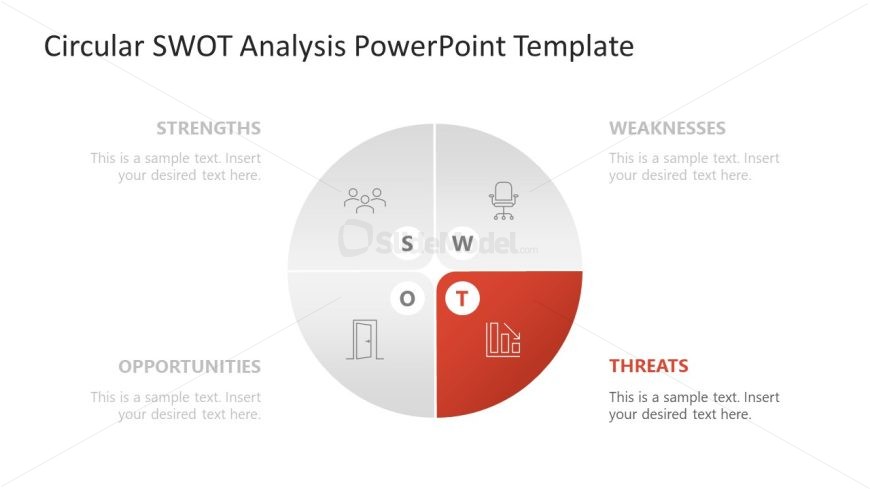
The layout features a circular diagram divided into four quadrants labeled Strengths, Weaknesses, Opportunities, and Threats. Each quadrant contains a sample text placeholder aligned centrally within its section. The Threats quadrant is highlighted in red, while the others are in lighter shades. Icons representing each category are positioned above the text placeholders, enhancing visual clarity. The overall structure is balanced, with equal spacing between quadrants. The background is white, providing contrast to the colored sections and maintaining focus on the diagram.
How to Use It
This layout serves as a visual representation of a SWOT analysis, ideal for summarizing strengths, weaknesses, opportunities, and threats in a concise format. It fits well at the conclusion of a presentation, allowing for a comprehensive overview of strategic factors. This structure is useful in business contexts such as strategic planning sessions, project evaluations, or competitive analysis discussions. It effectively communicates key insights in a visually engaging manner, making it suitable for both team meetings and stakeholder presentations.
Text Placeholders & Capacity
Keep your copy within these limits so it fits without resizing. Node body slots are tight, roughly 10-12 words each.
| Placeholder | Count | Max characters (approx.) |
|---|---|---|
| Slide title | 1 | 30 |
| Item heading | 4 | 15 |
| Item body | 4 | 50 |
Slide Keywords
Download unlimited PowerPoint templates, charts and graphics for your presentations with our annual plan.
DOWNLOADReturn to Circular SWOT Analysis PowerPoint Template.