Slide 1 of 2 from Christmas Tree PowerPoint Template
Christmas Tree PowerPoint Slide
Christmas Tree PowerPoint Slide
- Diagram
- Other
- Context Slide
- 16:9
- 100% Editable
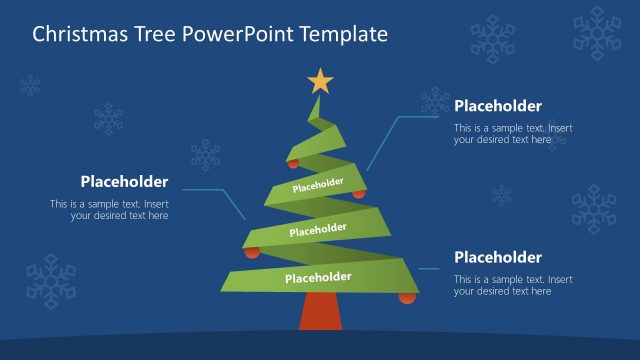
The Christmas Tree Diagram slide from the Christmas Tree PowerPoint Template offers a festive layout ideal for holiday presentations and Christmas marketing strategies. Featuring editable shapes arranged as a stylized tree with text placeholders, this slide supports clear communication of seasonal concepts within business presentations or pitch decks. Its design integrates vector icons and subtle thematic elements, making it a practical choice for corporate presentation needs focused on the holiday season.
What’s on This Slide
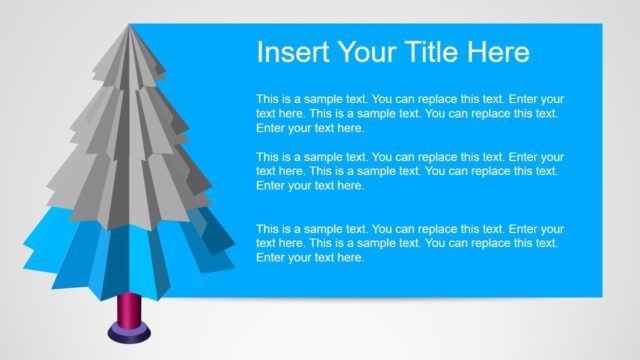
The layout features a stylized Christmas tree composed of green ribbon-like shapes arranged in a conical form. At the top, a star shape is present, while red ornaments are placed along the tree. There are four text placeholders positioned on the green ribbons, aligned centrally, with each placeholder containing sample text. The background is light with subtle snowflake patterns, enhancing the holiday theme. The overall composition is balanced, with the tree centered and the title above it, creating a clear visual hierarchy.
How to Use It
This layout serves as a thematic representation of ideas or concepts related to the holiday season. It is suitable for presentations discussing Christmas events, holiday marketing strategies, or seasonal promotions. Positioned early in a presentation, it can introduce festive topics or set a seasonal tone. This structure can also be adapted for brainstorming sessions or project outlines that align with holiday themes, making it versatile for various contexts.
Text Placeholders & Capacity
Keep your copy within these limits so it fits without resizing. Node slots can hold roughly 8 words each, with the title accommodating about 10 words.
| Placeholder | Count | Max characters (approx.) |
|---|---|---|
| Item body | 4 | 40 |
| Slide title | 1 | 50 |
Slide Keywords
Download unlimited PowerPoint templates, charts and graphics for your presentations with our annual plan.
DOWNLOADReturn to Christmas Tree PowerPoint Template.