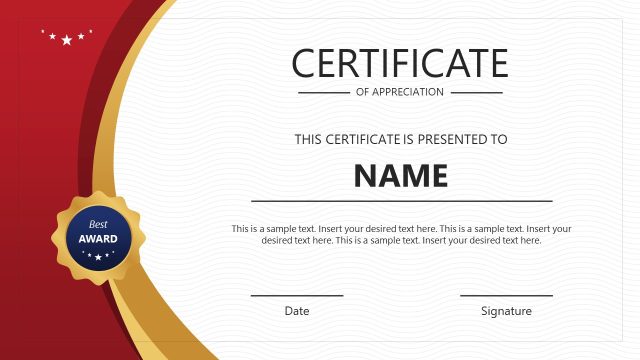
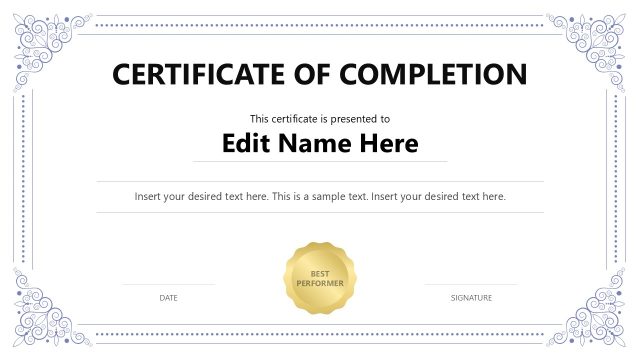
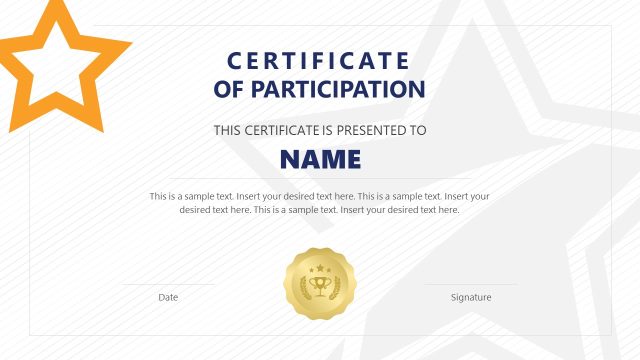
Acquire our professional Certificate of Training PowerPoint Template to show your employees appreciation and rewards for their organizational performance. The certificate is a way to appreciate an employee’s dedication to the company’s goals. Once the training sessions are winded up, trainers can reward the members for recognizing and acknowledging their training. Organizations award their best performers with the relevant certificates. Also, at the end of the workshops or seminars, certificates of participation are given to the attendees. Moreover, in sports events, judges present certificates to the winners and runner-ups to recognize their efforts officially. We have created this simple layout template for PowerPoint to help professionals craft relevant certificates for their audience, members, or employees. They can also repurpose it to make corresponding certificates.
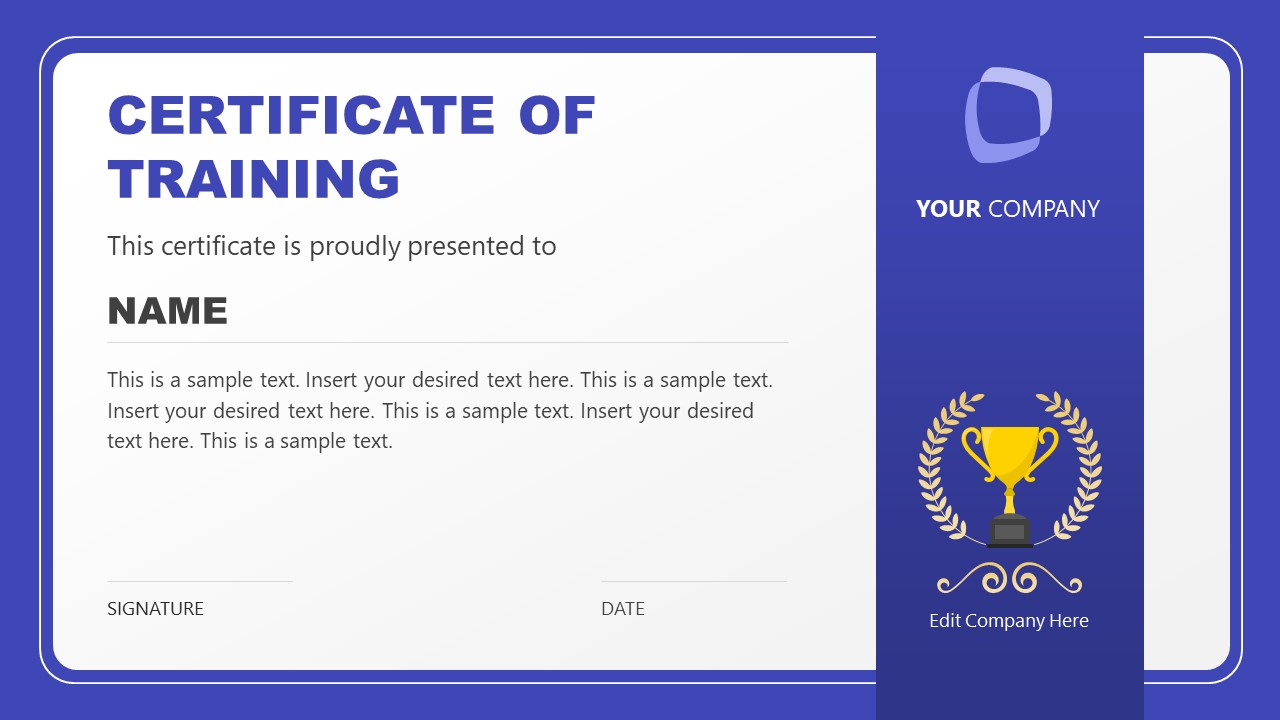
The Certificate of Training PowerPoint Template is a single slide template compatible with all PowerPoint versions, Google Slides, and Keynote. The template has a blue think outside with a grey rectangular section in the center of the slide. The rectangular section has a greyish outline, making it look more professional and engaging. On the right, a blue think bar crosses the grey section where you can mention the company logo, trophy sign, and your company name. The left part has the certificate name and the name of the individual it is provided to. At the bottom are two bars, one for the signature and the other for displaying the date. Professionals can also print out these certificates as hard copies or use them as e-certificates for the selected candidates.
Furthermore, this template is 100% editable, and users can modify the shapes, icons, colors, or fonts used to fit their needs perfectly. Download the certificate of training PPT template and customize it today! Also, check our collection of certificate templates and award PPT templates.
What’s inside this template
Example presentation scenarios
- An HR manager can present the certificate at the end of an employee training program, replacing the recipient name, completion statement, signature, and date fields.
- A corporate trainer can issue workshop completion certificates, using the large text area for course details and the trophy side panel to make the award feel official.
- An event organizer can prepare certificates for seminar attendees, adding the organization logo in the blue brand panel and using the footer lines for authorized signoff.
- A department leader can recognize a high-performing employee, adapting the certificate title, body copy, and company name to fit an internal appreciation program.
Features
- 100% editable presentation template
- Compatible with Microsoft PowerPoint and Google Slides
- 16:9 aspect ratio slides
- Scalable vector shapes, icons and illustrations
- AI-Ready for Microsoft Copilot and Claude
- Instant access and download
Frequently asked questions
Q: How should a presenter make this certificate feel specific rather than generic?
A: Replace the sample body copy with a precise achievement statement: course name, completion date, skill gained, or contribution recognized. Keep the recipient name visually dominant, then use the signature and date fields to signal authorization. The side trophy panel should support the award message without competing with the recipient's name.
Q: Who is this certificate layout best suited for?
A: This template fits HR teams, training coordinators, managers, and workshop hosts who need a formal certificate at the close of a learning or recognition event. It works best when the message is one recipient, one achievement, and one issuing organization, supported by a logo area and signoff lines.
Q: Why does the design place the trophy and branding in a separate side panel?
A: The split layout separates ceremonial identity from the certificate content. The white area keeps the title, recipient name, and award statement easy to read, while the blue side panel acts like a ribbon with logo, trophy, and laurel cues. This helps viewers read the certificate first and then associate it with the issuing organization.

Certificate of Training PowerPoint Template
1-slide certificate presentation template for training awards, employee recognition, and branded completion certificates
The Certificate of Training PowerPoint Template is a 1-slide certificate presentation template for HR teams, trainers, managers, and event organizers. It includes a large certificate text area, recipient name field, signature and date footer, and a branded side panel with logo space, trophy icon, and laurel graphics for Microsoft PowerPoint and Google Slides.
- Category
- Template Backgrounds
- Rating

 Loading...
- Aspect ratio
- 16:9
- Item ID
- 22781-01
- Colors
 Microsoft PowerPoint
 Microsoft Copilot
 Claude for PowerPoint
Other formats supported
Subscribe today and get immediate
access to download our PowerPoint templates.