Slide 2 of 22 from Carioca PowerPoint Template
Business Presentation PowerPoint Agenda
Agenda Slide for Business Presentations
- Text Layout
- List Blocks
- Agenda Slide
- 16:9
- 100% Editable
What’s on This Slide
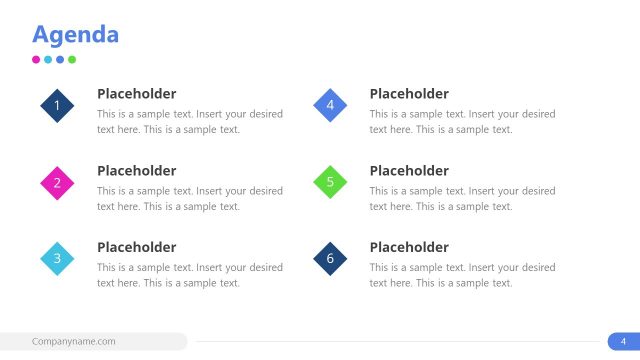
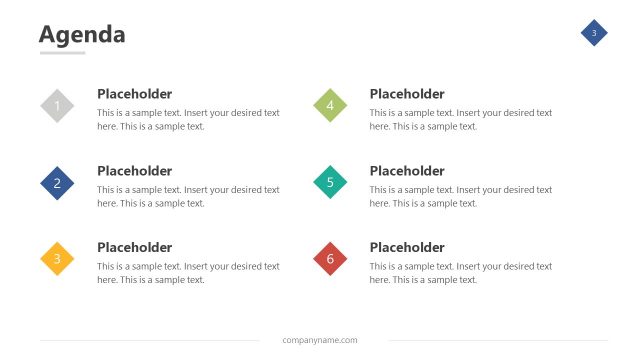
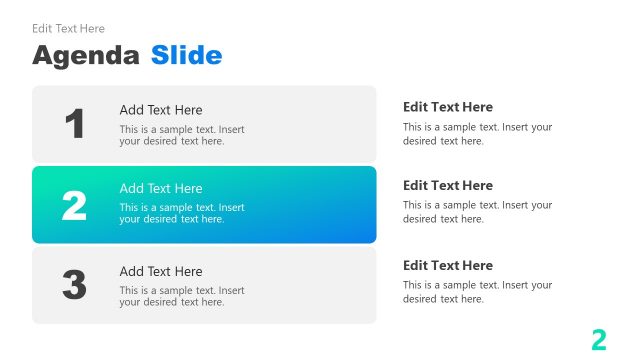
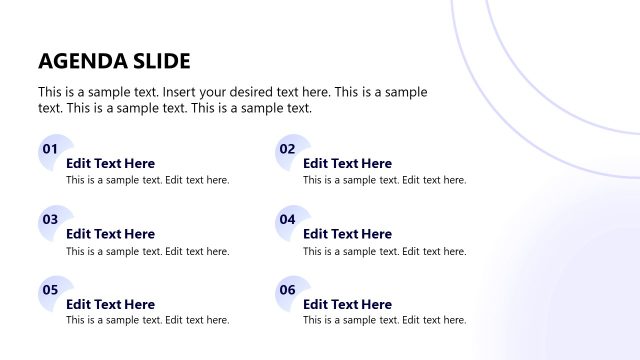
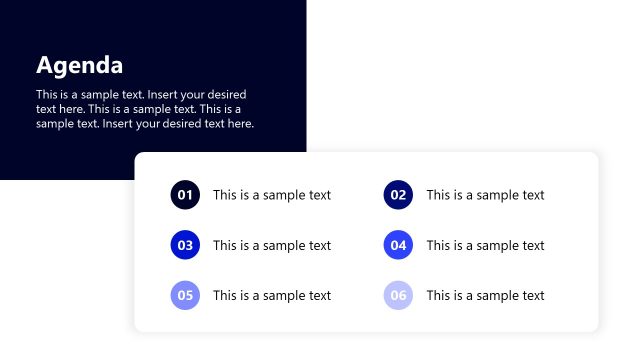
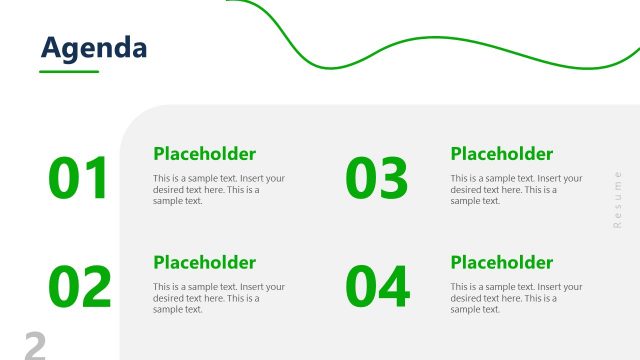
The slide features a top-aligned title labeled 'Agenda' in purple. Below, there are six numbered sections arranged vertically. Each section consists of a colored shape on the left, containing a number, and a text placeholder on the right for descriptions. The shapes are circular and rectangular, with alternating colors of blue, green, purple, and gray. Text placeholders are aligned to the left within each section, indicating where content can be inserted. The overall layout is clean and organized, with a white background enhancing readability.
How to Use It
This layout serves as an agenda overview, suitable for outlining key topics in a presentation. It fits well after an introductory slide and before detailed content slides. Ideal for business meetings, project updates, or sales pitches, it helps to set expectations for the audience. The numbered format allows for easy navigation through the presentation's main points, making it effective for keeping the audience engaged and informed.
Text Placeholders & Capacity
Keep your copy within these limits so it fits without resizing. Node body slots are tight, roughly 10 words each.
| Placeholder | Count | Max characters (approx.) |
|---|---|---|
| Slide title | 1 | 20 |
| Item heading | 6 | 30 |
| Item body | 6 | 50 |
| Footer | 1 | 30 |
Slide Keywords
Download unlimited PowerPoint templates, charts and graphics for your presentations with our annual plan.
DOWNLOADReturn to Carioca PowerPoint Template.