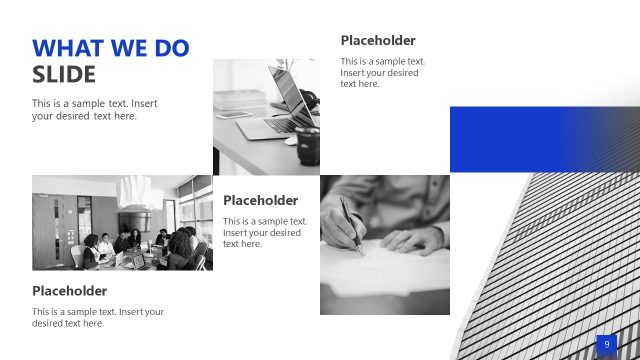
Slide 5 of 22 from Carioca PowerPoint Template
Business PowerPoint Introduction Slide
What We Do Slide in Carioca Template
- Text Layout
- Single Statement
- Context Slide
- 16:9
- 100% Editable
What’s on This Slide
The slide features a right-aligned text area with a large title at the top labeled 'What We Do.' Below the title, there are three text placeholders stacked vertically, each containing sample text. On the left side, a group of four people is engaged in discussion, with a focus on collaboration. The background is light, and the text area has a rounded corner design. The visual hierarchy emphasizes the title, while the images and text placeholders are balanced to create a cohesive layout.
How to Use It
This layout serves as an introduction to a service or offering, fitting well after a problem statement or overview slide. It is suitable for business presentations where the goal is to explain services or capabilities. This format can be used in sales pitches, project proposals, or team introductions, providing a clear and engaging way to communicate key information to the audience.
Text Placeholders & Capacity
Keep your copy within these limits so it fits without resizing. Body slots can accommodate approximately 25-30 words each.
| Placeholder | Count | Max characters (approx.) |
|---|---|---|
| Slide title | 1 | 30 |
| Body paragraph | 3 | 150 |
Slide Keywords
Download unlimited PowerPoint templates, charts and graphics for your presentations with our annual plan.
DOWNLOADReturn to Carioca PowerPoint Template.