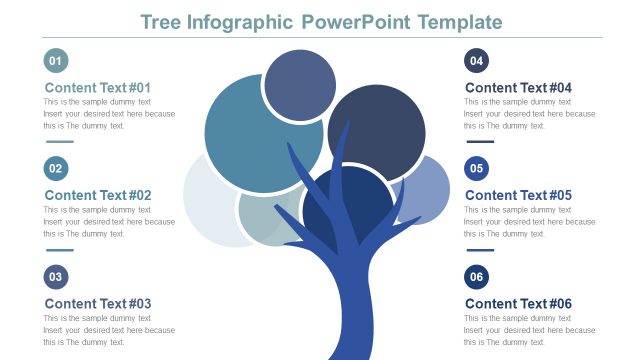
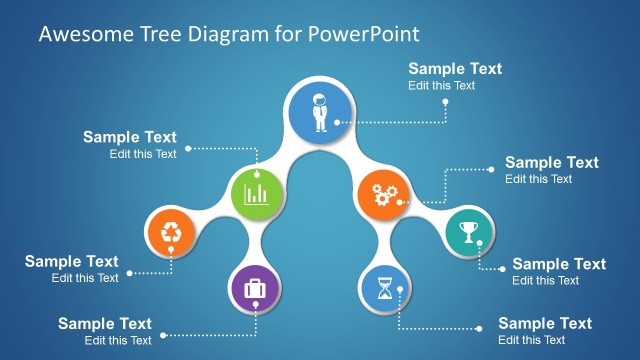
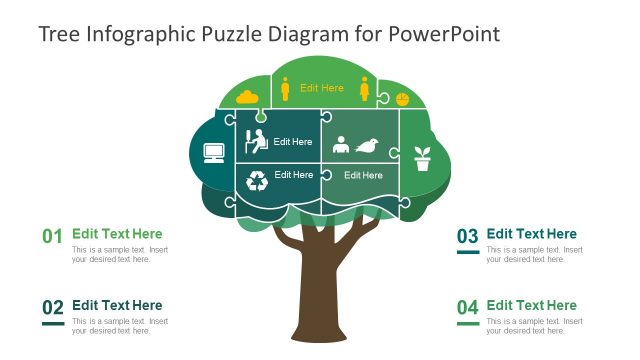
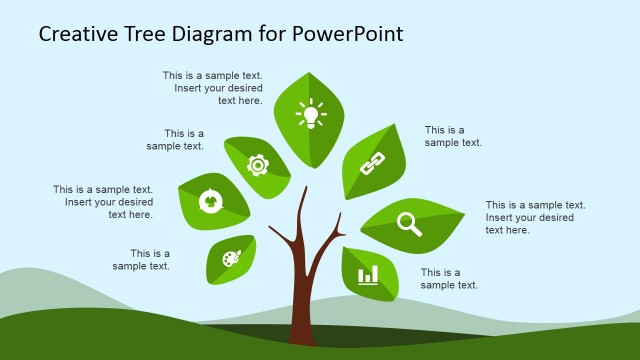
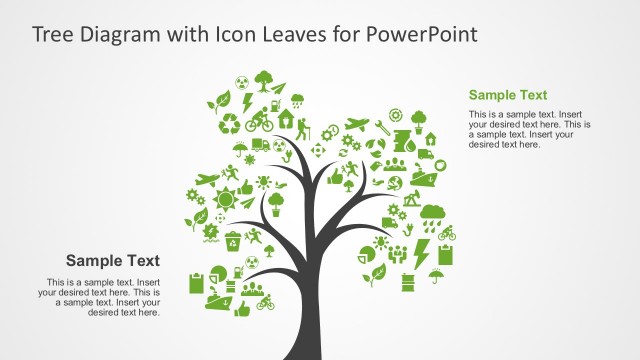
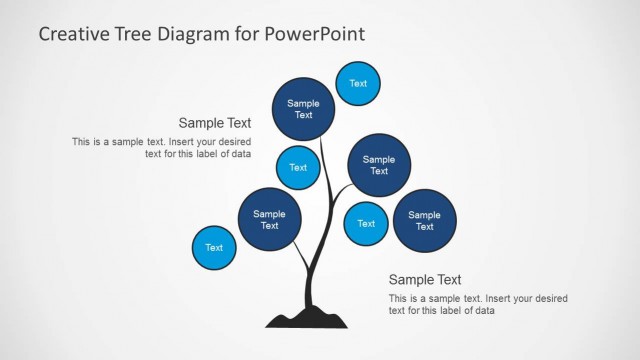
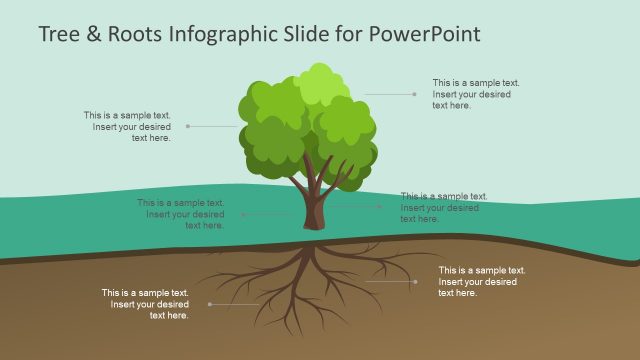
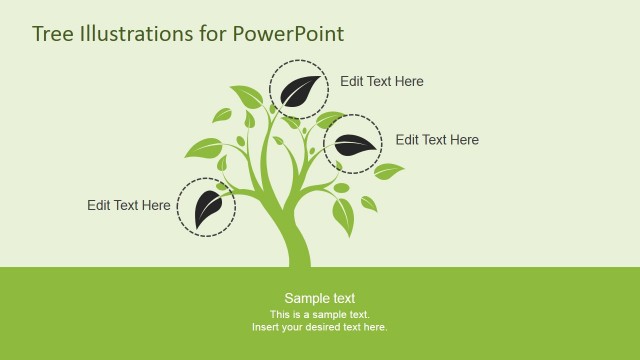
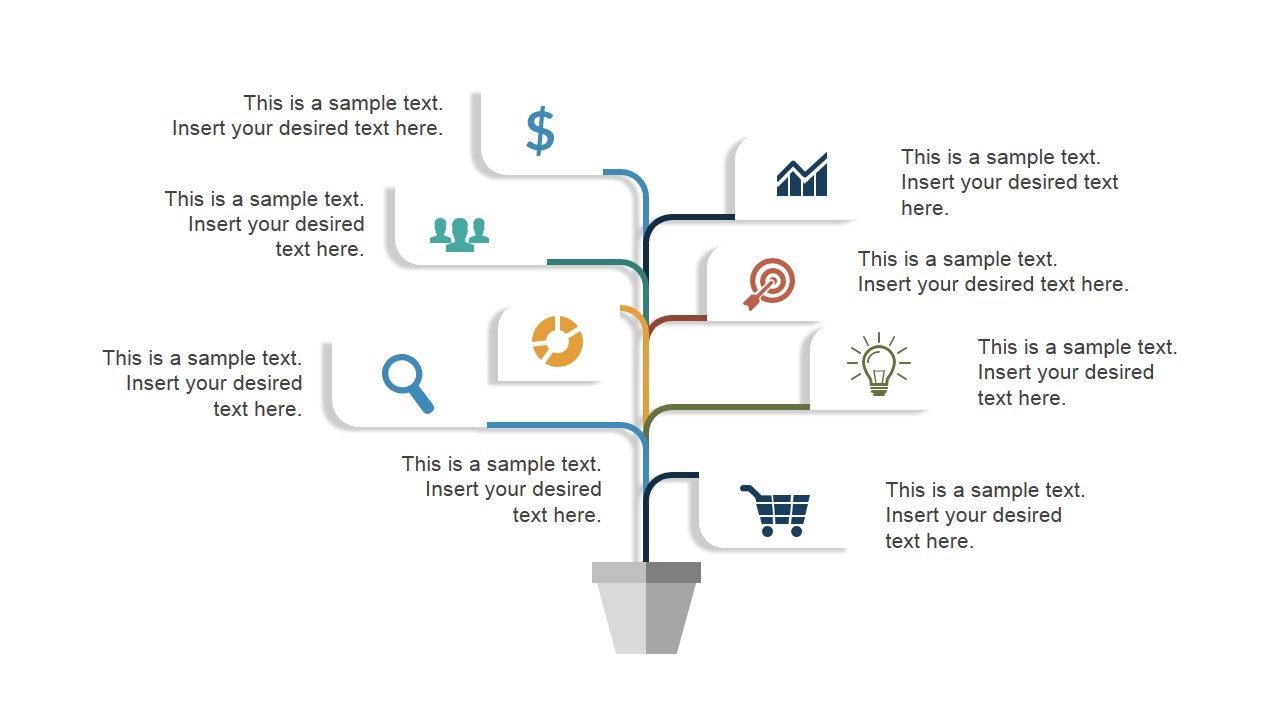
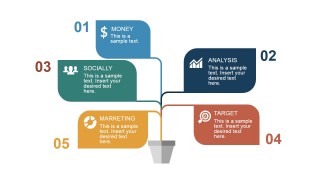
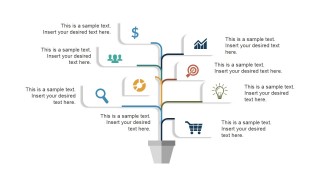
Business Tree Infographic for PowerPoint template is a visually appealing presentation of five fundamental components – may it be of a company or of a business project. This is a generic PowerPoint diagram laid out in a creative design with PowerPoint icons that are standard in the business world – dollar sign, bar graph, zoom, target, light bulb, shopping cart, people, and pie chart. These PowerPoint icons may be used as visual representations of the following business concepts and ideas:
- Money or Currency –financial resources
- Bar Graph – analysis, evaluation, assessment or similar processes
- Target – target market, sales target or any kind of business target
- Pie Graph – marketing
- People – CSR or social media
Powerful business presentations are not just about throwing the audience loads of facts and figures about the company. No matter how interested to such information these people are, they may still lose focus when given purely text-based reports. With PowerPoint Infographics, attractive shapes and icons may be used to explain concepts or ideas. It facilitates easy comprehension and long retention of data or information. The audience will be able grasp the concepts with ease, even the complex ones, and will have easy recall of the whole presentation. The set up that is comprised mostly of images and PowerPoint clipart, and with less text will likewise enable the presenter to show proficiency on the subject matter.
The PowerPoint Template contains unique PowerPoint slide designs that may be used for annual reports, proposals, and other business presentations where such concepts are applicable. The PowerPoint shapes and icons are easy to adapt and are 100% editable. Any modification to their size, background or position will not affect their resolution or quality. The unique design of this PowerPoint template will ensure the full attention of the audience from beginning to end.
Engage the professional audience with business presentations that are appealing and easy to understand using the Business Tree Infographic PowerPoint Template.
What’s inside this template
Example presentation scenarios
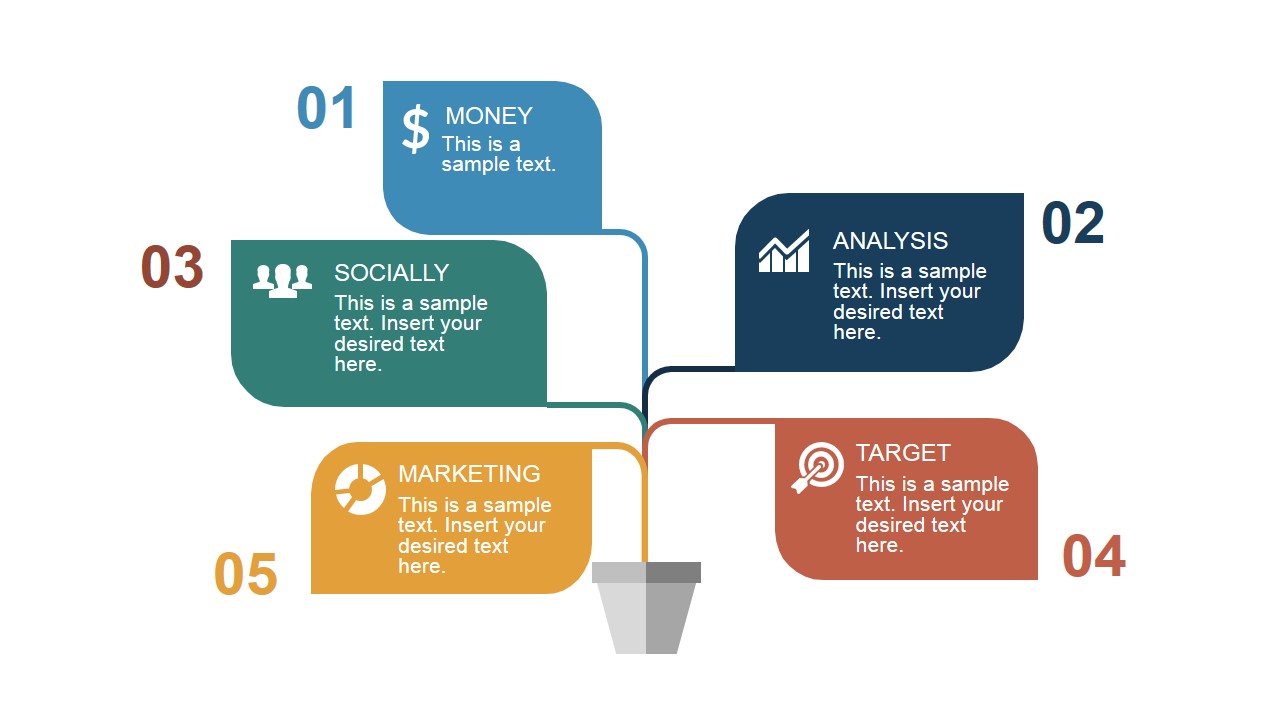
- A strategy consultant can use the five-branch tree diagram to explain how finance, analysis, market focus, people, and marketing connect to one business objective.
- A project manager can use the two-sided tree diagram to map workstream dependencies and assign short text explanations to each icon branch.
- A marketing manager can adapt the branch labels and icon sheet to present campaign inputs such as budget, audience, channel analysis, targets, and conversion goals.
- A founder can use the cover and labeled business tree to introduce the main pillars of a business model during an investor or partner discussion.
Features
- 100% editable presentation template
- Compatible with Microsoft PowerPoint and Google Slides
- 16:9 aspect ratio slides
- Scalable vector shapes, icons and illustrations
- AI-Ready for Microsoft Copilot and Claude
- Instant access and download
Frequently asked questions
Q: How should a presenter explain the tree diagram without making it feel like decoration?
A: Start by naming the trunk as the main business objective, then move branch by branch through the labeled ideas. Keep each text block to one short point and use the icons as category cues, not as extra content. This makes the tree metaphor work as a thinking structure for connected business factors.
Q: Who is this template best suited for in a business presentation?
A: This template fits presenters who need to explain a small set of related strategic factors rather than a detailed report. Consultants, project managers, founders, and marketing leads can use the five-branch and two-sided tree layouts to show how business inputs connect to a central plan, decision, or proposal.
Q: Why use a business tree metaphor instead of a standard bullet list?
A: The tree format shows relationships visually: one trunk supports several connected branches. That helps an audience understand that money, analysis, market targets, people, and marketing are part of one system. The branch layout also limits the presenter to concise points, which improves recall compared with dense bullet slides.



Business Tree Infographic for PowerPoint
4-slide presentation template with business tree diagrams, decision branches, and reusable vector icons
Business Tree Infographic for PowerPoint is a 4-slide diagram template for explaining business components through a tree metaphor. It includes a title cover, a five-branch labeled tree diagram, a two-sided text tree infographic, and a reusable business icon slide for presenters working in Microsoft PowerPoint or Google Slides.
- Category
- Shapes
- Rating


 Loading...
- Aspect ratio
- 16:9, 4:3
- Item ID
- 6892-01
- Colors
 Microsoft PowerPoint
  Microsoft Copilot
  Claude for PowerPoint
 Other formats supported
Subscribe today and get immediate
access to download our PowerPoint templates.