Slide 9 of 12 from Business Strategy Overview PowerPoint Template
Key Initiatives Slide with Timeline Slide
Key Initiatives Timeline Slide
- Diagram
- Timeline Horizontal
- Process Slide
- 16:9
- 100% Editable
The Key Initiatives Timeline slide from the Business Strategy Overview PowerPoint Template offers a clear horizontal timeline layout ideal for illustrating project milestones and strategic goals. This slide template supports business presentations by visually organizing monthly initiatives, enhancing clarity in corporate presentations and pitch decks. Its editable shapes and vector icons enable customization to fit diverse strategic planning needs within professional slide decks.
What’s on This Slide
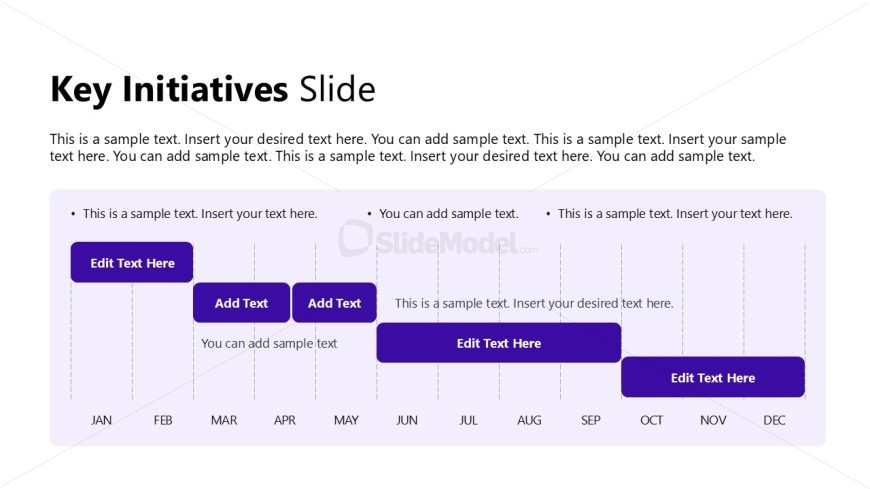
The layout features a horizontal timeline across the center. It includes several rectangular nodes aligned in a row, each representing a month from January to December. The nodes vary in size, with some larger for emphasis. Each node contains text placeholders, positioned centrally within the shapes. The background is a light color, enhancing the visibility of the dark purple nodes. There are additional text placeholders above the timeline for a title and descriptive text. The overall composition is structured to guide the viewer's eye along the timeline.
How to Use It
This layout serves as a timeline for presenting key initiatives over a year. It is suitable for showcasing project milestones or strategic goals in a business context. This slide fits well after problem identification slides, leading into discussions on strategic planning. It can be used in meetings to outline action items or initiatives planned for each month, providing a clear visual representation of timelines and responsibilities.
Text Placeholders & Capacity
Keep your copy within these limits so it fits without resizing. Body slots can hold roughly 10-12 words each.
| Placeholder | Count | Max characters (approx.) |
|---|---|---|
| Slide title | 1 | 30 |
| Body paragraph | 4 | 50 |
| Item heading | 12 | 10 |
Slide Keywords
Download unlimited PowerPoint templates, charts and graphics for your presentations with our annual plan.
DOWNLOAD