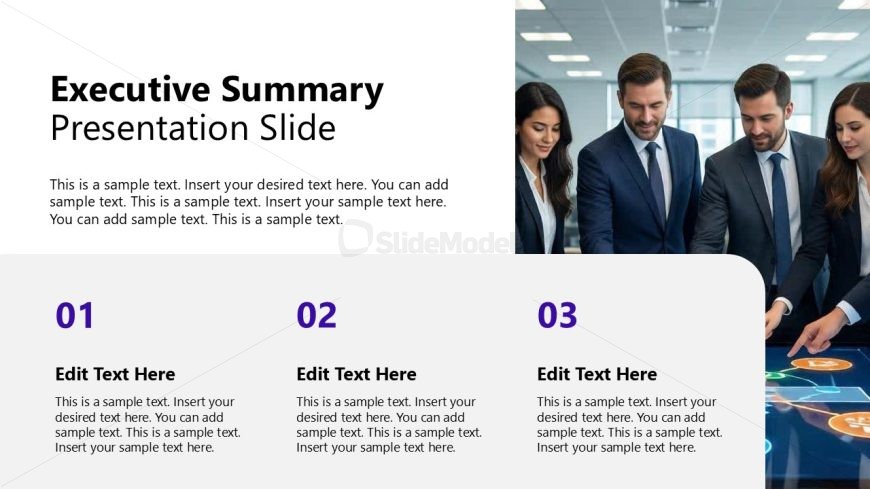
Slide 3 of 12 from Business Strategy Overview PowerPoint Template
Executive Summary PPT Template for Strategy Overview
Executive Summary Presentation Slide Overview
- Text Layout
- Other
- Context Slide
- 16:9
- 100% Editable
The Executive Summary Presentation Slide from the Business Strategy Overview PowerPoint Template offers a clear layout to summarize key points and strategic objectives. This slide template integrates editable shapes and text placeholders to highlight main themes effectively, making it suitable for corporate presentations and pitch decks that require concise communication of essential information.
What’s on This Slide
The slide features a large title at the top left labeled 'Executive Summary' in bold font, with a subtitle below it stating 'Presentation Slide.' Below the title, there is a text placeholder for body content, aligned left, allowing for multiple lines of text. The bottom section contains three equally sized rectangular nodes, each labeled with numbers 01, 02, and 03, followed by text placeholders for editing. Each node has a light background color and is visually separated by space. The right side of the slide displays an image of a group of professionals engaged in discussion, occupying the right half of the slide.
How to Use It
This layout serves as an executive summary slide, ideal for presenting key points in a concise manner. It fits well after introductory slides and before detailed content, providing a snapshot of the presentation's main themes. In business contexts, this slide is useful for summarizing strategic objectives, project highlights, or performance metrics. It can effectively communicate essential information to stakeholders, ensuring clarity and focus on major takeaways.
Text Placeholders & Capacity
Keep your copy within these limits so it fits without resizing. Body slots can accommodate approximately 40-50 words each.
| Placeholder | Count | Max characters (approx.) |
|---|---|---|
| Slide title | 1 | 40 |
| Subtitle | 1 | 40 |
| Body paragraph | 1 | 300 |
| Item heading | 3 | 20 |
| Item body | 3 | 300 |
Slide Keywords
Download unlimited PowerPoint templates, charts and graphics for your presentations with our annual plan.
DOWNLOAD