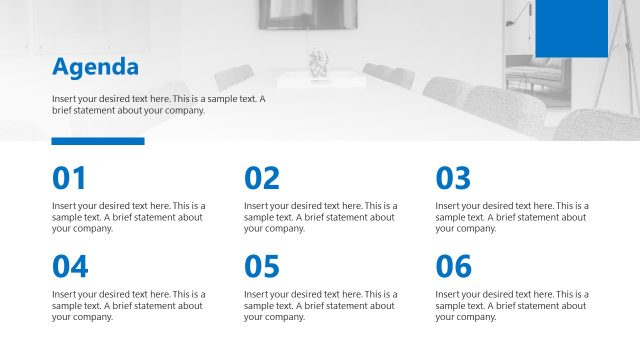
Slide 9 of 19 from Business Report Presentation Template
Placeholder Text for Business Report PPT Template
Header and Text Layout for Business Reports
- Text Layout
- Two Column Text
- Context Slide
- 16:9
- 100% Editable
The Header and Text Layout from the Business Report Presentation Template offers a clean, dual-column design ideal for presenting project updates or performance metrics. This slide layout supports clear thematic discussions by separating content into two distinct sections, enhancing readability in corporate presentations. Its editable slides feature structured text placeholders and subtle visual accents, making it a practical choice for business presentation templates focused on detailed textual content.
What’s on This Slide
The layout features two distinct sections side by side. The left section contains a header placeholder at the top, followed by a body text placeholder aligned below it. The right section mirrors this structure with its own header placeholder and body text placeholder. Each section is visually separated by a blue rectangular shape at the top and bottom. The background is predominantly white, enhancing readability. There are no charts or diagrams present, and the overall composition emphasizes textual content with ample space for detailed information.
How to Use It
This layout serves as a dual-column text presentation, ideal for comparing two sets of information or presenting related topics. It fits well in a business report sequence, particularly after an introduction or overview slide. Scenarios include presenting project updates, performance metrics, or summarizing key findings. The clear separation of sections allows for easy differentiation of content, making it suitable for side-by-side comparisons or thematic discussions.
Text Placeholders & Capacity
Keep your copy within these limits so it fits without resizing. Body slots can accommodate approximately 30-35 words each.
| Placeholder | Count | Max characters (approx.) |
|---|---|---|
| Header | 2 | 30 |
| Body paragraph | 4 | 150 |
Slide Keywords
Download unlimited PowerPoint templates, charts and graphics for your presentations with our annual plan.
DOWNLOADReturn to Business Report Presentation Template.