Slide 2 of 6 from Business Model Canvas Slide Template for PowerPoint
Customizable Business Model Canvas Template Slide
Business Model Canvas Overview Slide
- Table
- Comparison Table
- Strategic Analysis Slide
- 16:9
- 100% Editable
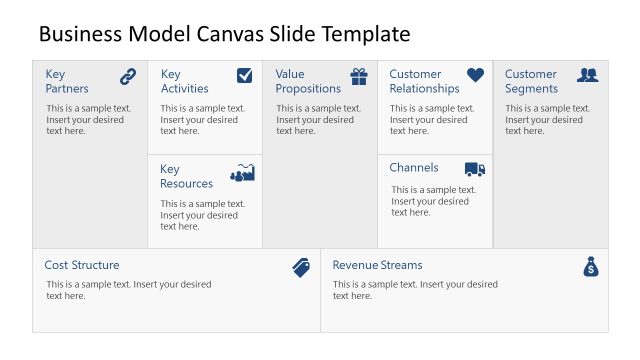
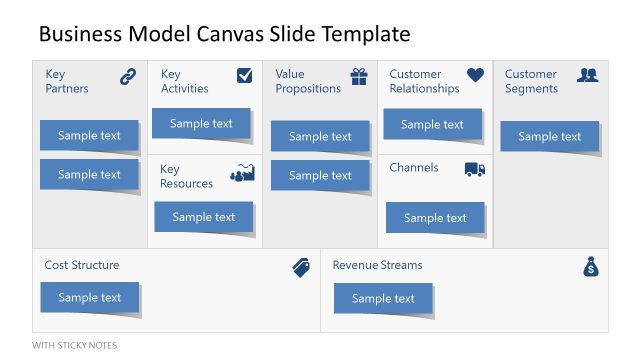
The Business Model Canvas Overview slide from the Business Model Canvas Slide Template for PowerPoint offers a structured grid layout ideal for strategic analysis in business presentations. This slide template features editable shapes and vector icons to clearly outline key business elements such as partners, activities, and revenue streams. It supports effective communication during business planning and corporate presentations by providing a clear visual framework within a professional slide deck.
What’s on This Slide
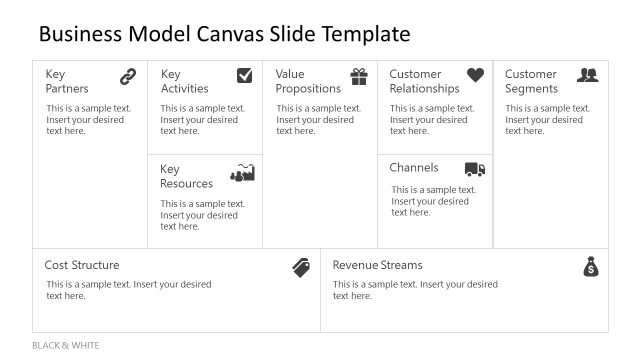
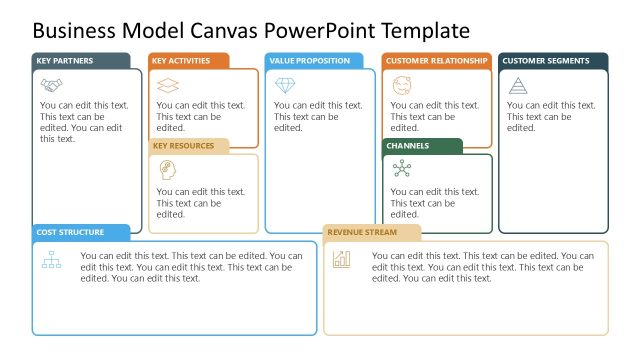
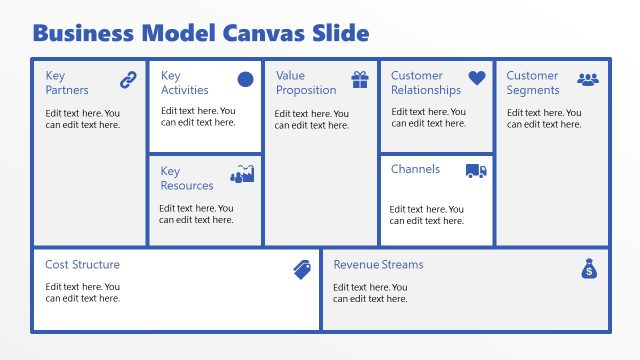
The layout consists of a grid with nine rectangular sections arranged in three rows and three columns. Each section contains a title placeholder at the top, followed by a text placeholder for content. The sections are labeled 'Key Partners,' 'Key Activities,' 'Value Propositions,' 'Customer Relationships,' 'Customer Segments,' 'Key Resources,' 'Channels,' 'Cost Structure,' and 'Revenue Streams.' Icons are present in the upper left corners of some sections. The background is a solid blue color, providing a uniform look across the slide.
How to Use It
This layout serves as a comprehensive overview of a business model, effectively summarizing key components. It fits well in a presentation sequence after introducing the business concept and before diving into detailed analysis. This structure is useful for business planning sessions, strategy meetings, or educational contexts where a visual representation of a business model is required. It allows for easy comparison and understanding of various business elements.
Text Placeholders & Capacity
Keep your copy within these limits so it fits without resizing. Node body slots can hold approximately 50 characters each.
| Placeholder | Count | Max characters (approx.) |
|---|---|---|
| Slide title | 1 | 30 |
| Item heading | 9 | 25 |
| Item body | 9 | 50 |
Slide Keywords
Download unlimited PowerPoint templates, charts and graphics for your presentations with our annual plan.
DOWNLOADReturn to Business Model Canvas Slide Template for PowerPoint.