Slide 5 of 6 from Business Model Canvas Slide Template for PowerPoint
Business Model Canvas Template Slide for PowerPoint
Business Model Canvas Overview Slide
- Diagram
- Matrix Grid
- Strategic Analysis Slide
- 16:9
- 100% Editable
What’s on This Slide
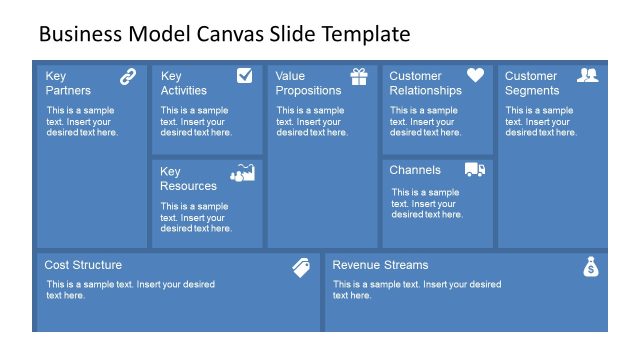
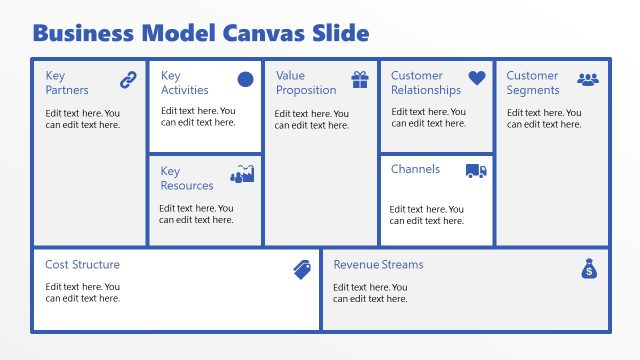
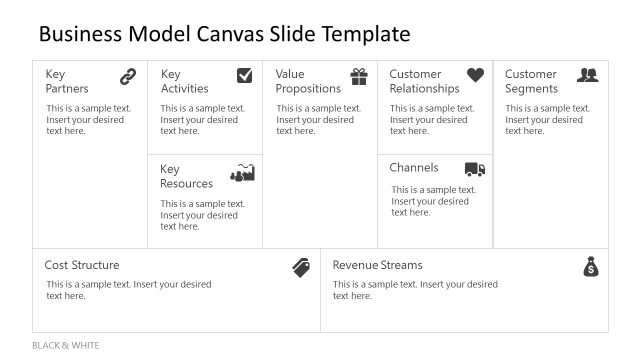
The layout consists of a grid with nine labeled sections arranged in three columns and three rows. Each section has a rounded rectangular shape with a light blue background and contains a text placeholder aligned to the center. The top row includes 'Key Partners,' 'Key Activities,' 'Value Propositions,' and 'Customer Relationships,' while the middle row features 'Key Resources,' 'Channels,' and 'Customer Segments.' The bottom row contains 'Cost Structure' and 'Revenue Streams.' The overall composition is structured, with clear visual hierarchy and defined boundaries for each section.
How to Use It
This layout serves as a comprehensive overview of a business model, ideal for presenting key components in a structured format. It fits within a presentation sequence that discusses business strategies or models. This slide is useful for workshops, strategy sessions, or business planning meetings, where stakeholders need to visualize various elements of a business model at a glance. It can also be used for educational purposes to teach business model concepts.
Text Placeholders & Capacity
Keep your copy within these limits so it fits without resizing. Node body slots can hold approximately 10 words each.
| Placeholder | Count | Max characters (approx.) |
|---|---|---|
| Item heading | 9 | 20 |
| Item body | 9 | 50 |
Slide Keywords
Download unlimited PowerPoint templates, charts and graphics for your presentations with our annual plan.
DOWNLOADReturn to Business Model Canvas Slide Template for PowerPoint.