Slide 4 of 12 from Business Lines PowerPoint Template
2-Column Slide – Pros and Cons Presentation
2-Column Slide for Business Presentations
- Text Layout
- Two Column Text
- Product Overview Slide
- 16:9
- 100% Editable
What’s on This Slide
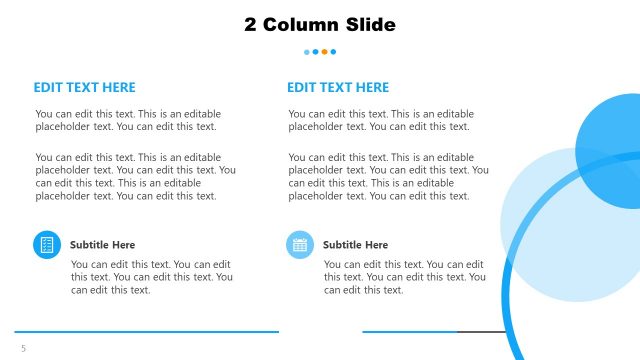
The layout features two distinct columns, with the left side labeled 'Features' and the right side labeled 'Benefits.' Each column contains a title at the top, with the left side having a circular icon above the title and the right side featuring a different circular icon. Below the titles, there are multiple text placeholders for content, aligned in a list format. The left column has bullet points, while the right column also contains bullet points. The background transitions from dark blue on the left to a gradient orange on the right, creating a clear visual separation.
How to Use It
This layout serves as a comparison tool, effectively presenting features alongside corresponding benefits. It fits well in a presentation sequence after introducing a product or service, allowing for a clear delineation of advantages. This structure is useful in business scenarios such as product launches, service overviews, or strategic presentations where highlighting key attributes and their benefits is essential.
Text Placeholders & Capacity
Keep your copy within these limits so it fits without resizing. Body slots can hold roughly 8-10 words each.
| Placeholder | Count | Max characters (approx.) |
|---|---|---|
| Slide title | 1 | 30 |
| Item heading | 2 | 20 |
| Item body | 8 | 50 |
Slide Keywords
Download unlimited PowerPoint templates, charts and graphics for your presentations with our annual plan.
DOWNLOADReturn to Business Lines PowerPoint Template.