Slide 2 of 2 from Business Globe Concept for PowerPoint
Globe Clipart PPT Slide For Business
Business Globe Concept for PowerPoint
- Media Layout
- Other
- Context Slide
- 16:9
- 100% Editable
What’s on This Slide
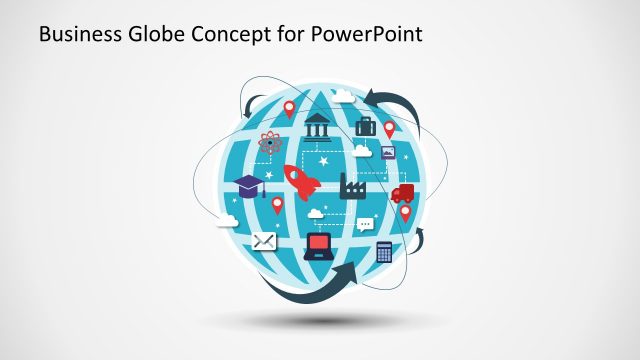
The layout features a central globe graphic filled with various icons representing business concepts. The globe is positioned slightly to the right, allowing space for text on the left. Icons include a graduation cap, factory, laptop, and various location markers, all arranged around the globe. A text placeholder is located on the left side, aligned vertically, allowing for multiple lines of text. The background is a light gradient, enhancing the visibility of the globe and icons. The overall composition is balanced, with a clear focus on the globe.
How to Use It
This layout serves as a visual representation of global business concepts or strategies. It is suitable for presentations discussing international markets, business innovation, or technology trends. The slide fits well after introductory slides, providing a transition to more detailed discussions. It can be used in contexts such as strategic planning sessions, marketing strategies, or educational presentations about global business dynamics. The layout allows for customization of text to fit specific topics or themes.
Text Placeholders & Capacity
Keep your copy within these limits so it fits without resizing. Body slot can hold about 25-30 words comfortably.
| Placeholder | Count | Max characters (approx.) |
|---|---|---|
| Body paragraph | 1 | 150 |
Slide Keywords
Download unlimited PowerPoint templates, charts and graphics for your presentations with our annual plan.
DOWNLOADReturn to Business Globe Concept for PowerPoint.