Slide 5 of 14 from Business Development PowerPoint Template
Solution Overview Business Development Presentation
Solution Overview Slide for Business Development
- Text Layout
- List Blocks
- Context Slide
- 16:9
- 100% Editable
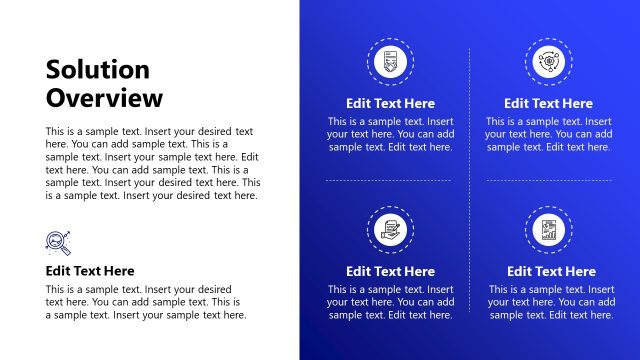
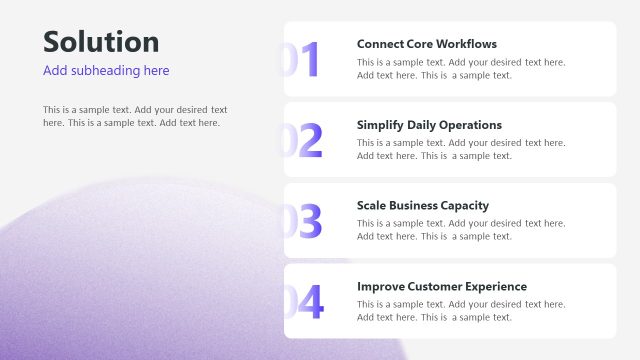
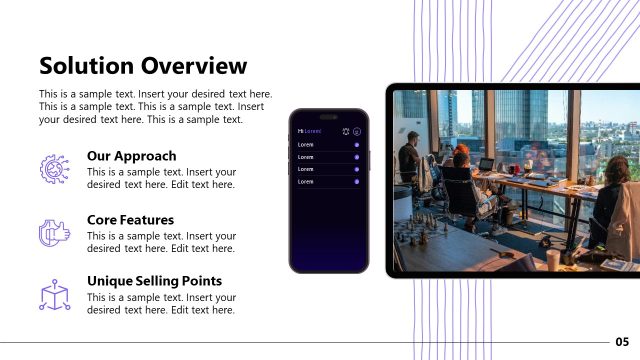
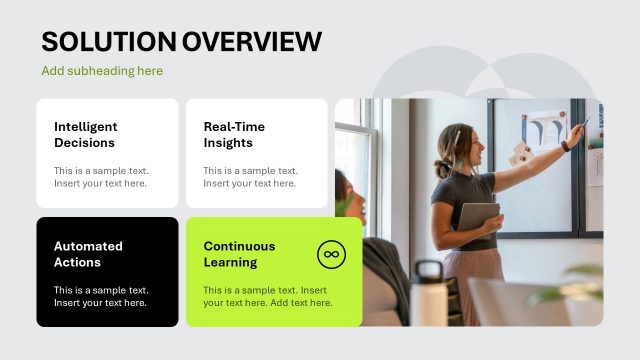
The Solution Overview slide from the Business Development PowerPoint Template offers a structured three-column layout ideal for summarizing strategic initiatives or project phases. This slide layout uses editable shapes and vector icons to clearly differentiate key business process steps, making it a practical choice for corporate presentations and business presentation slide decks.
What’s on This Slide
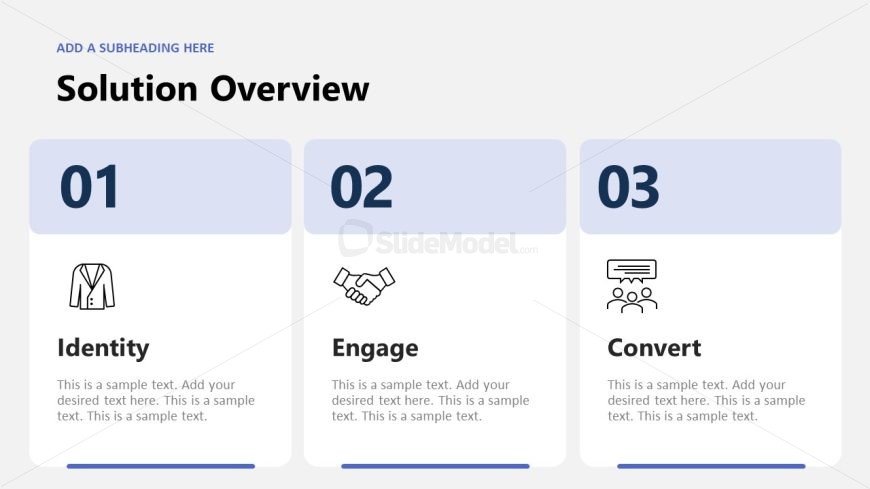
The slide features a three-column layout with a light gray background. Each column contains a numbered section, with the numbers displayed prominently at the top. The first column includes an icon of a suit, labeled 'Identity.' The second column has a handshake icon, labeled 'Engage.' The third column features a group icon, labeled 'Convert.' Below each label, there are text placeholders aligned centrally, indicating where additional information can be added. The overall composition is balanced, with equal spacing between the columns and a clear visual hierarchy.
How to Use It
This layout serves as an overview of key solutions or steps in a business process. It is suitable for presentations that outline strategic initiatives or phases in a project. Positioned after introductory content, it effectively summarizes the main points. This structure can be used in business meetings, strategy sessions, or client presentations to convey essential concepts succinctly. The three-part division allows for clear differentiation of topics, making it easy for audiences to follow.
Text Placeholders & Capacity
Keep your copy within these limits so it fits without resizing. Node body slots can accommodate roughly 15-20 words each.
| Placeholder | Count | Max characters (approx.) |
|---|---|---|
| Slide title | 1 | 30 |
| Item heading | 3 | 20 |
| Item body | 3 | 100 |
Slide Keywords
Download unlimited PowerPoint templates, charts and graphics for your presentations with our annual plan.
DOWNLOADReturn to Business Development PowerPoint Template.