Slide 10 of 14 from Business Development PowerPoint Template
Go-to-Market Strategy for Business Development
Go-to-Market Strategy Slide
- Diagram
- Comparison Split
- Strategy Slide
- 16:9
- 100% Editable
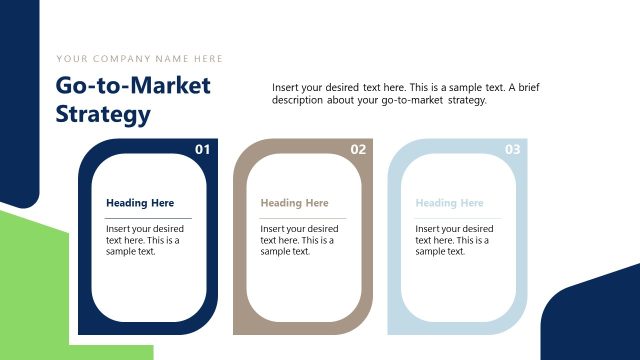
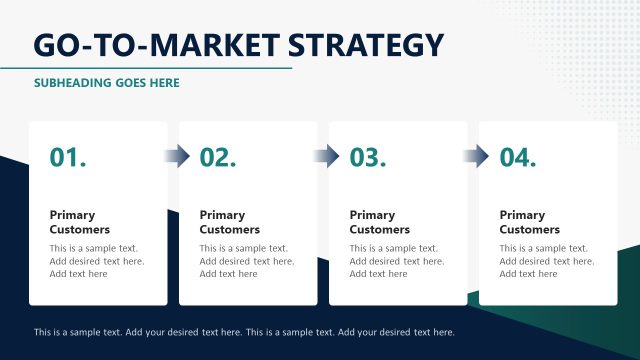
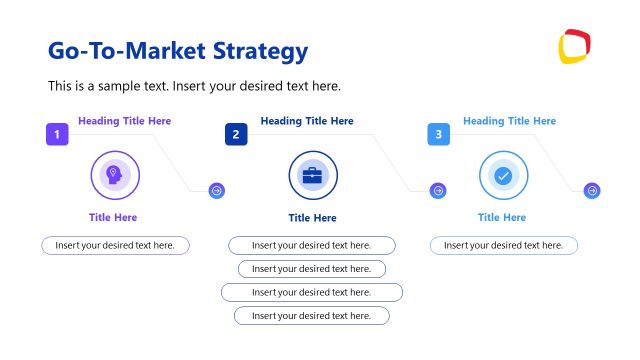
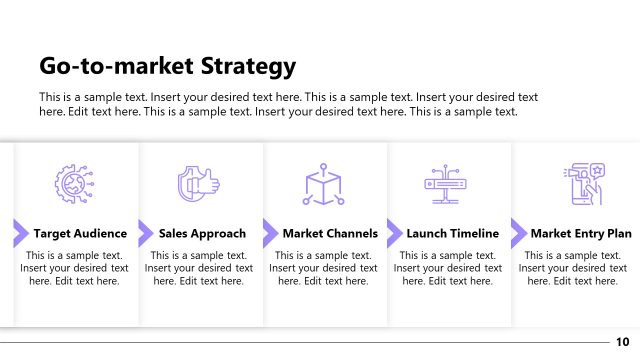
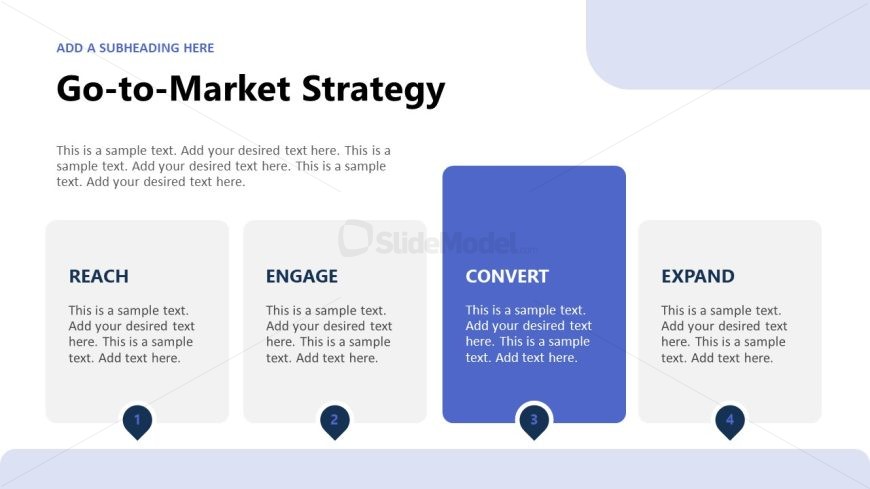
The Go-to-Market Strategy slide from the Business Development PowerPoint Template offers a clear, segmented layout ideal for illustrating marketing strategies and product launch phases. This slide template features editable shapes and vector icons to highlight key steps like Reach, Engage, Convert, and Expand, supporting effective communication in business presentations and pitch decks.
What’s on This Slide
The layout features a central title at the top, labeled 'Go-to-Market Strategy.' Below, there are four rectangular sections aligned horizontally, each containing a title and placeholder text. The sections are labeled 'REACH,' 'ENGAGE,' 'CONVERT,' and 'EXPAND,' with 'CONVERT' highlighted in a darker color. Each section has a circular icon at the bottom, numbered 1 through 4, indicating their sequence. Text placeholders are present within each section, aligned centrally, allowing for descriptive content. The background is light with a subtle gradient, enhancing visual separation.
How to Use It
This layout serves as a structured overview of a go-to-market strategy, suitable for presenting sequential phases in a business context. It fits well after introductory slides and can be used to detail strategic steps in marketing or product launches. This format is ideal for business presentations that require clear segmentation of strategy components, making it effective for stakeholders reviewing marketing plans or growth initiatives.
Text Placeholders & Capacity
Keep your copy within these limits so it fits without resizing. Node body slots can accommodate around 25-30 words each.
| Placeholder | Count | Max characters (approx.) |
|---|---|---|
| Slide title | 1 | 30 |
| Item heading | 4 | 15 |
| Item body | 4 | 150 |
Slide Keywords
Download unlimited PowerPoint templates, charts and graphics for your presentations with our annual plan.
DOWNLOADReturn to Business Development PowerPoint Template.