Slide 8 of 17 from Business Case Studies PowerPoint Template
Competitive Landscape Comparison Matrix Slide
Competitive Landscape Analysis Slide
- Table
- Comparison Table
- Competitive Landscape Slide
- 16:9
- 100% Editable
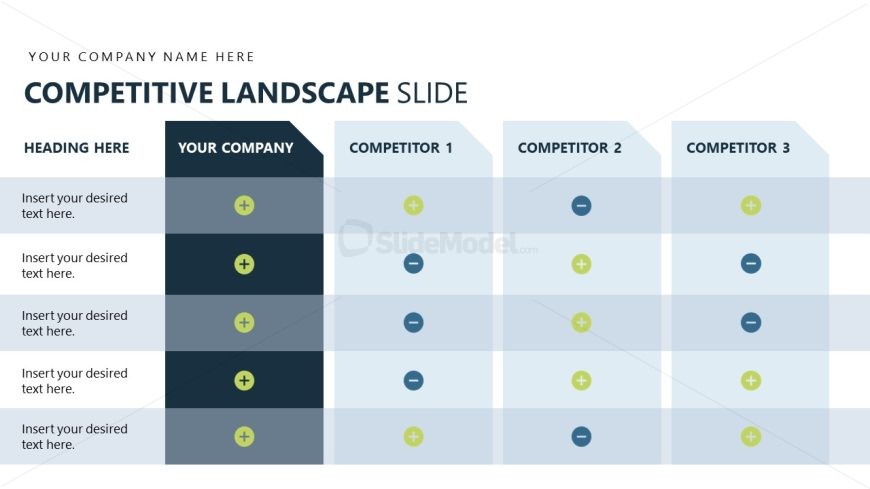
The Competitive Landscape Analysis slide from the Business Case Studies PowerPoint Template offers a structured comparison table ideal for business presentations focused on market positioning and strategy. This slide template features editable shapes and vector icons to clearly distinguish your company's strengths against competitors, making it a practical choice for corporate presentations and pitch deck templates.
What’s on This Slide
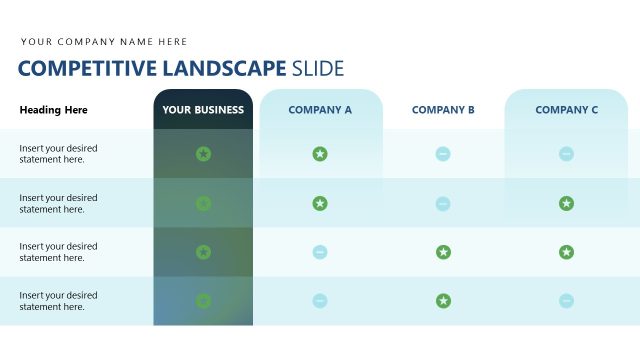
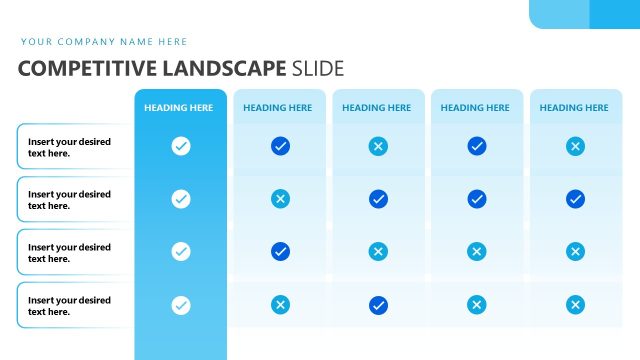
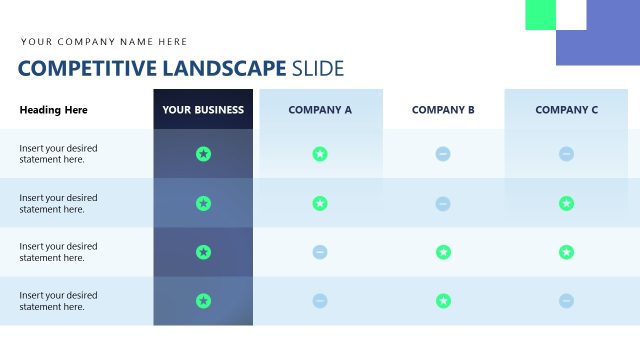
The layout features a table structure with a prominent title at the top, labeled 'COMPETITIVE LANDSCAPE SLIDE.' Below the title, there are four columns: 'YOUR COMPANY,' 'COMPETITOR 1,' 'COMPETITOR 2,' and 'COMPETITOR 3.' Each column contains rows for inserting desired text, with placeholders indicating where to add information. The first column has a dark background for emphasis, while the others have lighter backgrounds. Each row includes a circular icon, either a plus or minus sign, indicating attributes or features to compare. The overall composition is organized and clear.
How to Use It
This layout serves as a comparison table to analyze your company's position against competitors. It fits well in a business presentation, particularly after discussing market research or competitive analysis. Use it to highlight strengths and weaknesses in a side-by-side format, making it suitable for strategic discussions, investment pitches, or stakeholder meetings. The structured approach allows for easy identification of competitive advantages and gaps in the market.
Text Placeholders & Capacity
Keep your copy within these limits so it fits without resizing. Node body slots can accommodate roughly 10 words each.
| Placeholder | Count | Max characters (approx.) |
|---|---|---|
| Slide title | 1 | 30 |
| Item heading | 4 | 20 |
| Item body | 5 | 50 |
Slide Keywords
Download unlimited PowerPoint templates, charts and graphics for your presentations with our annual plan.
DOWNLOADReturn to Business Case Studies PowerPoint Template.