Business Brochure PowerPoint Template is a multi-purpose business catalog. An important source of company or product information. Use best to feature business profile, marketing products, services, and events. As well as very handy and effective approach to give businesses a winning, professional image.
Brochures are an important business tool, especially for small businesses. Companies can use them as a part of product promotion. Hence, this brochure template is adaptable. The high-quality graphics can be printed into a trifold page infographics marketing collateral. Also, its layout design is perfect for a modern brochure style.
Also, this is a theme-ready template. Users can edit the text, pictures, and the flat icons vector illustration. Fill in company information and personalize the PowerPoint by adding the company logo. Or perhaps replace the images with corporate designs or change the colors using built-in PowerPoint themes.
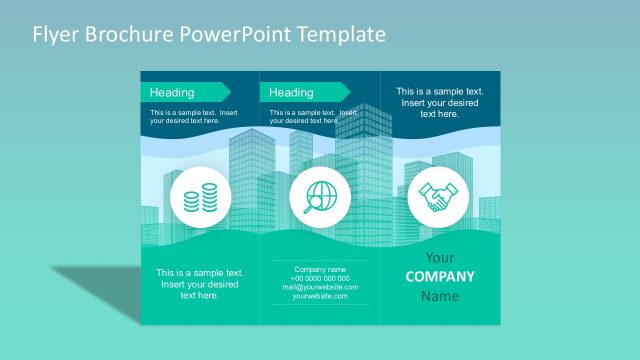
Consequently, Business Brochure PowerPoint is suitable to promote business profiles and brands. Blue themed Business Brochure is a perfect booklet template to create marketing infographic catalog. See also this cool premade layout of Flyer Brochure PowerPoint Template.
Alternatively, check the gallery for awesome collections of professional templates, graphics, layouts, and designs. Get some ideas and inspiration for presentations in PowerPoint.
What’s inside this template
Example presentation scenarios
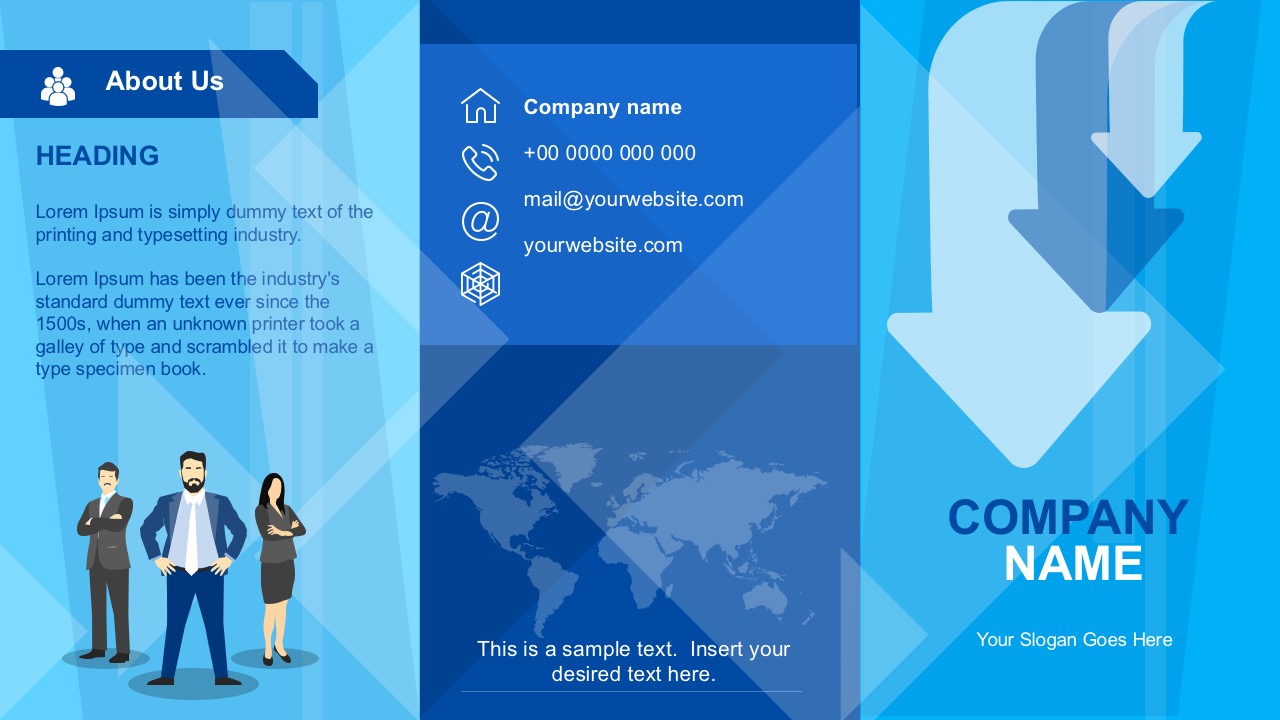
- A small business owner can introduce a company at a networking event by filling the About Us panel, contact block, and cover panel with basic brand and contact information.
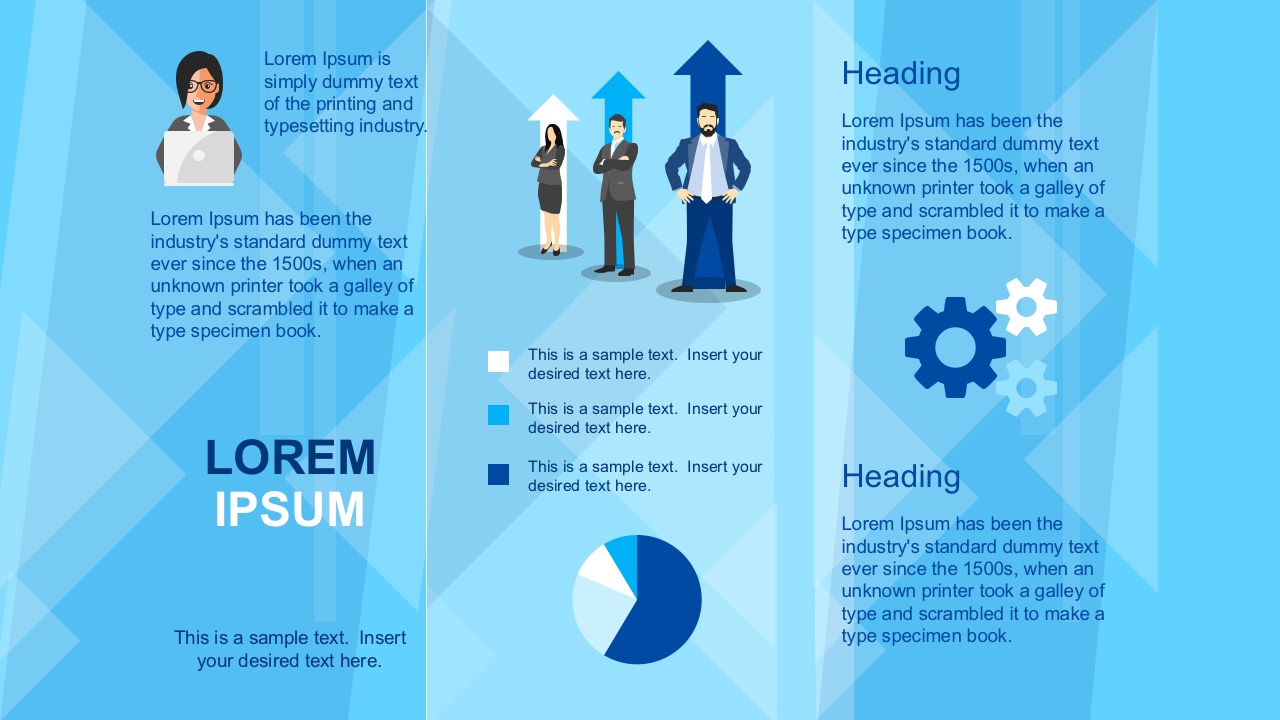
- A marketing manager can prepare a product or service flyer by replacing the placeholder text in the inner trifold panels and using the gear icons to group service details.
- A sales representative can support a first client meeting by using the growth-arrow illustration and pie chart area to explain market position, offer mix, or business priorities.
- A consultant can create a one-page leave-behind by adapting the trifold panels into a concise overview with a company description, key benefits, and contact details.
Features
- 100% editable presentation template
- Compatible with Microsoft PowerPoint and Google Slides
- 16:9 aspect ratio slides
- Scalable vector shapes, icons and illustrations
- AI-Ready for Microsoft Copilot and Claude
- Instant access and download
Frequently asked questions
Q: How should a presenter structure the message across the two brochure slides?
A: Treat Slide 1 as the outside of the brochure: cover, identity, contact details, and a short About Us message. Use Slide 2 as the reader's main content path, moving from introductory copy to proof or priorities with the pie chart, then to service details with the gear icon panels.
Q: Who is this template best suited for?
A: This template is best for small businesses, consultants, and marketing teams that need a concise company profile or promotional handout. It works well when the goal is to leave an audience with a clear contact point, a short business description, and a few organized service or product highlights.
Q: Why does the trifold layout help the brochure message?
A: The trifold format forces the content into clear zones, which helps readers scan without a presenter explaining every detail. The cover panel creates recognition, the contact panel supports follow-up, and the inner panels use icons, a pie chart, and business figures to break text into manageable visual cues.


Business Brochure PowerPoint Template
2-slide business brochure presentation template with trifold panels, contact blocks, icons, and marketing sections
Business Brochure PowerPoint Template is a 2-slide trifold brochure layout for company profiles, product information, and promotional handouts. Visible layouts include an About Us panel, contact information panel, cover panel, feature text blocks, a pie chart, gear icons, and growth-arrow business illustrations for Microsoft PowerPoint and Google Slides.
- Category
- Business PowerPoint Templates
- Rating


 Loading...
- Aspect ratio
- 16:9
- Item ID
- 7378-01
- Colors
 Microsoft PowerPoint
 Microsoft Copilot
 Claude for PowerPoint
Other formats supported
Subscribe today and get immediate
access to download our PowerPoint templates.