Slide 8 of 8 from Business Analysis Infographic Shapes
Horizontal Process Flow Timeline PPT
Business Analysis Infographic Shapes - Slide 8
- Diagram
- Arrow Sequence
- Process Slide
- 16:9
- 100% Editable
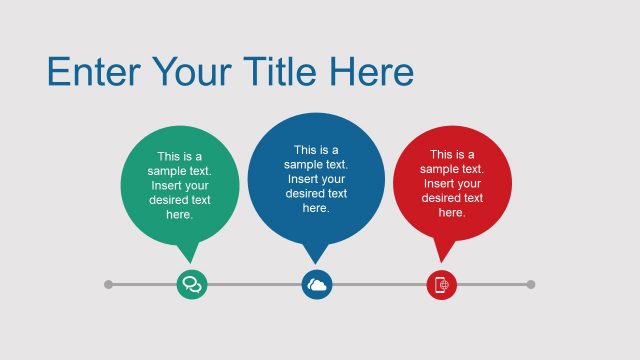
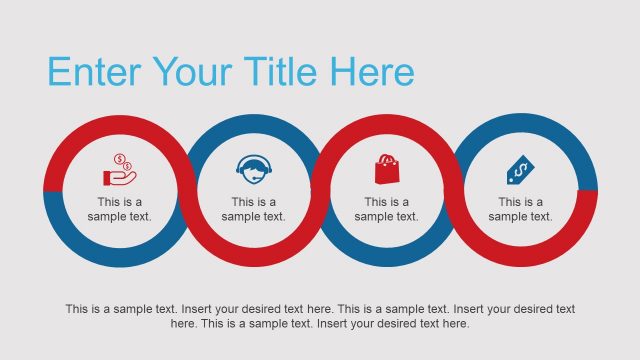
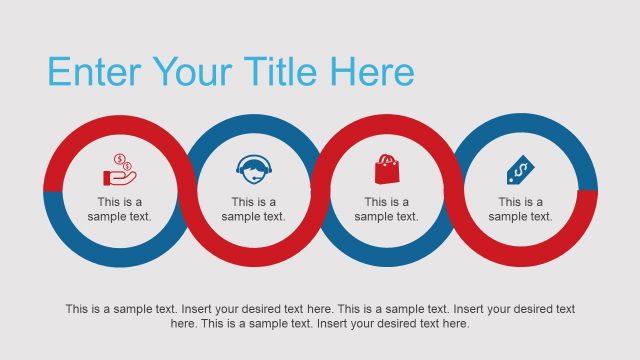
The Process Flow with Callouts slide from the Business Analysis Infographic Shapes template offers a clear visual layout for illustrating sequential stages or project updates. Featuring three distinct circular callouts connected by a horizontal line, this slide layout is ideal for corporate presentations requiring concise process explanations. Its editable shapes and vector icons enhance customization, making it a practical choice within business presentation slide decks and pitch deck templates.
What’s on This Slide
The layout features three circular callouts aligned horizontally across the center. Each callout is a different color: green, blue, and red, with a corresponding icon at the bottom of each. The callouts contain text placeholders for titles and body text, centrally aligned within each circle. Below the callouts is a horizontal line that connects them, with small circular nodes at each end. The background is a light gray, providing contrast to the colored callouts and enhancing visibility. The title placeholder is positioned at the top center of the slide.
How to Use It
This layout serves as a process flow diagram, suitable for illustrating sequential steps or stages in a business analysis context. It fits well at the conclusion of a presentation to summarize key points or actions. This structure is effective for scenarios such as project updates, process explanations, or lifecycle stages. It can be used to highlight important milestones or decisions in a clear, visually engaging manner, making it ideal for business meetings or reports.
Text Placeholders & Capacity
Keep your copy within these limits so it fits without resizing. Node body slots can hold about 10 words each.
| Placeholder | Count | Max characters (approx.) |
|---|---|---|
| Slide title | 1 | 30 |
| Item body | 3 | 50 |
Slide Keywords
Download unlimited PowerPoint templates, charts and graphics for your presentations with our annual plan.
DOWNLOADReturn to Business Analysis Infographic Shapes.