Slide 4 of 4 from Brianna Relaxing In Office PowerPoint Character
Brianna Character Illustration for PowerPoint Presentation
Character Clipart Usage Instructions for Presentations
- Text Layout
- Other
- Process Slide
- 16:9
- 100% Editable
The Character Clipart Usage Instructions slide from the Brianna Relaxing In Office PowerPoint Character template offers a clear process guide on integrating cartoon characters into presentations. Designed for training presentations and design workshops, this slide uses editable shapes and vector icons to demonstrate how to copy, ungroup, and customize clipart effectively within slide templates.
What’s on This Slide
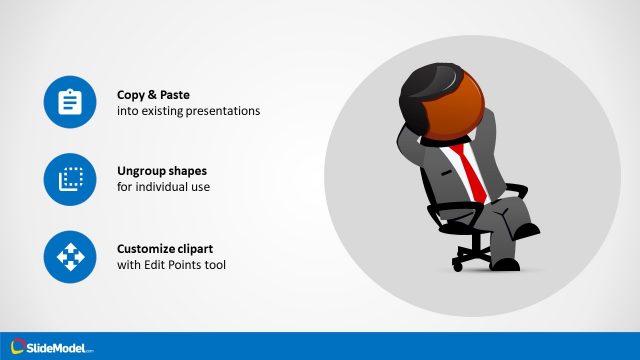
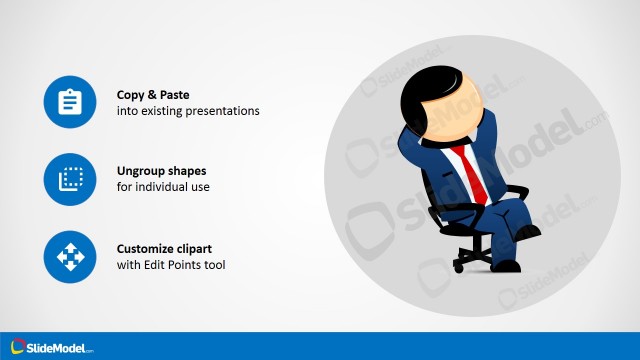
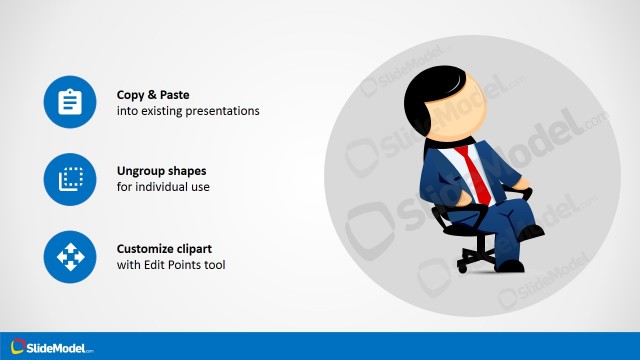
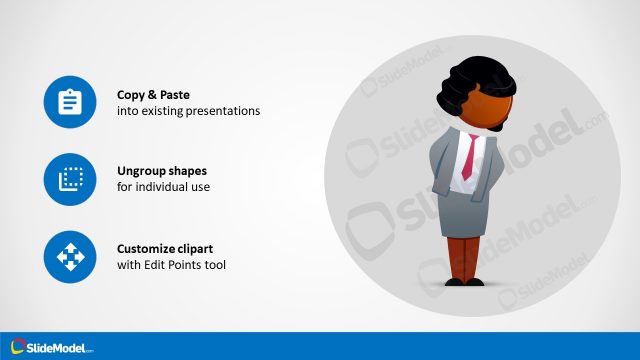
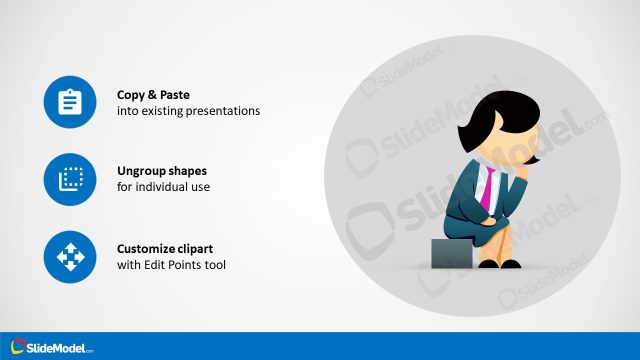
The slide features a cartoon character seated in an office chair, positioned centrally. To the left, three blue circular icons are arranged vertically, each containing a white symbol: a clipboard, a rectangle with a dashed border, and a four-pointed arrow. Below the icons, corresponding text instructions are aligned left, detailing actions like copying, ungrouping shapes, and customizing clipart. The background is a light gradient, enhancing the visibility of the character and icons. The overall layout is clean, emphasizing the character and actionable steps.
How to Use It
This layout serves as a guide for utilizing character clipart within presentations. It fits at the conclusion of a series, providing practical tips for users. Suitable for training sessions or workshops, it helps users understand how to integrate cartoon characters into their own slides effectively. The clear instructions and visual aids support comprehension, making it ideal for instructional contexts or design tutorials.
Text Placeholders & Capacity
Keep your copy within these limits so it fits without resizing. Body slots can hold about 6-8 words each.
| Placeholder | Count | Max characters (approx.) |
|---|---|---|
| Body paragraph | 3 | 40 |
Slide Keywords
Download unlimited PowerPoint templates, charts and graphics for your presentations with our annual plan.
DOWNLOAD