Slide 4 of 4 from Brianna Looking Up PowerPoint Character
Brianna Cartoon Editable PowerPoint Picture
Brianna Character Clipart Usage Instructions
- Text Layout
- Bullet List
- Process Slide
- 16:9
- 100% Editable
The Character Clipart Usage Instructions slide from the Brianna Looking Up PowerPoint Character template offers clear guidance on integrating and customizing clipart within slide decks. Designed for training materials and presentation design workshops, this slide layout features editable shapes and vector icons to demonstrate key actions for manipulating character graphics in business presentations or pitch deck templates.
What’s on This Slide
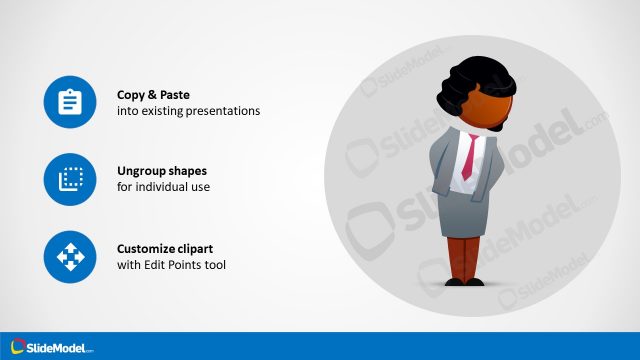
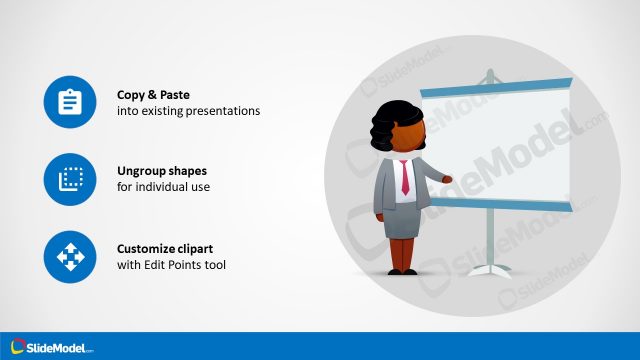
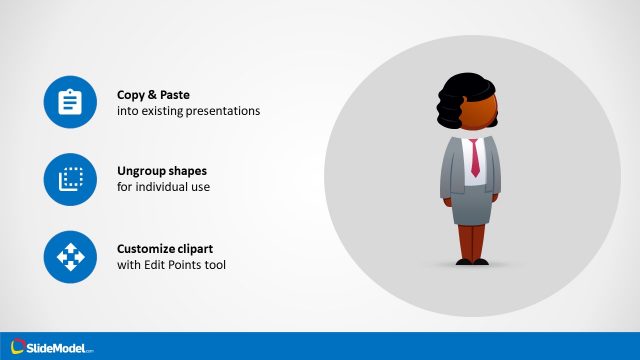
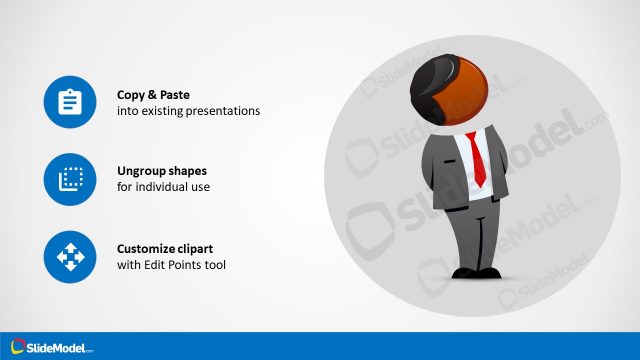
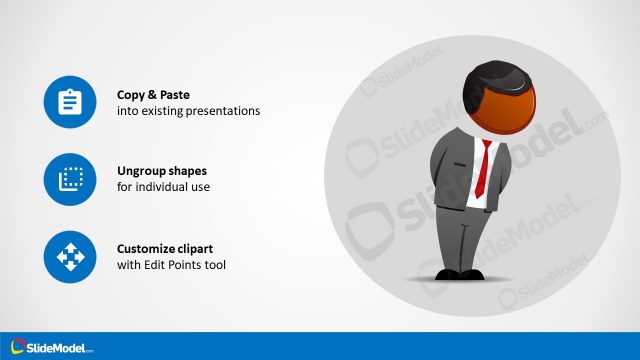
The slide features a central cartoon character looking up, positioned slightly to the right. To the left, there are three circular icons, each containing a different action: a clipboard, a square with a dotted outline, and a four-point arrow. Each icon is accompanied by a text description below it, aligned left. The background is a light gradient, transitioning from white to a soft gray. The bottom of the slide has a blue band, creating a clear boundary. Text placeholders exist for the title and descriptions, maintaining a structured visual hierarchy.
How to Use It
This layout serves as an instructional guide for using clipart in presentations. It fits well at the end of a presentation sequence, summarizing key actions for users. Suitable for scenarios where visual assets need to be integrated into existing materials, this layout helps clarify how to manipulate clipart effectively. It can be used in training sessions or workshops focused on presentation design, ensuring users understand the customization options available for character graphics.
Text Placeholders & Capacity
Keep your copy within these limits so it fits without resizing. Node labels can accommodate roughly 5-6 words each.
| Placeholder | Count | Max characters (approx.) |
|---|---|---|
| Item heading | 3 | 30 |
| Slide title | 1 | 50 |
Slide Keywords
Download unlimited PowerPoint templates, charts and graphics for your presentations with our annual plan.
DOWNLOADReturn to Brianna Looking Up PowerPoint Character.