Slide 4 of 4 from Brianna Female Cartoon VR Headset Clipart for PowerPoint
VR Headset of Brianna PowerPoint
Clipart Usage Instructions for Presentations
- Text Layout
- Other
- Process Slide
- 16:9
- 100% Editable
What’s on This Slide
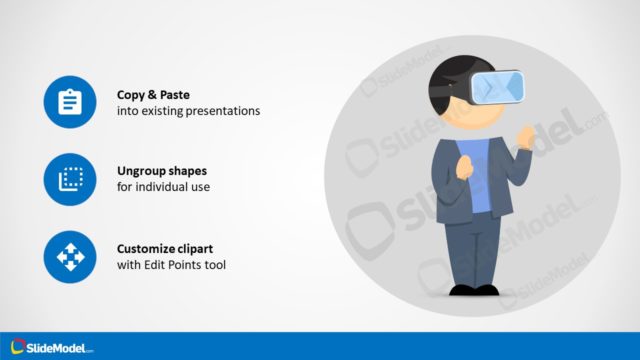
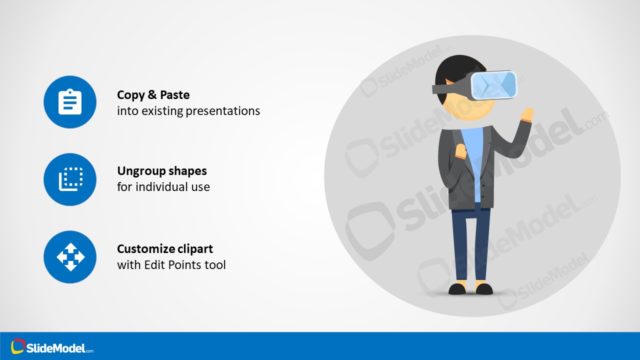
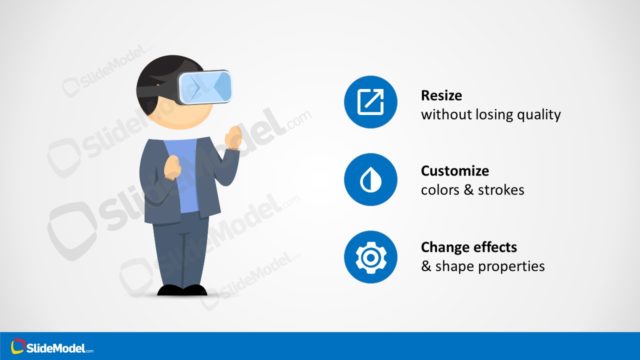
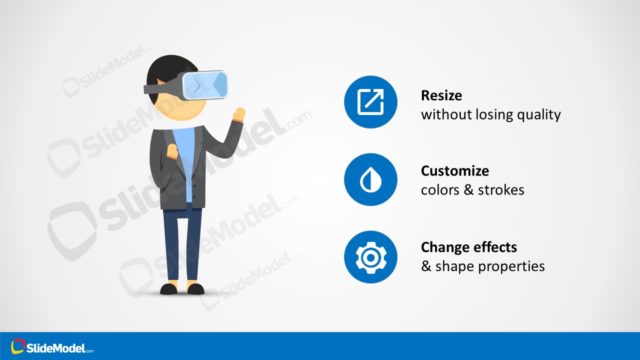
The layout features a central cartoon character wearing a VR headset, positioned to the right. To the left, three circular icons are arranged vertically, each with accompanying text below. The icons represent actions: copy and paste, ungroup shapes, and customize clipart. The background is light with a blue bottom section, creating a clear visual separation. The character is larger than the icons, emphasizing its importance. Text placeholders exist for the icon labels and instructions, aligned centrally beneath each icon, maintaining a balanced composition.
How to Use It
This layout serves as a guide for utilizing clipart in presentations. It fits well at the end of a presentation, summarizing key actions for incorporating visual elements. Ideal for scenarios where users need clear instructions on modifying clipart assets, such as in design or educational contexts. This slide can be used individually to provide quick reference points for users unfamiliar with the clipart features.
Text Placeholders & Capacity
Keep your copy within these limits so it fits without resizing. Node labels can hold about 3-4 words each, while node bodies can accommodate roughly 10-12 words each.
| Placeholder | Count | Max characters (approx.) |
|---|---|---|
| Item heading | 3 | 20 |
| Item body | 3 | 50 |
Slide Keywords
Download unlimited PowerPoint templates, charts and graphics for your presentations with our annual plan.
DOWNLOADReturn to Brianna Female Cartoon VR Headset Clipart for PowerPoint.