Slide 6 of 14 from Brand Management PowerPoint Template
Brand Management Strategy PowerPoint
Section Break Slide for Presentations
- Text Layout
- Single Statement
- Section Divider Slide
- 16:9
- 100% Editable
What’s on This Slide
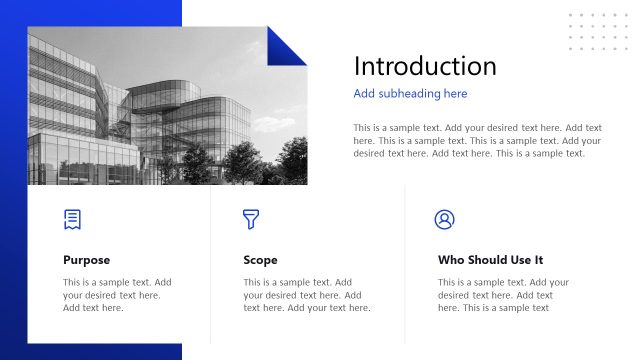
The layout features a large rectangular area on the right side for text, with a bold title positioned at the top. Below the title, there is a smaller text placeholder for a subtitle. The left side displays a background image of modern buildings, which occupies the entire left half of the slide. The overall composition is divided into two distinct sections: a visual area and a text area. The background is primarily light with a subtle texture, while the text area has a solid white background, creating a clear visual hierarchy.
How to Use It
This layout serves as a section break within a presentation, allowing for a clear transition between topics. It fits well after a series of slides discussing a specific theme and before introducing a new one. This structure is useful in business presentations to signal a change in focus, such as moving from brand strategy to brand execution. It can also be used in educational contexts to separate different modules or chapters.
Text Placeholders & Capacity
Keep your copy within these limits so it fits without resizing. Title slots can hold about 5-7 words each, while subtitle slots can accommodate around 10-12 words.
| Placeholder | Count | Max characters (approx.) |
|---|---|---|
| Slide title | 1 | 30 |
| Subtitle | 1 | 50 |
Slide Keywords
Download unlimited PowerPoint templates, charts and graphics for your presentations with our annual plan.
DOWNLOADReturn to Brand Management PowerPoint Template.