Slide 9 of 13 from Brand Identity PowerPoint Template
Typeface Visualization – Brand Identity Template
Typeface Overview Slide for Brand Identity
- Text Layout
- Other
- Context Slide
- 16:9
- 100% Editable
The Typeface Overview slide from the Brand Identity PowerPoint Template offers a clear comparison of primary and secondary fonts, ideal for design presentations and corporate branding discussions. This slide layout supports the presentation of font choices with editable shapes and text placeholders, making it a practical addition to any business presentation or pitch deck template focused on visual identity.
What’s on This Slide
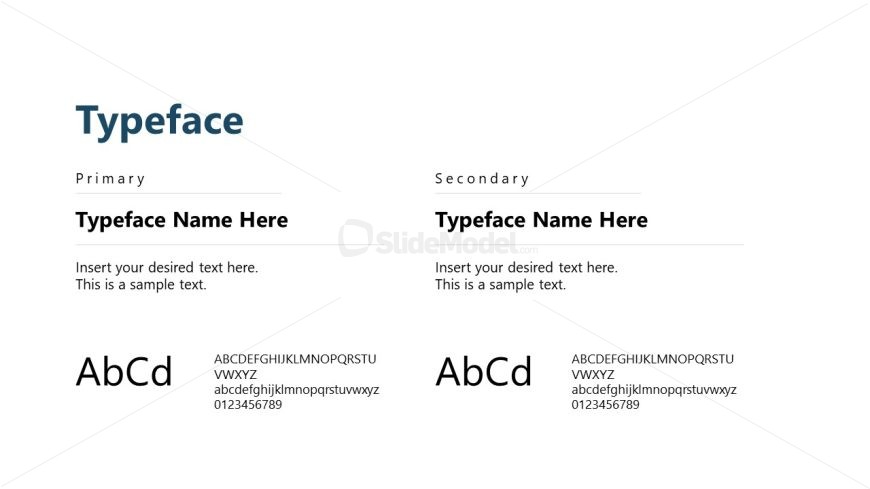
The slide features a two-column layout with the title 'Typeface' centered at the top. The left column contains a section labeled 'Primary' with a placeholder for a typeface name, followed by a sample text area. Below, there is a visual representation of the typeface in uppercase and lowercase letters along with numbers. The right column mirrors this structure for the 'Secondary' typeface, including its name and sample text. Text placeholders are aligned consistently, creating a balanced visual hierarchy. The background is light, enhancing readability.
How to Use It
This layout serves as a typeface comparison, suitable for showcasing primary and secondary fonts in branding. It fits well in a presentation sequence following brand identity elements, such as logo or color guides. This slide is useful for design teams or marketing presentations where font choices are discussed. It can also be used in workshops focused on brand development or visual identity.
Text Placeholders & Capacity
Keep your copy within these limits so it fits without resizing. Node body slots can hold approximately 50-100 characters each.
| Placeholder | Count | Max characters (approx.) |
|---|---|---|
| Slide title | 1 | 30 |
| Item heading | 2 | 20 |
| Item body | 2 | 100 |
| Item body | 2 | 50 |
Slide Keywords
Download unlimited PowerPoint templates, charts and graphics for your presentations with our annual plan.
DOWNLOADReturn to Brand Identity PowerPoint Template.