Slide 6 of 13 from Brand Identity PowerPoint Template
Customizable Color Guide Slide – Brand Identity Template
Color Guide for Brand Identity Presentation
- Text Layout
- Other
- Context Slide
- 16:9
- 100% Editable
The Color Guide slide from the Brand Identity PowerPoint Template offers a clear layout to present brand color schemes effectively. This slide template is designed for corporate presentations and marketing materials, featuring editable shapes and color-coded sections for primary, secondary, and neutral colors. It supports consistent branding by providing a structured format to communicate design guidelines within a business presentation or pitch deck template.
What’s on This Slide
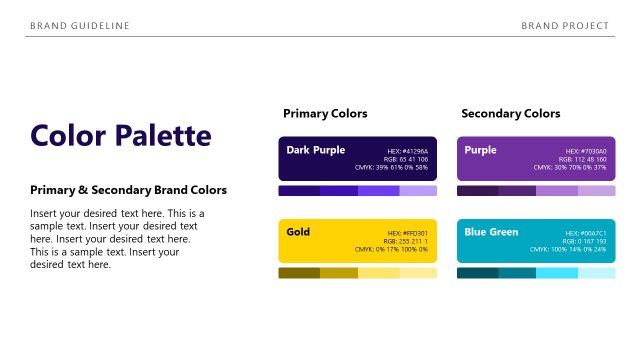
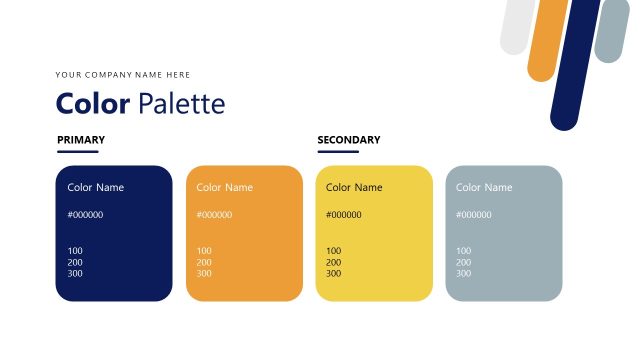
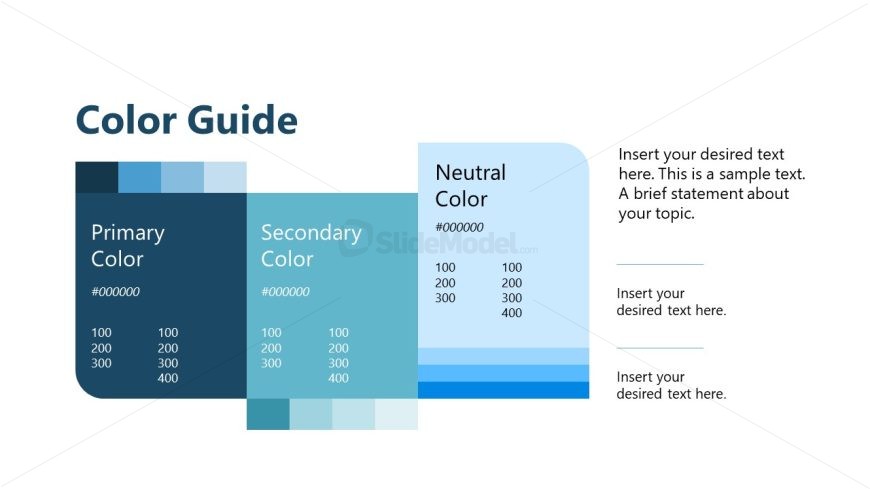
The layout features three distinct sections aligned horizontally. The leftmost section is labeled 'Primary Color' with a dark blue background and contains a color code. The middle section, titled 'Secondary Color,' has a light blue background and displays another color code. The rightmost section is labeled 'Neutral Color' with a soft blue background, also containing a color code. Each section includes placeholder text for additional information, positioned below the color codes. The overall composition is clean, with a clear visual hierarchy emphasizing the color categories.
How to Use It
This layout serves as a color guide, ideal for presenting brand color schemes. It fits within a presentation focused on brand identity, typically following introductory slides. This structure is useful for businesses to communicate their color palette effectively, ensuring consistency in branding. It can be employed in marketing materials, design guidelines, and branding workshops to illustrate color choices and their applications.
Text Placeholders & Capacity
Keep your copy within these limits so it fits without resizing. Body slots can hold roughly 10-15 words each.
| Placeholder | Count | Max characters (approx.) |
|---|---|---|
| Slide title | 1 | 30 |
| Item heading | 3 | 20 |
| Item body | 3 | 50 |
| Body paragraph | 3 | 100 |
Slide Keywords
Download unlimited PowerPoint templates, charts and graphics for your presentations with our annual plan.
DOWNLOADReturn to Brand Identity PowerPoint Template.