Slide 11 of 11 from Brainstorming & Creativity Session PowerPoint Template
Closing and Next Steps for Brainstorming Sessions Template Slide
Next Steps: Feedback & Closing Slide
- Diagram
- Other
- Closing Slide
- 16:9
- 100% Editable
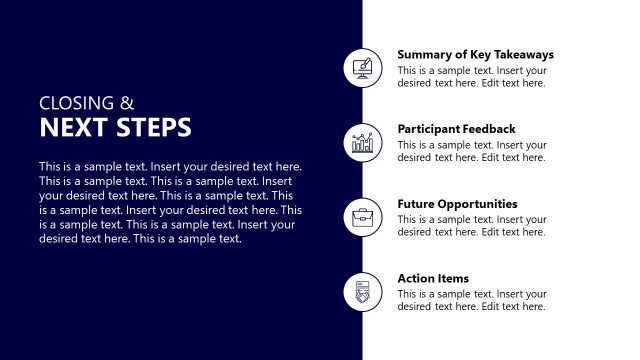
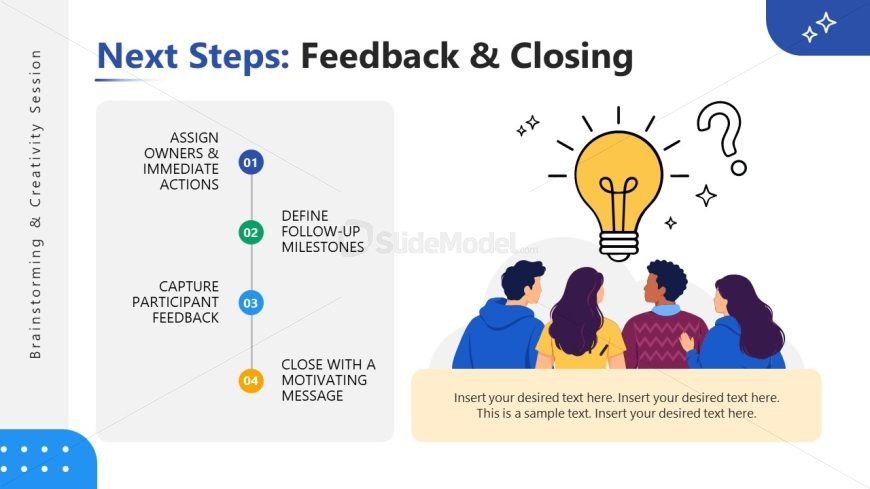
The Next Steps: Feedback & Closing slide from the Brainstorming & Creativity Session PowerPoint Template offers a clear, organized layout ideal for summarizing project wrap-ups and team meeting conclusions. This slide template features editable shapes and vector icons to visually emphasize follow-up actions, making it suitable for business presentations and slide decks that require a professional closing. Its design supports effective communication of key takeaways and encourages audience engagement in corporate presentations or workshops.
What’s on This Slide
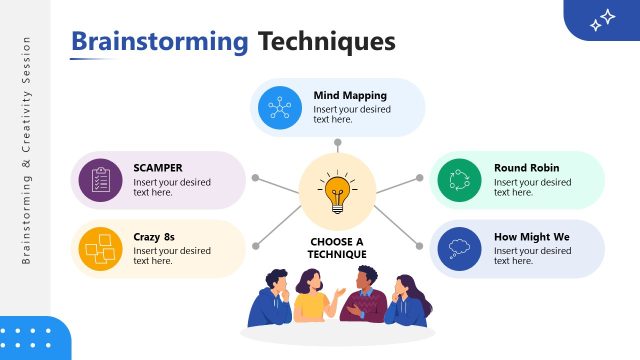
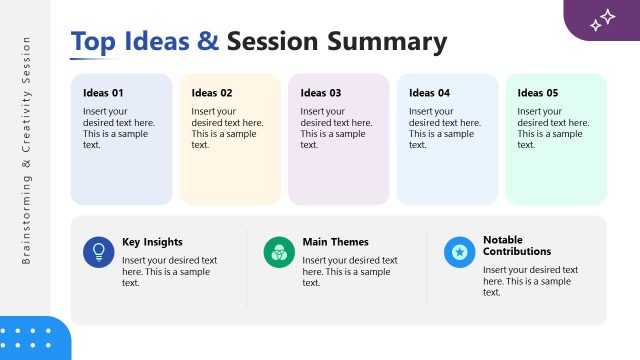
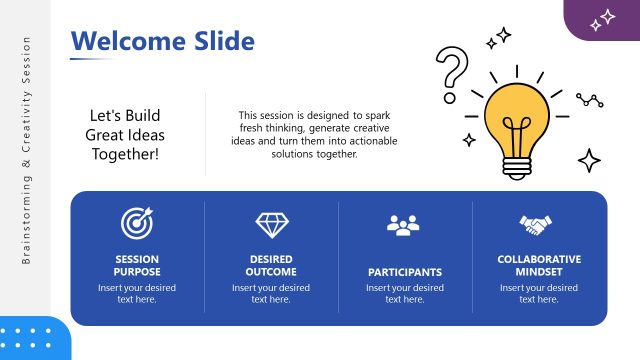
The layout features a vertical list on the left side, with four numbered steps arranged in a column. Each step has a corresponding label, with the first step at the top and the last at the bottom. The numbers are in colored circles, enhancing visual hierarchy. To the right, there is an illustration of four people facing a light bulb, symbolizing ideas. A text placeholder is positioned at the bottom, designed for additional content. The background is light with a subtle gradient, and the overall composition is balanced and organized.
How to Use It
This layout serves as a concluding slide to summarize action items and next steps in a brainstorming session. It effectively communicates follow-up actions and encourages participant engagement. Ideal for closing presentations, it can be used in various business contexts, such as project wrap-ups, team meetings, or workshops. This slide fits well at the end of a presentation, reinforcing key takeaways and motivating the audience to act on discussed ideas.
Text Placeholders & Capacity
Keep your copy within these limits so it fits without resizing. Body slots can hold about 30-40 words each.
| Placeholder | Count | Max characters (approx.) |
|---|---|---|
| Slide title | 1 | 40 |
| Item heading | 4 | 50 |
| Node number | 4 | 2 |
| Body paragraph | 1 | 200 |
Slide Keywords
Download unlimited PowerPoint templates, charts and graphics for your presentations with our annual plan.
DOWNLOADReturn to Brainstorming & Creativity Session PowerPoint Template.