Slide 2 of 5 from Brain Ideas Concept PowerPoint Shapes
Gears Design for Ideas Concept in PowerPoint
Brainstorming Concept with Gears for Presentations
- Diagram
- Other
- Concept Explanation Slide
- 16:9
- 100% Editable
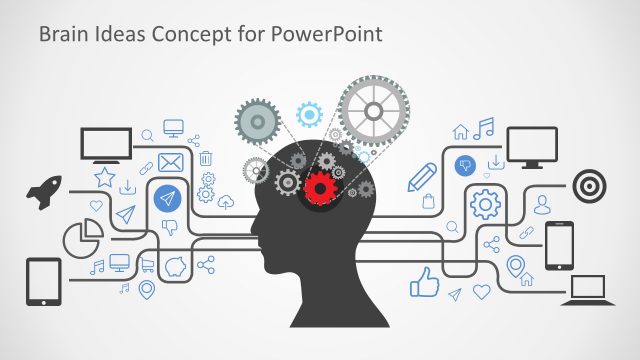
The Brainstorming Concept with Gears slide from the Brain Ideas Concept PowerPoint Shapes template offers a clear visual for illustrating idea generation and creative workflows. This slide layout, featuring editable shapes and vector icons, supports strategic planning and team meetings by mapping the flow of ideas from a central source to various digital platforms. It integrates well into business presentations and pitch deck templates focused on innovation and collaborative brainstorming sessions.
What’s on This Slide
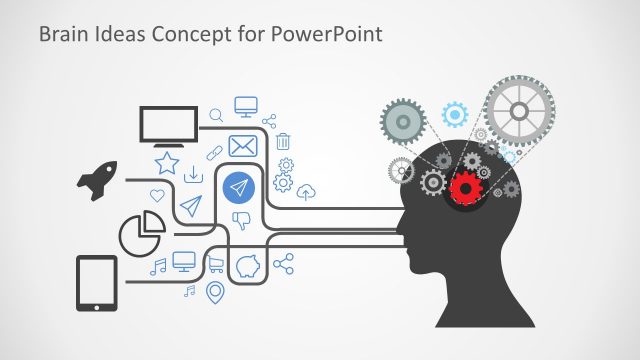
The layout features a silhouette of a head on the left, filled with gears and icons representing ideas. Gears are positioned at the top and sides of the head, with a prominent red gear at the center. Flowing from the head are multiple lines connecting to various icons on the right, including a computer, smartphone, and social media symbols. The background is light gray, enhancing the visibility of the black head and colorful icons. Text placeholders are located at the top for the title, aligned centrally.
How to Use It
This layout serves as a visual representation of brainstorming or idea generation processes. It fits well in presentations discussing innovation, creativity, or strategic planning. Ideal scenarios include workshops, team meetings, or project kick-offs where generating ideas is crucial. The layout can also be used to illustrate the flow of ideas from a central source to various applications or outcomes, making it suitable for educational or corporate environments.
Text Placeholders & Capacity
Keep your copy within these limits so it fits without resizing. Title slot can hold about 6-8 words comfortably.
| Placeholder | Count | Max characters (approx.) |
|---|---|---|
| Slide title | 1 | 40 |
Slide Keywords
Download unlimited PowerPoint templates, charts and graphics for your presentations with our annual plan.
DOWNLOADReturn to Brain Ideas Concept PowerPoint Shapes.