Slide 5 of 5 from Brain Ideas Concept PowerPoint Shapes
Editable Infographic Icons for Brain Ideas Concept
Useful Icons Collection for Presentations
- Media Layout
- Other
- Resource Plan Slide
- 16:9
- 100% Editable
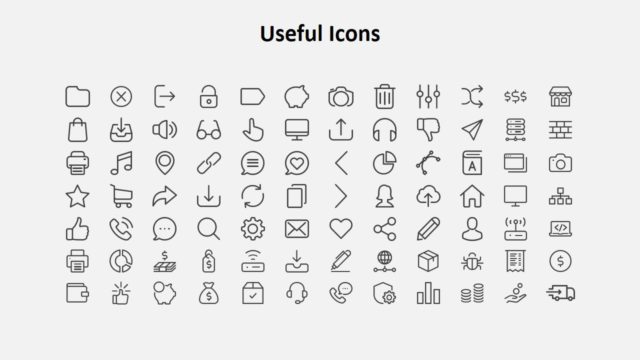
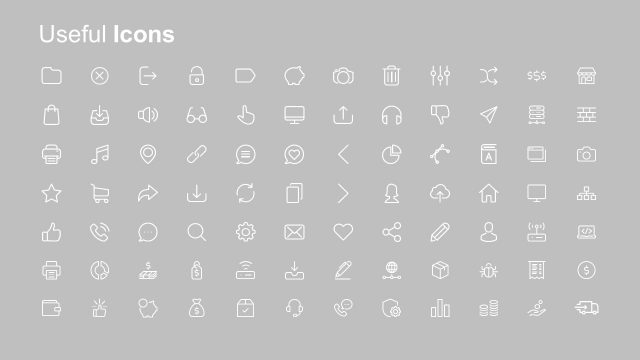
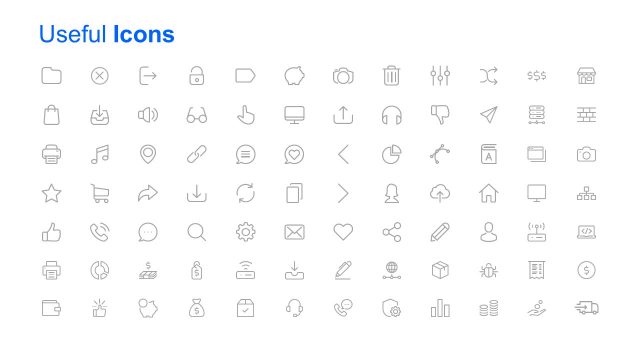
The Icon Collection Display slide from the Brain Ideas Concept PowerPoint Shapes template offers a structured grid of minimalist icons ideal for design brainstorming and visual resource selection. This layout supports business presentations by providing a clear overview of editable shapes and vector icons, enhancing the effectiveness of slide decks and pitch deck templates. Its dark background and evenly spaced icons facilitate easy comparison, making it a practical addition to any corporate presentation or Google Slides template focused on icon usage.
What’s on This Slide
The slide features a grid layout displaying a collection of icons. There are four rows and five columns of icons, each represented in a minimalist line style. The icons include various symbols such as a download arrow, shopping cart, envelope, thumbs down, and more. The background is dark, providing contrast to the light-colored icons. A title at the top reads 'Useful icons,' indicating the purpose of the slide. Each icon is evenly spaced, creating a structured appearance, enhancing visual clarity.
How to Use It
This layout serves as a visual reference for a collection of icons, suitable for use in various presentation contexts. It can be utilized in brainstorming sessions, design discussions, or as a resource for selecting icons for future slides. The grid format allows for easy comparison and selection of icons. This slide fits well at the end of a presentation, summarizing available resources or tools. It can also be used individually to highlight available icon options for specific projects.
Text Placeholders & Capacity
Keep your copy within these limits so it fits without resizing. The title slot is tight, roughly 4 words each.
| Placeholder | Count | Max characters (approx.) |
|---|---|---|
| Slide title | 1 | 20 |
Slide Keywords
Download unlimited PowerPoint templates, charts and graphics for your presentations with our annual plan.
DOWNLOADReturn to Brain Ideas Concept PowerPoint Shapes.