Slide 3 of 3 from 7-Step Circular Twirl Diagram PowerPoint Template
Useful Clipart Icons in PowerPoint
Useful Icons for Presentations
- Media Layout
- Image Grid
- Context Slide
- 16:9
- 100% Editable
What’s on This Slide
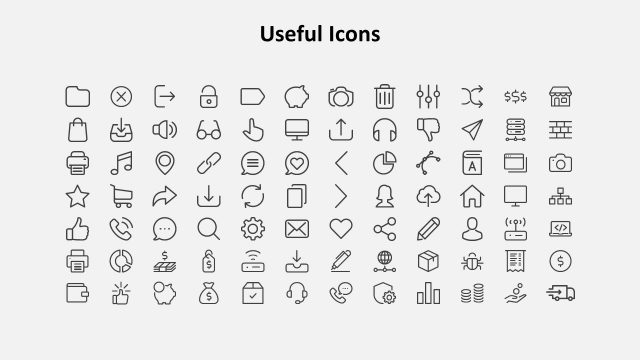
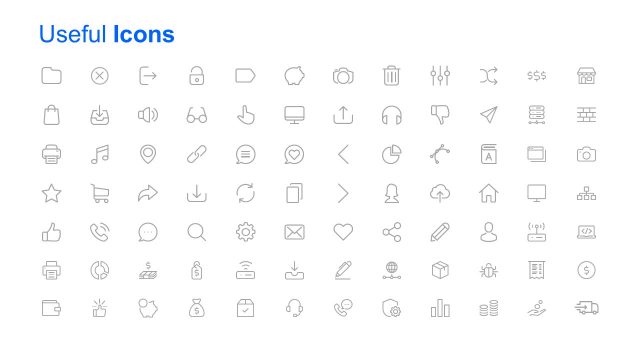
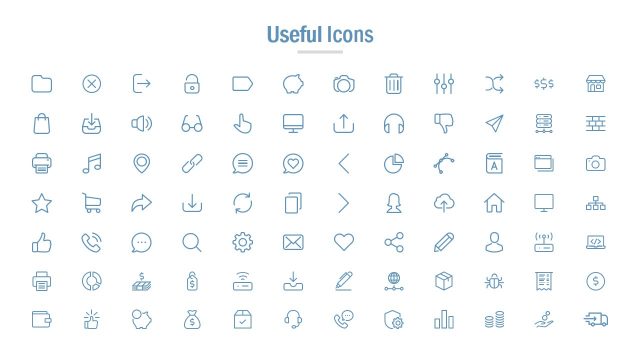
The layout features a grid of 64 icons arranged in an 8x8 format. Each icon is simple and outlined, representing various concepts such as communication, finance, and technology. The title 'Useful Icons' is prominently displayed at the top center in a bold font. The icons are evenly spaced, creating a clean and organized appearance. There are no text placeholders within the grid, but the title serves as a clear label for the content. The background is a light color, enhancing visibility and focus on the icons.
How to Use It
This layout serves as a resource for selecting icons relevant to various presentation topics. It is suitable for use in sections where visual aids are needed to enhance understanding or engagement. This slide can fit into a presentation after discussing key concepts or processes, providing visual tools for the audience. It is particularly useful in business, marketing, or educational contexts where iconography can simplify complex ideas or enhance visual storytelling.
Text Placeholders & Capacity
Keep your copy within these limits so it fits without resizing. The title slot is tight, roughly 5 words each.
| Placeholder | Count | Max characters (approx.) |
|---|---|---|
| Slide title | 1 | 20 |
Slide Keywords
Download unlimited PowerPoint templates, charts and graphics for your presentations with our annual plan.
DOWNLOADReturn to 7-Step Circular Twirl Diagram PowerPoint Template.