Slide 3 of 3 from BOOST Model PowerPoint Template
Customizable BOOST Model PPT Slide
BOOST Model Overview Slide
- Diagram
- Matrix Quadrant
- Concept Explanation Slide
- 16:9
- 100% Editable
What’s on This Slide
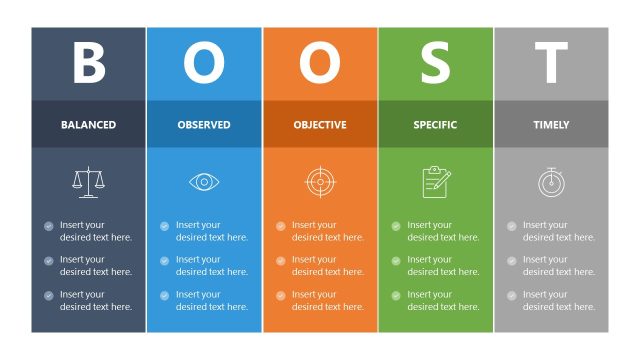
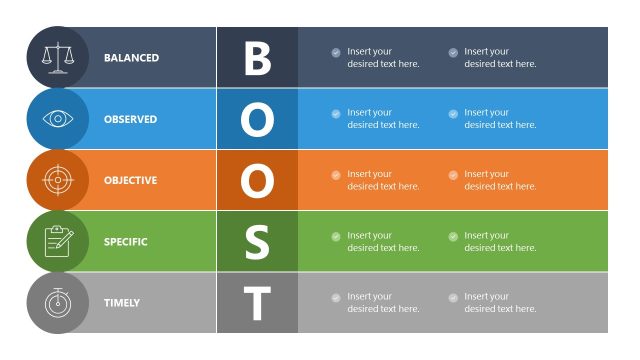
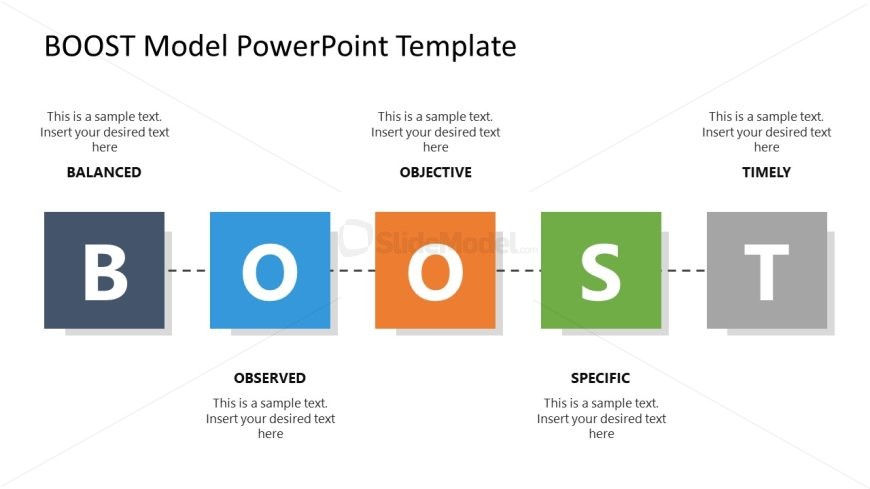
The layout features five distinct sections arranged horizontally. Each section contains a colored square with a letter from the word 'BOOST' and a corresponding label above. The colors alternate between dark blue, light blue, orange, green, and gray. Below each square, there are text placeholders for descriptions, aligned centrally. A dashed line connects the squares, indicating a flow from left to right. The overall composition is balanced, with a clear visual hierarchy emphasizing the letters and their labels.
How to Use It
This layout serves as an overview of the BOOST model, ideal for summarizing key concepts in a presentation. It fits well at the end of a series of slides, providing a concise recap of objectives. This structure is useful in business contexts such as performance reviews, project evaluations, or strategic planning sessions where clarity and organization are essential. It allows for easy comparison of each component within the model.
Text Placeholders & Capacity
Keep your copy within these limits so it fits without resizing. Node body slots can hold roughly 10-15 words each.
| Placeholder | Count | Max characters (approx.) |
|---|---|---|
| Item heading | 5 | 20 |
| Item body | 5 | 50 |
| Slide title | 1 | 30 |
Slide Keywords
Download unlimited PowerPoint templates, charts and graphics for your presentations with our annual plan.
DOWNLOADReturn to BOOST Model PowerPoint Template.