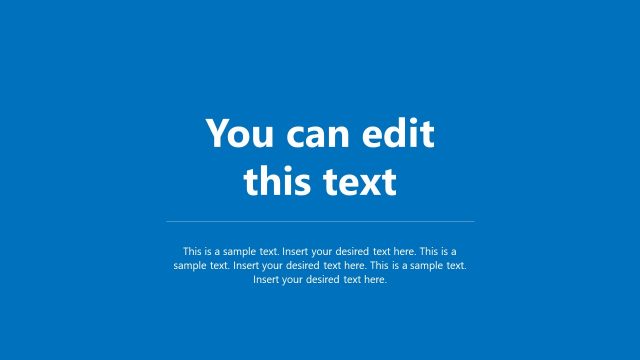
Slide 2 of 4 from Blue Cover Slide Design for PowerPoint
PowerPoint Cover Slide Design
Text Placeholder with Background Shapes
- Text Layout
- Single Statement
- Context Slide
- 16:9
- 100% Editable
What’s on This Slide
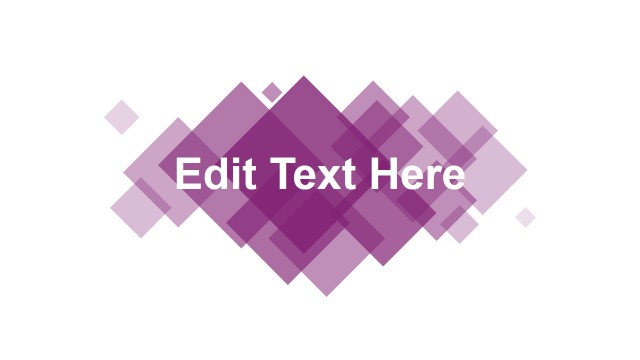
The layout features a central text placeholder labeled 'Edit Text Here' in a bold font. Surrounding this placeholder are various overlapping diamond shapes in shades of blue, creating a layered effect. The shapes vary in size and opacity, contributing to a visually dynamic background. The text placeholder is prominently positioned in the center, ensuring it stands out against the background. The overall composition is balanced, with the shapes extending outward from the text, enhancing the visual hierarchy while maintaining clarity.
How to Use It
This layout serves as a title or introductory slide, suitable for welcoming an audience or introducing a topic. It fits well in the beginning of a presentation sequence, following a cover slide. This design is ideal for business presentations, creative pitches, or any context where a strong visual impact is desired. It can be used to present key themes or messages succinctly, drawing attention to the central text while providing an engaging backdrop.
Text Placeholders & Capacity
Keep your copy within these limits so it fits without resizing. The title slot can accommodate about 20 characters comfortably.
| Placeholder | Count | Max characters (approx.) |
|---|---|---|
| Slide title | 1 | 20 |
Slide Keywords
Download unlimited PowerPoint templates, charts and graphics for your presentations with our annual plan.
DOWNLOADReturn to Blue Cover Slide Design for PowerPoint.