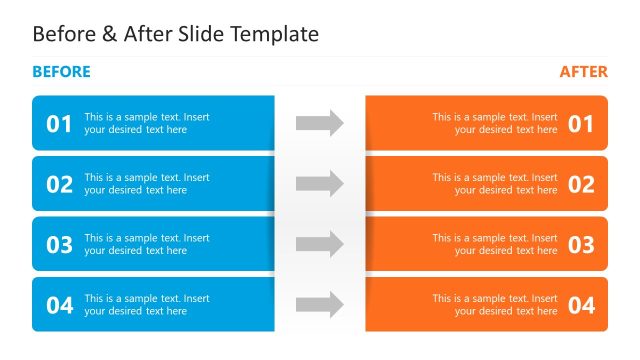
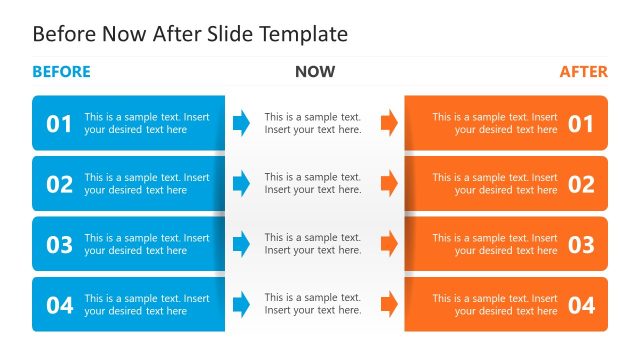
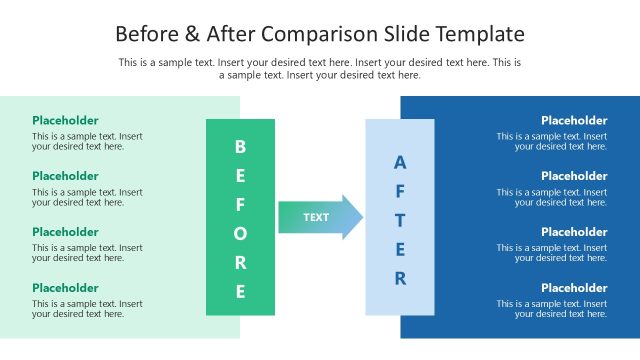
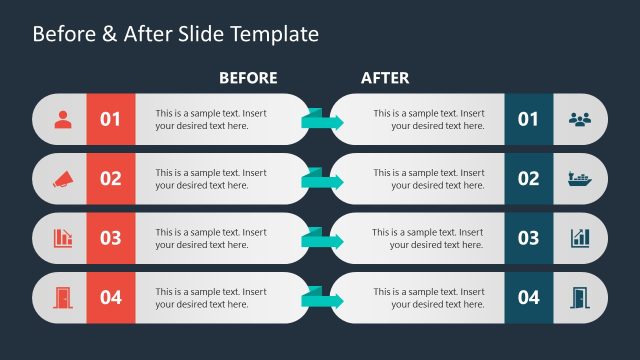
Slide 1 of 2 from Before to After Transition Slide Template for PowerPoint
Before to After Transition Slide Template Layout
Before to After Transition Slide Overview
- Diagram
- Comparison Split
- Comparison Slide
- 16:9
- 100% Editable
The Before to After Comparison slide from the Before to After Transition Slide Template for PowerPoint offers a clear layout for illustrating changes or improvements. This slide template features editable shapes and vector icons to visually differentiate before-and-after scenarios, making it suitable for business presentations, product transformation showcases, and project update meetings. Its structured design supports effective communication in corporate presentations and pitch decks.
What’s on This Slide
The layout features two distinct sections labeled 'Before' and 'After', positioned on the left and right sides, respectively. Each section includes three numbered placeholders for text, arranged vertically. A central circular node connects both sections and contains the phrase 'BEFORE TO AFTER'. Icons representing different concepts are placed next to each text placeholder, enhancing visual differentiation. The overall color scheme includes blue and green accents against a white background, creating a clear visual hierarchy. The placeholders are aligned consistently, ensuring a structured appearance.
How to Use It
This layout serves as a comparative analysis tool, ideal for showcasing changes or improvements over time. It fits well in presentations that aim to illustrate performance comparisons or product transformations. Common scenarios include marketing pitches, project updates, or case studies where before-and-after scenarios are relevant. The clear division allows for easy understanding of the differences and impacts, making it effective for stakeholder presentations or team discussions.
Text Placeholders & Capacity
Keep your copy within these limits so it fits without resizing. Node body slots can accommodate about 20 words each.
| Placeholder | Count | Max characters (approx.) |
|---|---|---|
| Item heading | 6 | 40 |
| Item body | 6 | 100 |
Slide Keywords
Download unlimited PowerPoint templates, charts and graphics for your presentations with our annual plan.
DOWNLOADReturn to Before to After Transition Slide Template for PowerPoint.