Before to After Transition Slide Template for PowerPoint
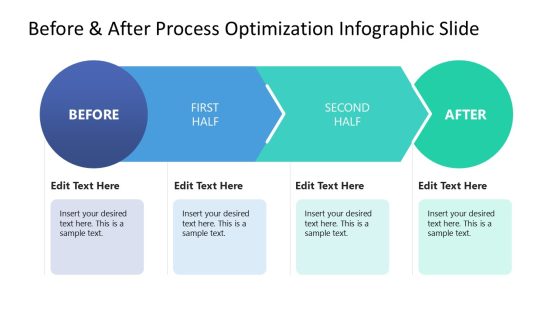
Present the impact of a new business process or workflow on the company’s productivity using our Before to After Transition Slide Template for PowerPoint. Before-and-after studies help professionals assess how well their project went. For instance, marketers can use this template to showcase sales improvement before and after digital advertising. Project managers can visualize the elements of the real estate project before and then showcase the building’s post-construction traits. After digital transformation processes or change management initiatives within the company, professionals can use this template to demonstrate the impact level of their execution. This slide can also be used in project proposal presentations to discuss the expected effects of the transition.
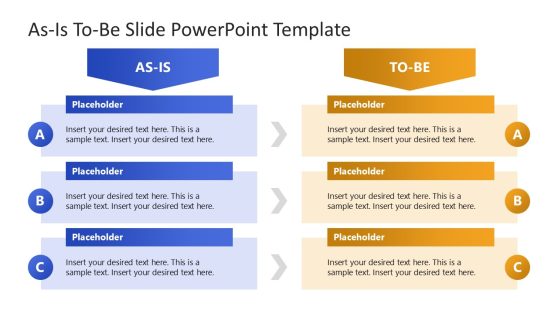
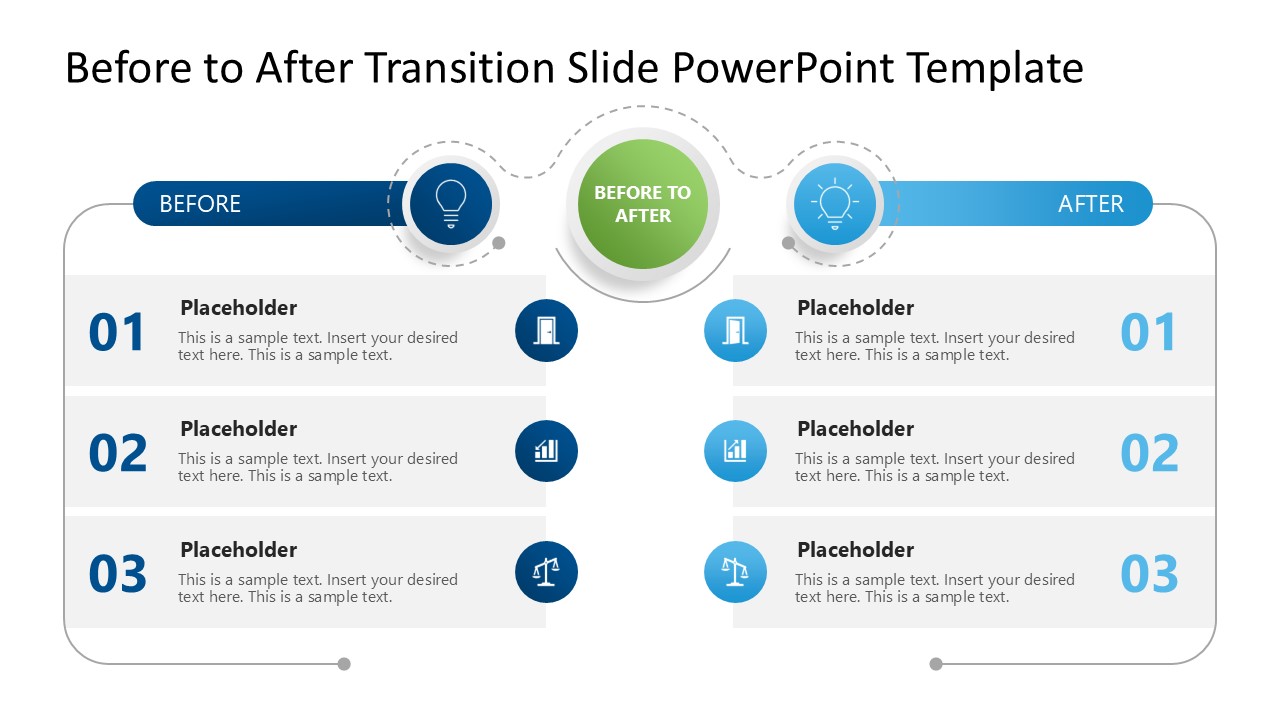
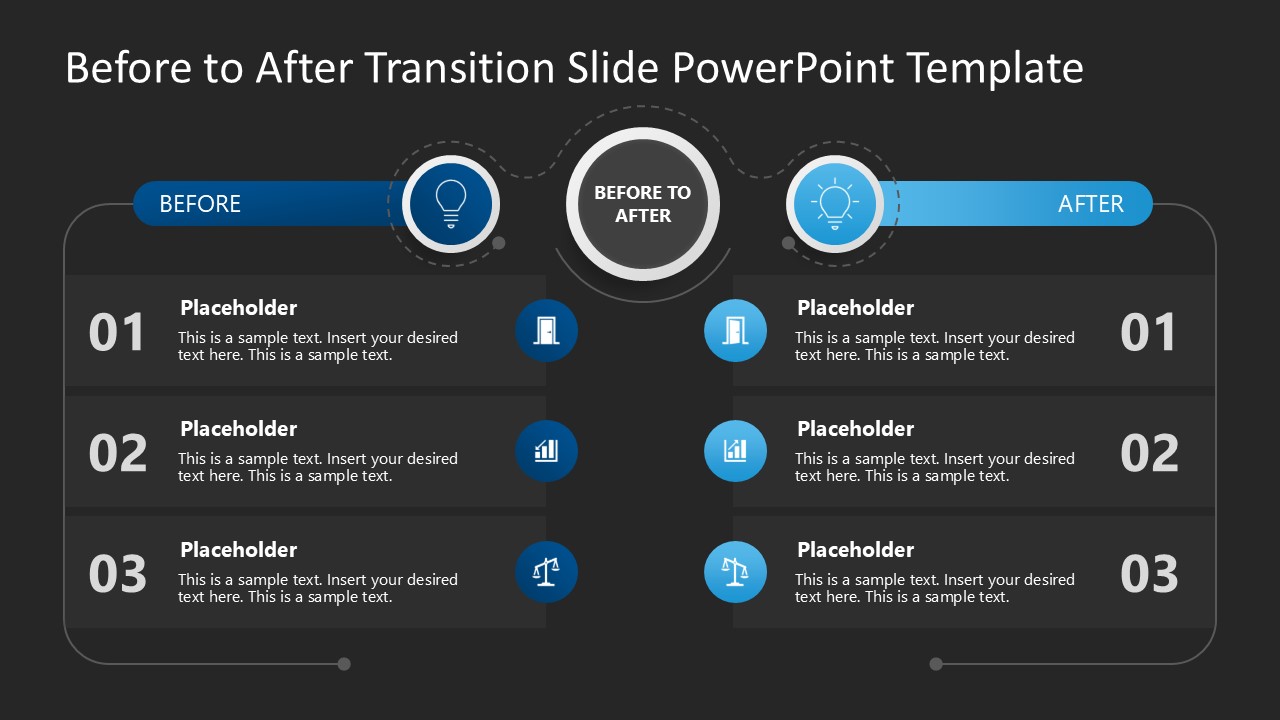
The Before to After Transition Slide Template for PowerPoint has a two-column layout where each column has three numbered rows. Each row has a numerical digit indicating the point number, a placeholder title, and description text. On the inward sides of the rows, there are small shapes with icons that visually display the content. At the top is a title bar with a circular icon that displays the ‘Before’ & ‘After’ titles. A large green display shows the text “Before to After” with a dotted outline that also covers the header bars in the columns. This slide template has two slides with the same diagram, but the first has a white background and the second a dark background.
Additionally, users can change the row number, fonts, colors, and the graphical arrangement to suit their needs. Download the before-and-after transition slide PPT template and use it in your team meetings to summarize the impact of business decisions! Alternatively, you can download other Before and After slide templates for PowerPoint.
You must be logged in to download this file.
DOWNLOAD- Category
- Multi-purpose
- Rating

 Loading...
- Size
- 16x9
- Item ID
- 23438-01
- Colors
Subscribe today and get immediate
access to download our PowerPoint templates.