Slide 1 of 1 from Before & After Platforms Slide PowerPoint Template
Before & After Platforms Template with Human Illustration
Before and After Comparison Slide
- Diagram
- Comparison Split
- Comparison Slide
- 16:9
- 100% Editable
The Before and After Comparison slide from the Before & After Platforms Slide PowerPoint Template offers a clear visual format for illustrating transformations or performance improvements. This slide layout uses editable shapes and vector icons to emphasize contrast between two states, making it suitable for business presentations and pitch deck templates that require effective storytelling through slide templates.
What’s on This Slide
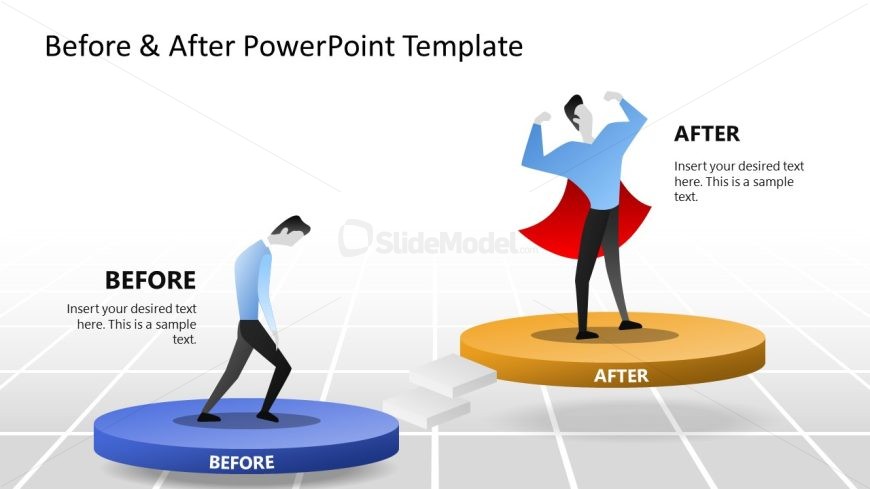
The layout features two distinct sections labeled 'BEFORE' and 'AFTER,' positioned on circular platforms. The left section displays a figure in a slouched posture on a blue platform, while the right section shows a confident figure in a superhero pose on an orange platform. A set of steps connects the two platforms, indicating a transition. Text placeholders are present in both sections, aligned to the left, allowing for descriptive content. The background is a light grid pattern, enhancing the visual separation of elements.
How to Use It
This layout serves as a visual comparison tool, ideal for illustrating changes or improvements over time. It fits well in presentations discussing performance enhancements, product upgrades, or transformation stories. The structure effectively communicates the contrast between two states, making it suitable for business scenarios such as project updates, marketing strategies, or personal development discussions. It can be used in various contexts to highlight progress or results.
Text Placeholders & Capacity
Keep your copy within these limits so it fits without resizing. Node body slots can hold roughly 15-20 words each.
| Placeholder | Count | Max characters (approx.) |
|---|---|---|
| Item heading | 2 | 30 |
| Item body | 2 | 100 |
Slide Keywords
Download unlimited PowerPoint templates, charts and graphics for your presentations with our annual plan.
DOWNLOADReturn to Before & After Platforms Slide PowerPoint Template.