Slide 4 of 4 from Battery Positive vs Negative Infographic PowerPoint Template
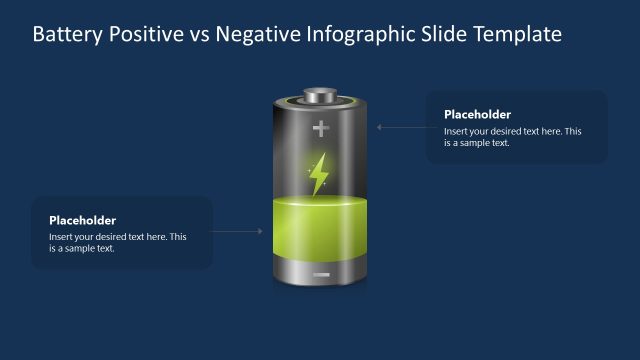
Battery Positive vs Negative Diagram with Dark Background
Battery Positive vs Negative Infographic Slide
- Diagram
- Comparison Split
- Comparison Slide
- 16:9
- 100% Editable
The Battery Comparison Infographic slide from the Battery Positive vs Negative Infographic PowerPoint Template offers a clear visual layout for contrasting two battery states. Ideal for business presentations, this slide uses editable shapes and vector icons to highlight performance evaluation or risk assessment through a balanced dual-section battery graphic, enhancing any corporate presentation or pitch deck template with precise comparison visuals.
What’s on This Slide
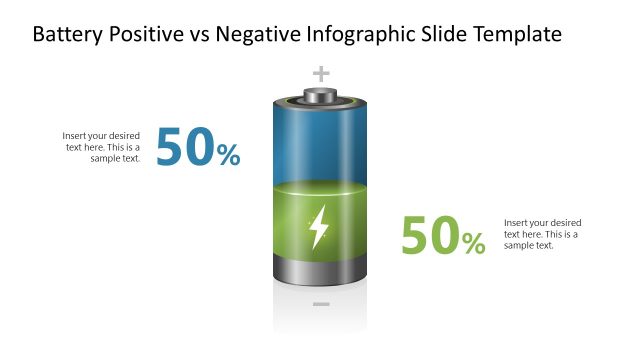
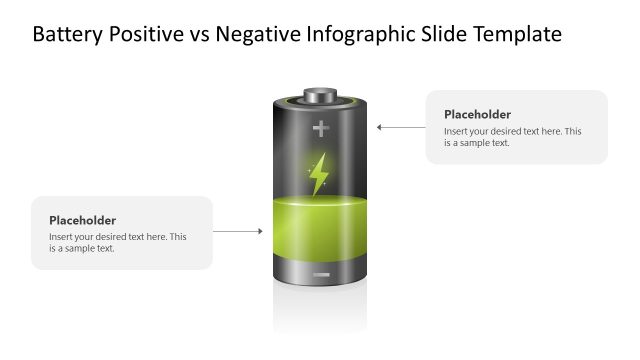
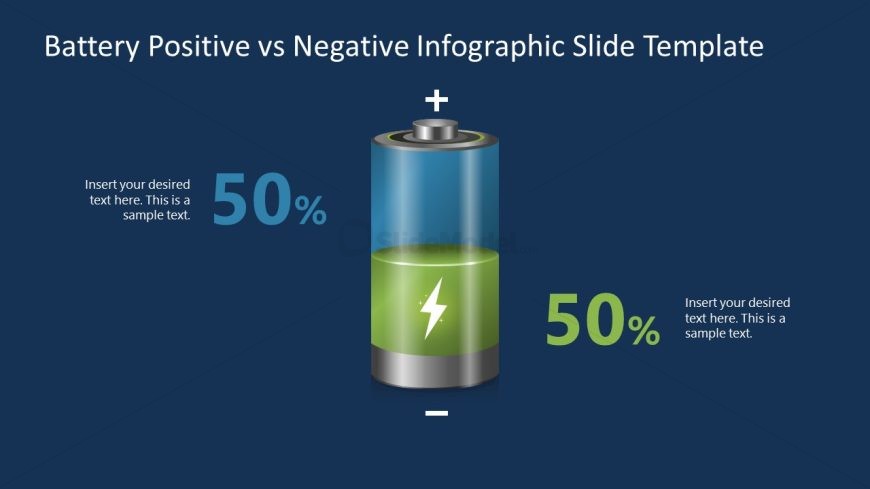
The layout features a central battery graphic, divided vertically into two sections. The left section displays a blue gradient with a 50% label, while the right section shows a green gradient with another 50% label. Each section has a text placeholder positioned above the percentage, aligned to the left and right respectively. The battery is topped with a positive (+) and negative (-) symbol. The background is a dark blue color, creating contrast with the battery graphic. The overall composition emphasizes the comparison between the two battery states.
How to Use It
This layout serves as a visual comparison tool, effectively illustrating the balance between positive and negative aspects of a topic. It fits well in a presentation sequence after discussing challenges or benefits, providing a clear visual representation of opposing viewpoints. This structure is suitable for business contexts such as product comparisons, performance evaluations, or risk assessments, where a dual perspective is necessary to convey information clearly.
Text Placeholders & Capacity
Keep your copy within these limits so it fits without resizing. Node body slots can hold about 8 words each, while node labels can hold 2 words each.
| Placeholder | Count | Max characters (approx.) |
|---|---|---|
| Item body | 2 | 40 |
| Item heading | 2 | 10 |
Slide Keywords
Download unlimited PowerPoint templates, charts and graphics for your presentations with our annual plan.
DOWNLOADReturn to Battery Positive vs Negative Infographic PowerPoint Template.